ES350_300h_OM_OM33A60U_(U)
111
2. Instrument cluster
2
Instrument cluster
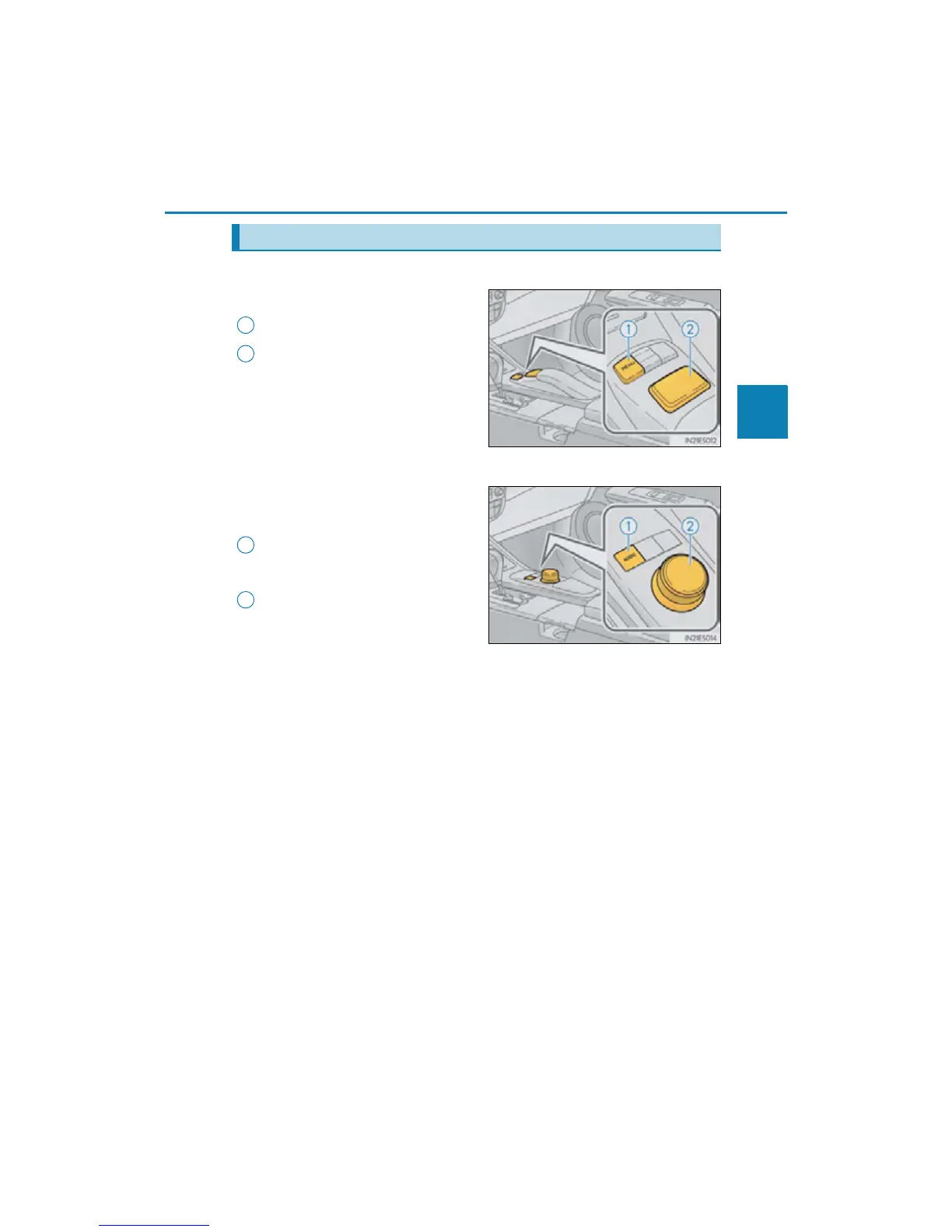
Navigation system
Remote Touch*
“MENU” button
Remote Touch knob
*: For use of Remote Touch, refer to the
“Navigation System Owner’s
Manual”.
Lexus Display Audio system
Lexus Display Audio controller
(P. 338)
“MENU” button
Displaying the “MENU” screen
Lexus Display Audio controller
Turn or move the controller in the four
direction to select a function, number
and screen button.
Push the controller to enter the
selected function, number and screen
button.
Remote Touch/Lexus Display Audio controller (if equipped)
1
2
1
2



 To Next Page