112
ES350_300h_OM_OM33A60U_(U)
2. Instrument cluster
■ Navigation system screen or Lexus Display Audio system screen (if
equipped)
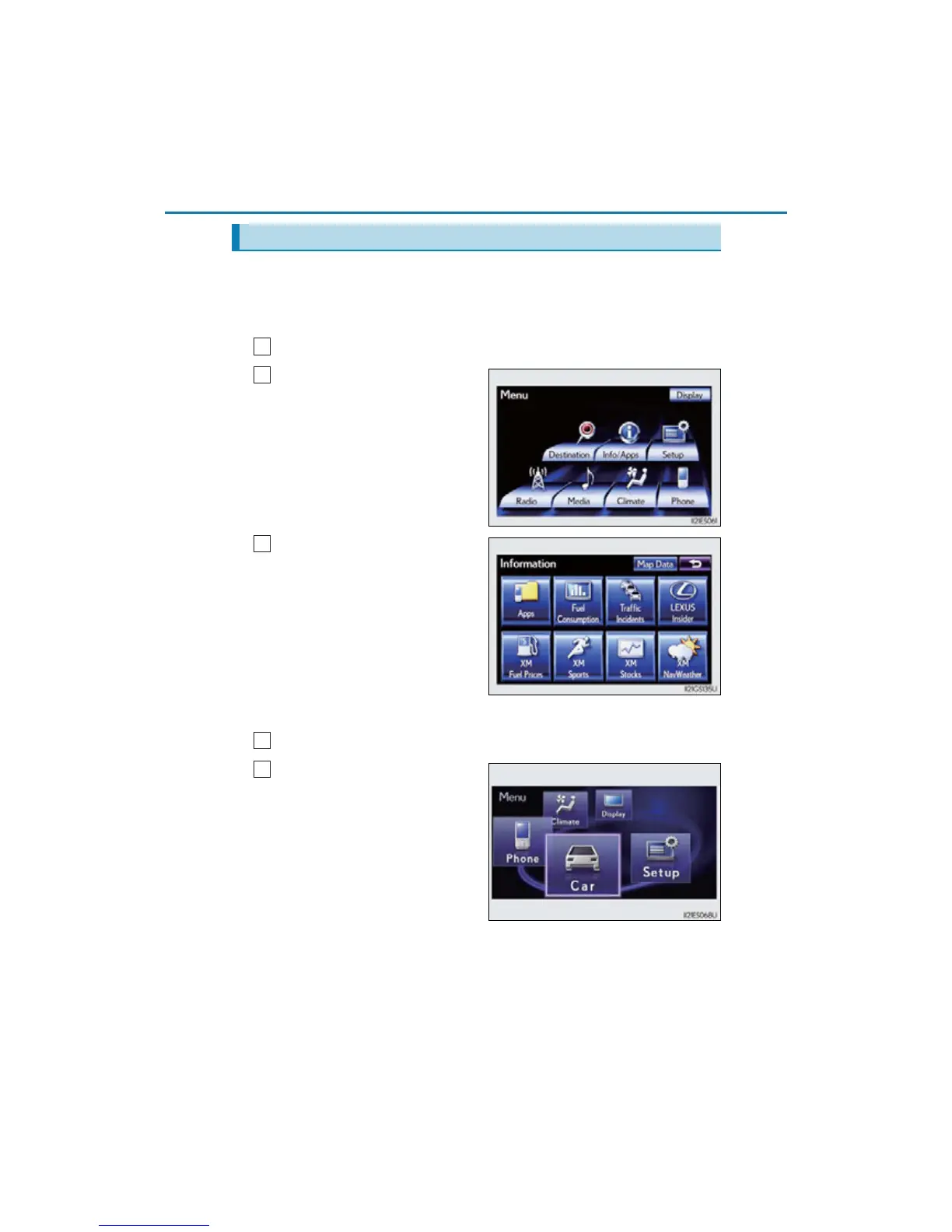
Vehicles with a navigation system
Press the “MENU” button on Remote Touch.
Select “Info/Apps” on the
“Menu” screen.
Select “Fuel Consumption” on
the “Information” screen.
If the “Energy Monitor” screen
is not displayed, select
“Energy”.
Vehicles with Lexus Display Audio system
Press the “MENU” button on the Lexus Display Audio controller.
Select “Car” on the “Menu”
screen.
If the “Energy Monitor” screen
is not displayed, select
“Energy”.
Energy monitor (hybrid vehicles)



 To Next Page