ES350_300h_OM_OM33A60U_(U)
347
5-1. Lexus Display Audio system
5
Interior features
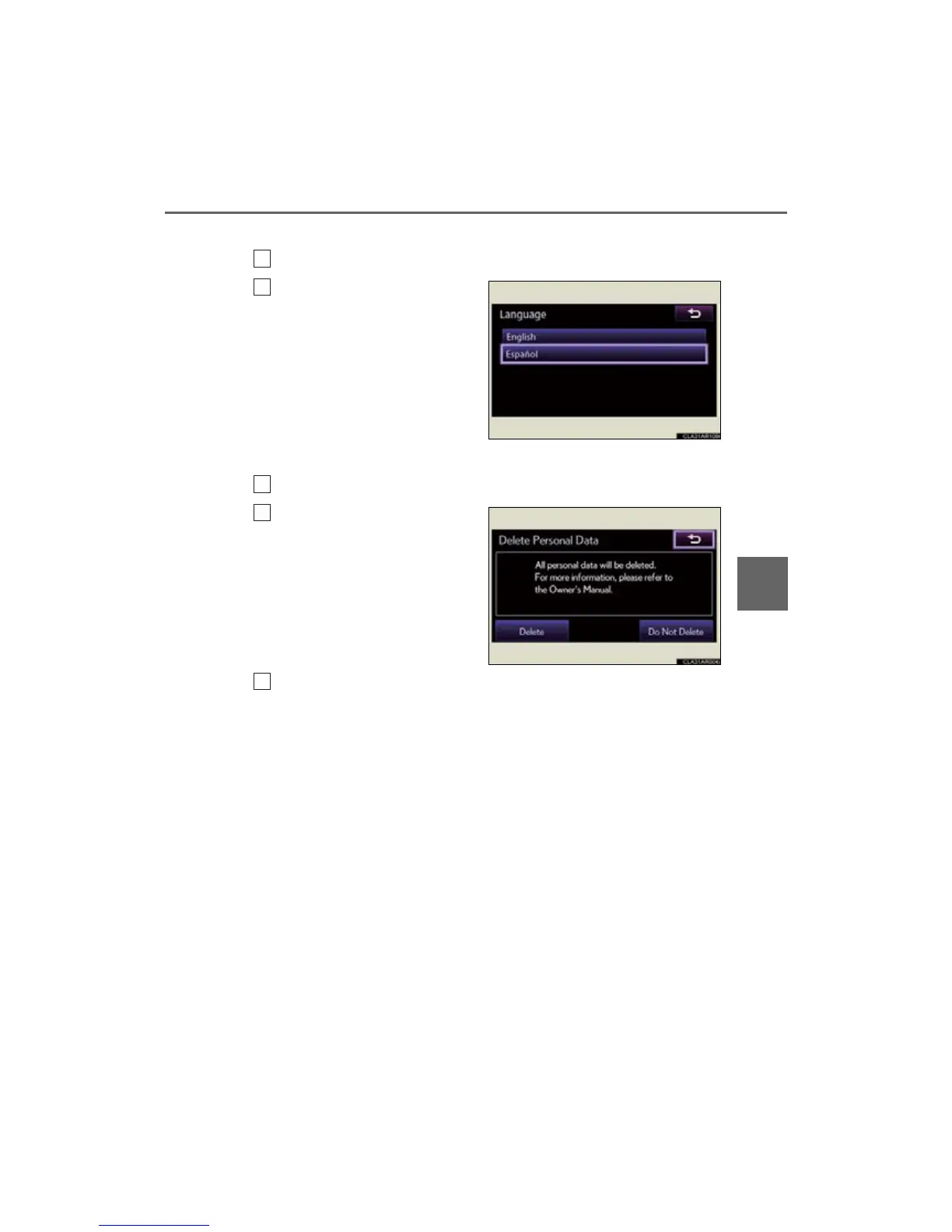
■ Selecting a language
Select “Language” on the “General Settings” screen.
Select the desired language.
The selectable languages may dif-
fer depending on the model or
region.
■ Delete personal data
Select “Delete Personal Data” on the “General Settings” screen.
Select “Delete”.
Check carefully beforehand, as
data cannot be retrieved once
deleted.
A confirmation screen will be displayed. Select “Yes”.
The following personal data can be deleted or turned to their default
settings.
• Phonebook data
• Call history data
• Speed dial data
• Bluetooth
®
devices data
• Phone sound settings
• Detailed Bluetooth
®
settings
•Sound settings
•Preset switch data
• Last used radio station



 To Next Page