ES350_300h_OM_OM33A60U_(U)
439
5-3. Using the Lexus Display Audio system
5
Interior features
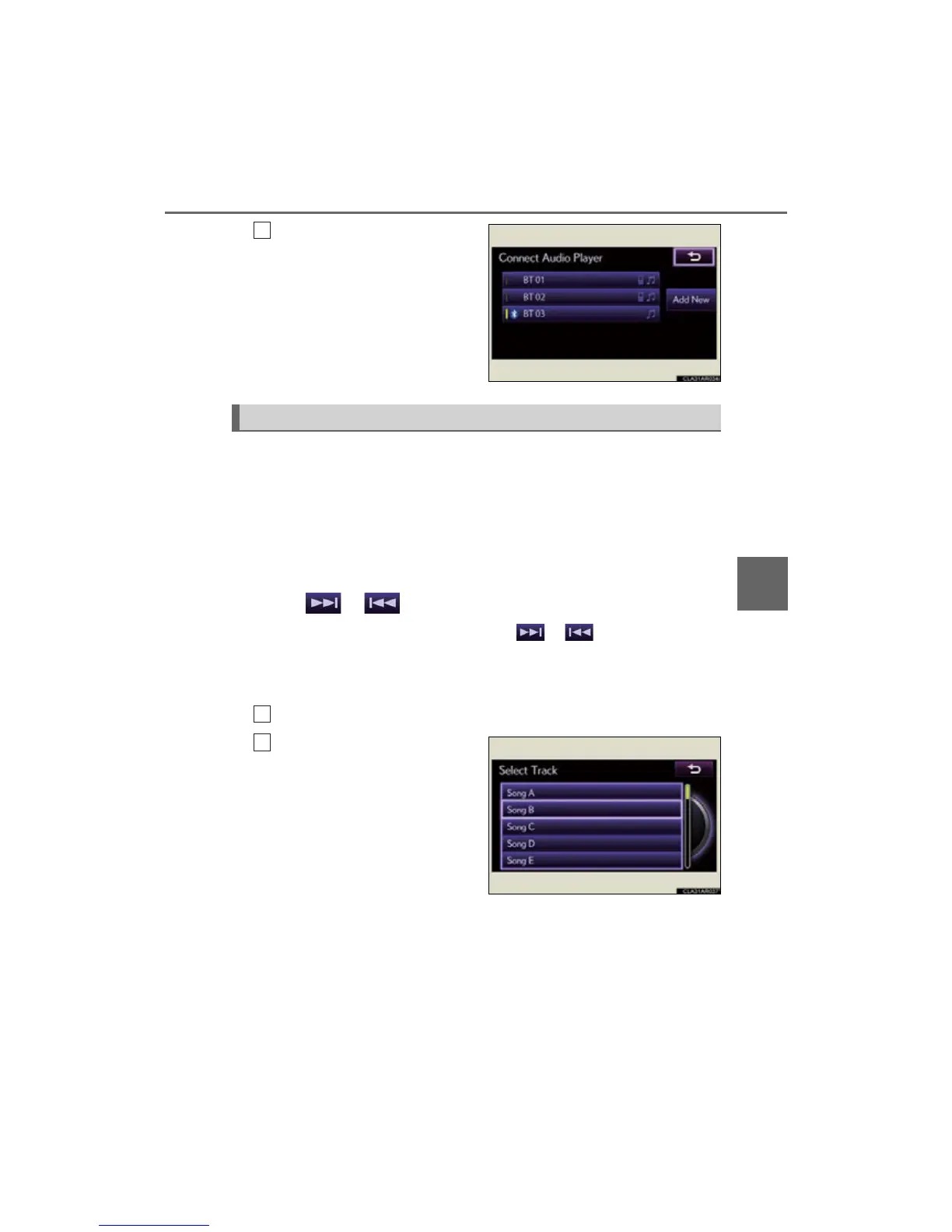
Select the device to connect.
A message is shown if connection
has been successful.
If connection fails, a message will
be displayed and connection will
be re-attempted.
■ Selecting a track
Press “” or “” on the “PRST•TRACK” button or turn the
“TUNE•SCROLL” knob to select the desired track number.
To fast-forward or reverse, press and hold “” or “” on the “PRST•TRACK”
button until you hear a beep.
■ Selecting a track from audio control screen
Select or .
To fast-forward or reverse, select and hold or until you hear a beep.
■ Selecting a track from the list
From “Tracks”
Select “Tracks” on the screen.
Select the desired track.



 To Next Page