440
ES350_300h_OM_OM33A60U_(U)
5-3. Using the Lexus Display Audio system
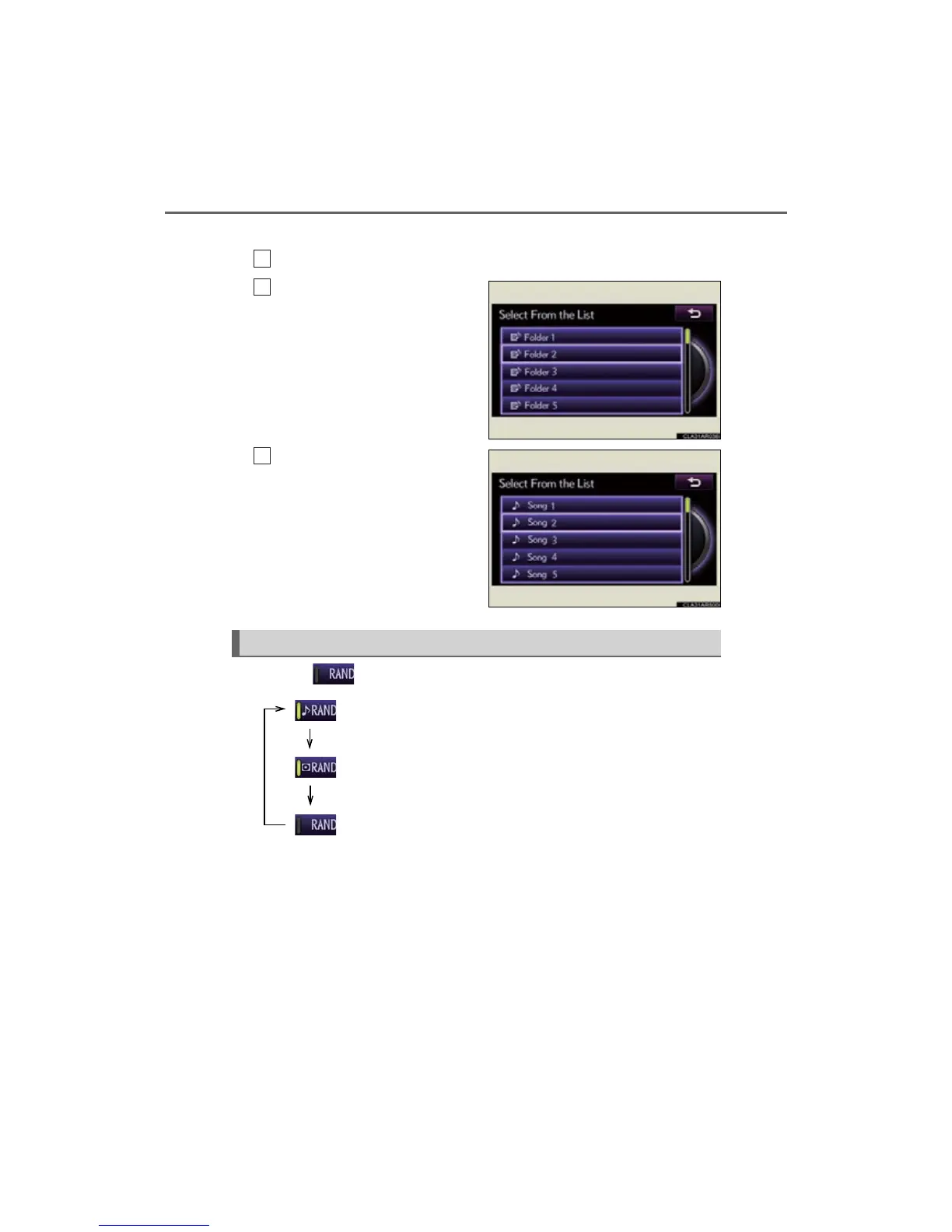
From “Browse”
Select “Browse” on the screen.
Select the desired item.
Continue to select the applicable
screen button until its track list is
displayed.
Select the desired track.
Each time is selected, the mode changes in the following order:



 To Next Page