ES350_300h_OM_OM33A60U_(U)
469
5-3. Using the Lexus Display Audio system
5
Interior features
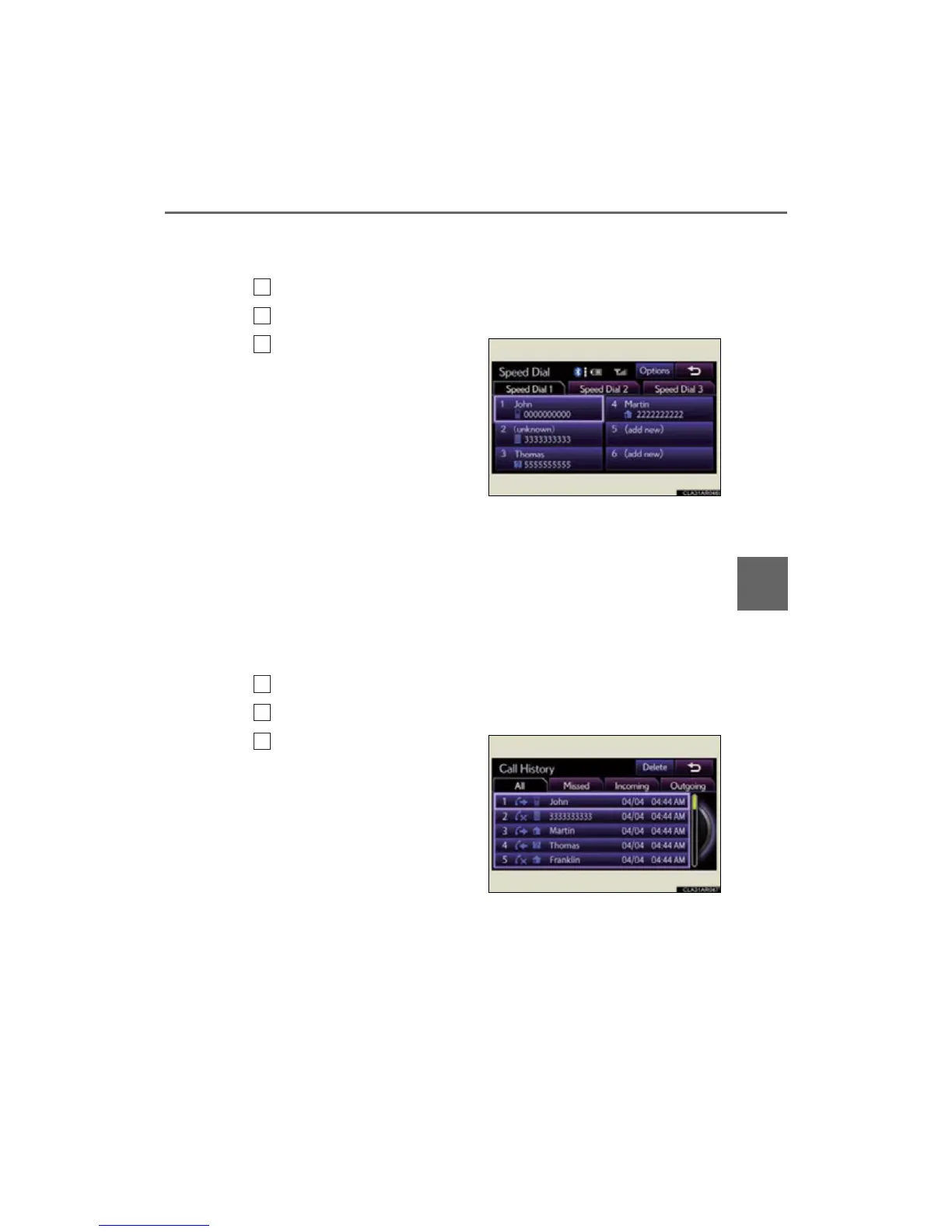
■ Calling using speed dial
You can make a call using numbers registered from the phonebook.
Display the “Phone” screen. (P. 459)
Select “Speed Dials” on the “Phone” screen.
Select the desired tab and
choose the desired number to
make a call.
■ Dialing from history
You can call using the call history which has the 4 functions below.
“All”: all the calls below which were memorized
“Missed”: calls which you missed
“Incoming”: calls which you received
“Outgoing”: calls which you called
Display the “Phone” screen. (P. 459)
Select “Call History” on the “Phone” screen.
Select the desired tab and
choose the desired data from
the list.



 To Next Page