Deleting a registered charging schedule on the center display
1 Display the charging schedule screen.
2 Select [Edit].
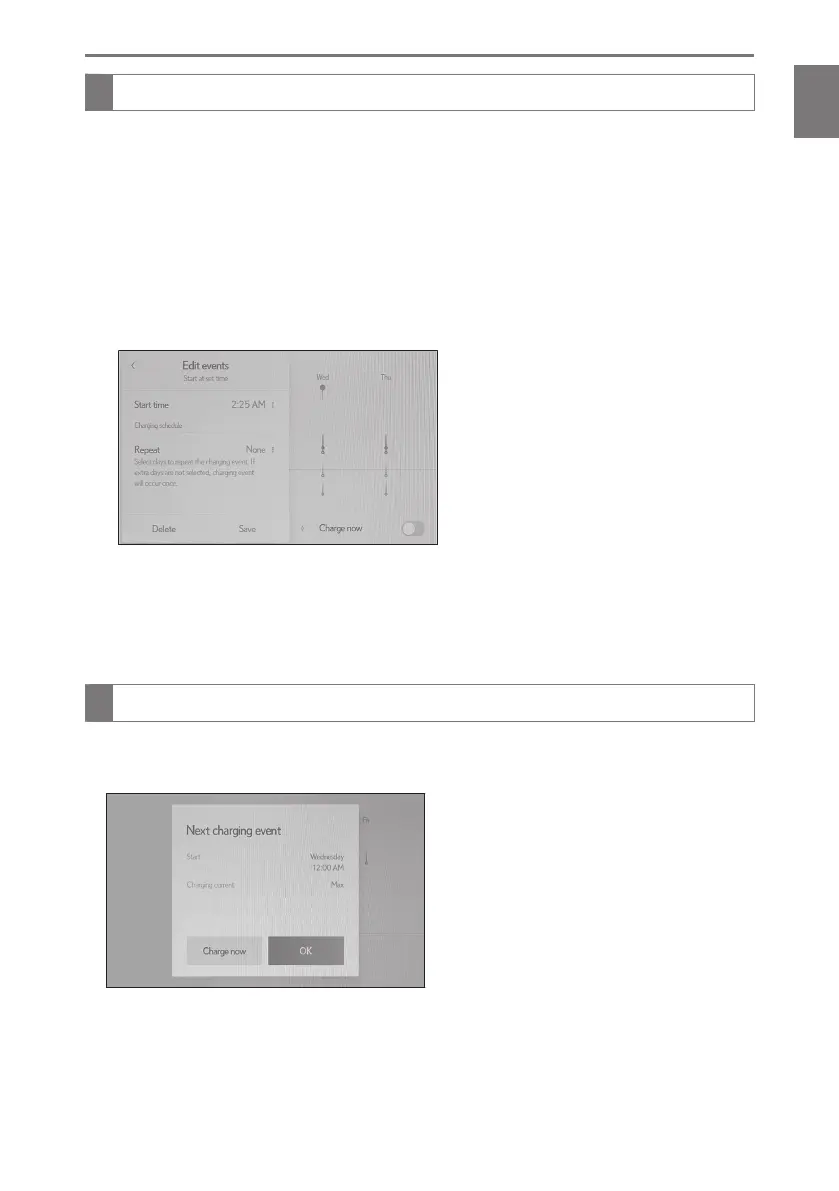
The scheduled events screen will be displayed on the screen.
3 Select [Edit].
4 From the items displayed on the screen, select the charging schedule you wish
to delete.
5 Select [Delete].
A deletion confirmation message will be displayed.
6 Select [Delete] to delete the selected charging schedule.
To cancel deletion, select [Cancel].
When a charging schedule is deleted, its icon is also deleted from the calendar.
Displaying the [Next charging event] on the center display
●
Turn the power switch off.
According to the set charging schedule, the [Next charging event] will be displayed.
When [OK] is selected: The next scheduled charging screen will be closed.
When [Charge now] is selected: [Charge now] will be turned on.
1-3. Charging with the plug-in hybrid system
99
1
Before driving



 To Next Page