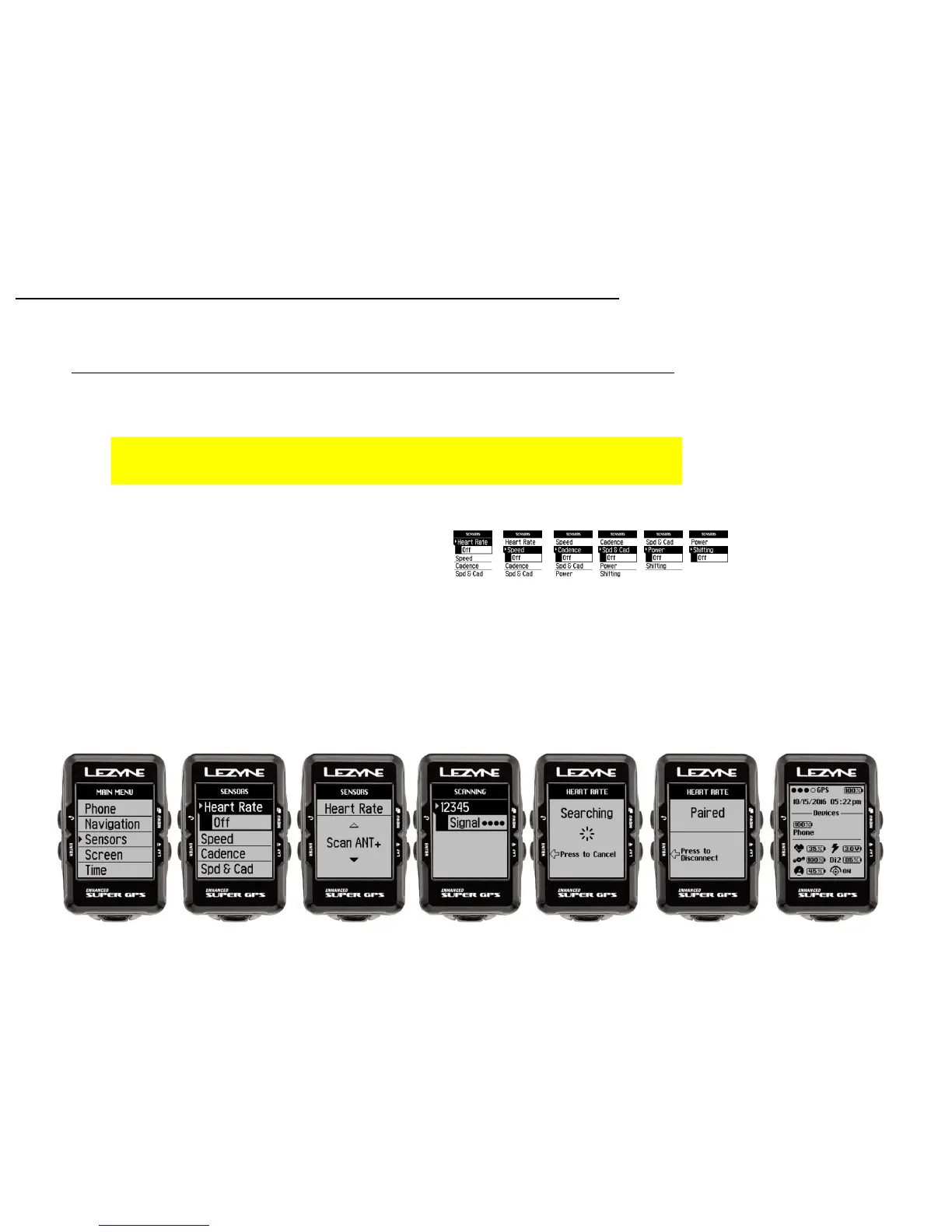
The Lezyne Mini and Macro GPS can pair with only Bluetooth Smart or LE Heart Rate
Monitors. The Micro, Micro C, and Super GPS can pair to both Bluetooth® and ANT+™
* Before you pair your Sensors, see the manufactures instructions on how to pair
with devices.
1. In Sensors, press ENTER to access. Choose the sensor type you want to pair and
press ENTER.
2. Depending on your device type select either Bluetooth ®or ANT+ ™
3. Select the sensor you are trying to pair
* This could take a couple minutes*
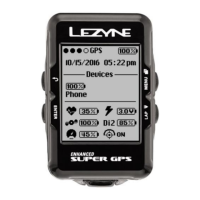
Once paired the GPS device will read Paired, and the icon will show on the Home
screen
Sensor Set up
Sensor Pairing
27
Home Screen
• Heart Rate
• Speed
• Cadence
• Speed & Cadence
• Power
• Shifting



 To Next Page