Light Setting
Auto/Preset Notification Set up
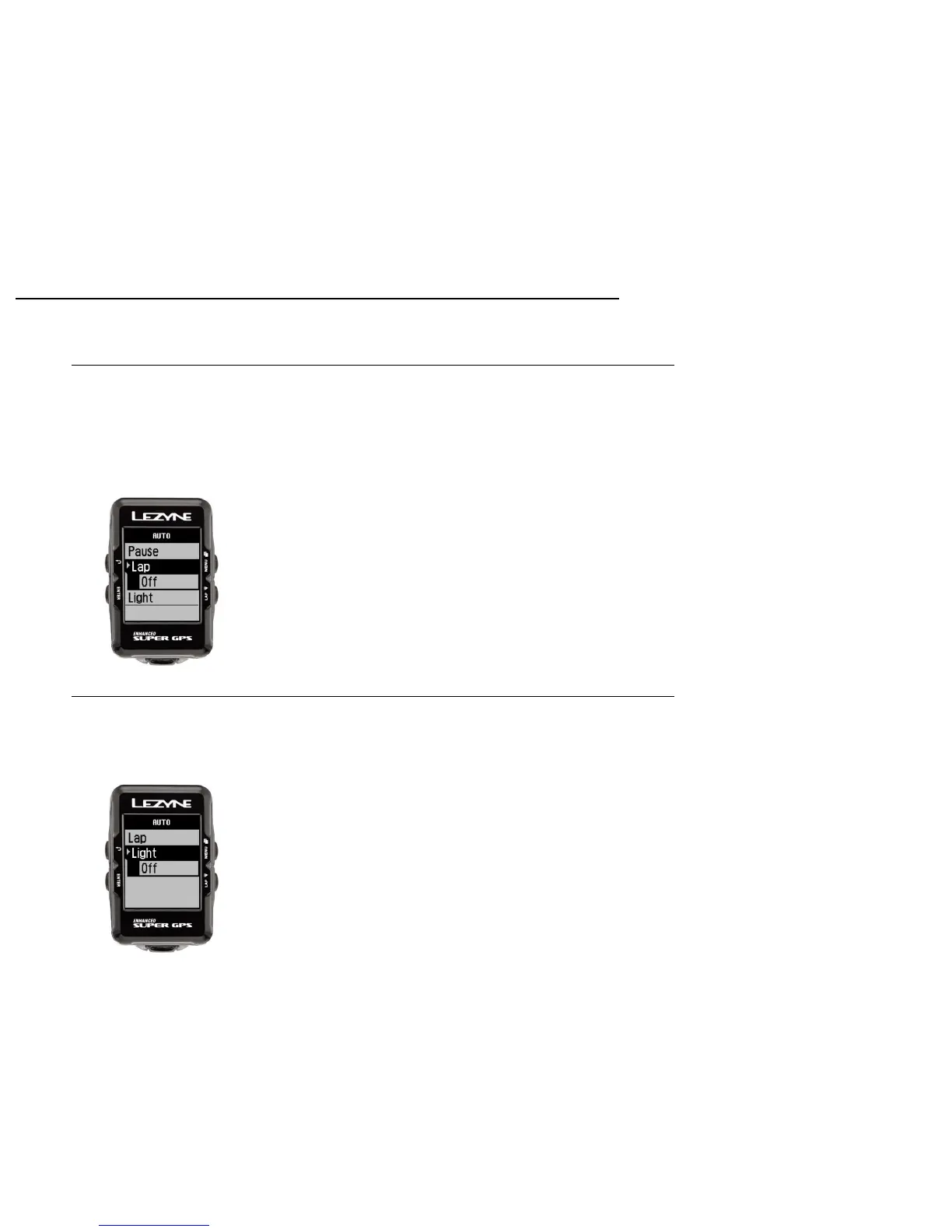
Lap Preset Notification Set up
Lap preset allows you to set a notification pop up based on Time or Distance goals
and stores the data in your .fit file.
Press ENTER and use the right buttons to select Time or Distance. Press ENTER to
make the selection and use the right buttons to INCREASE or DECREASE. When
done press the ENTER button. To reset, select Off and repeat the steps for set up.
The Light setting automatically turns the backlight on whenever a button is pressed.
Press ENTER and use the right buttons to select On or Off. Press ENTER to make the
selection.
34



 To Next Page