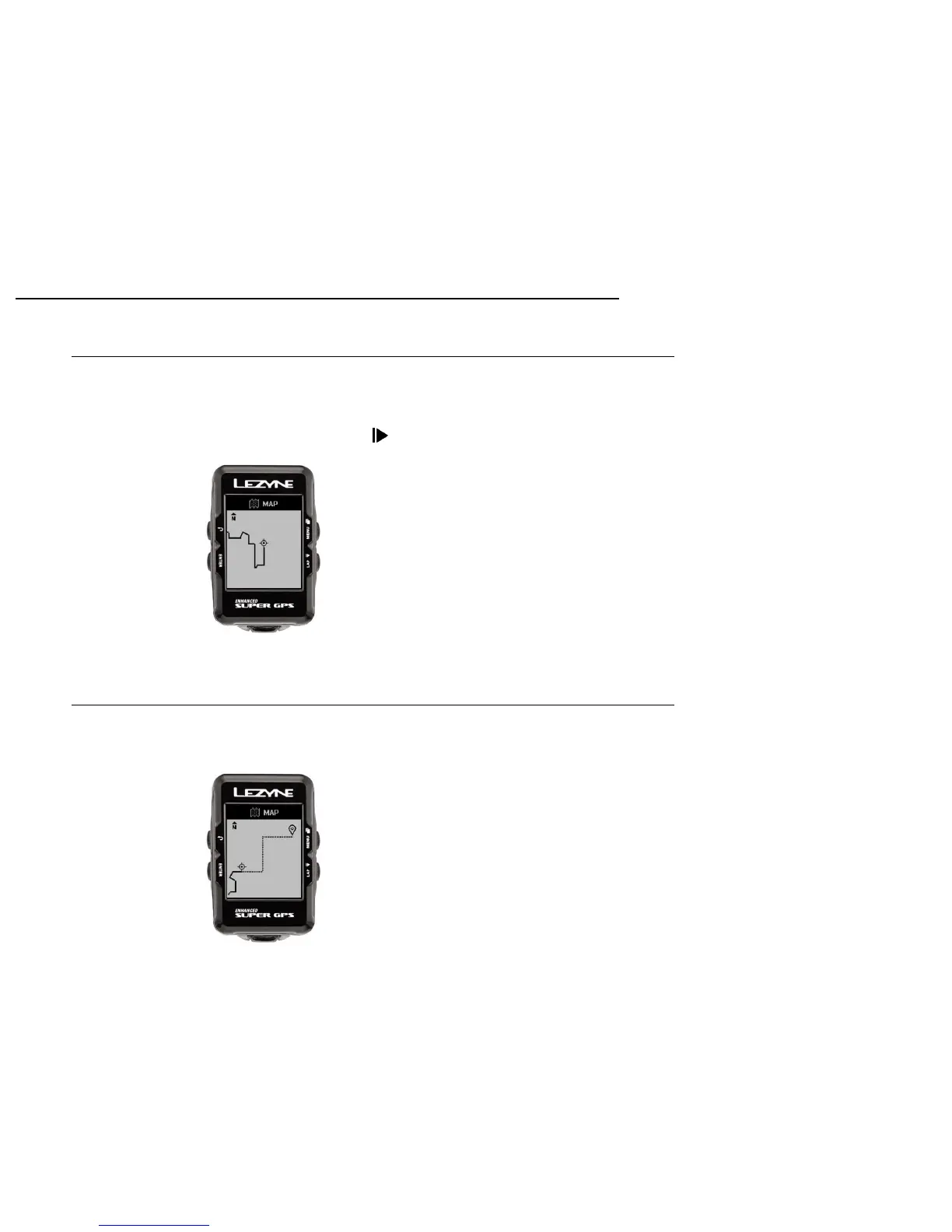
Once set to record, the Lezyne GPS will record a Breadcrumb Map displaying where
you have been.
1. Press the lower right record button and the breadcrumb map will begin to
display.
Breadcrumb Mapping
Mapping
22
Route Mapping
When Navigation is being used, a Route Map will show the start, finish, and real
time location on that route.



 To Next Page