Screen Set up
14
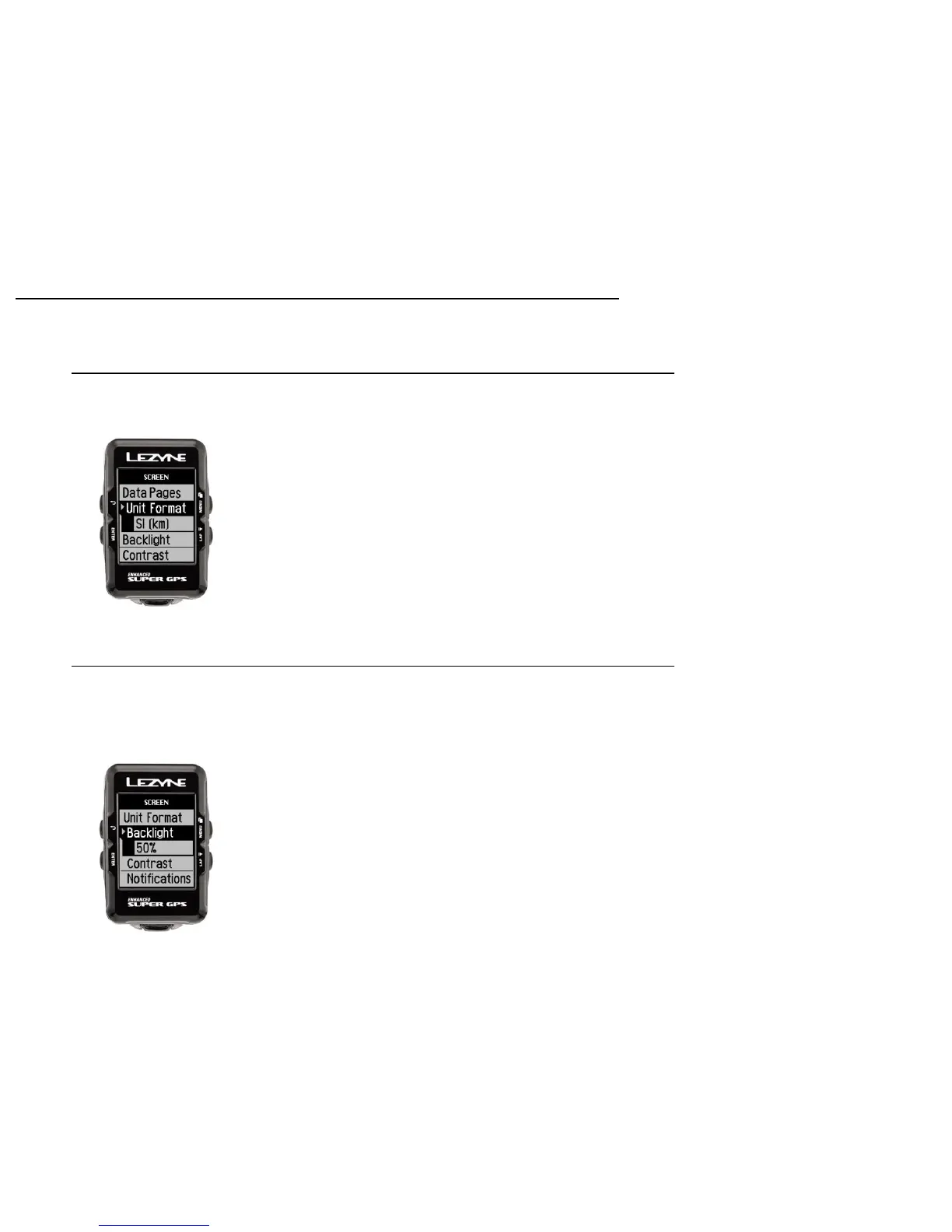
Units Format Display
In Units you can choose between Miles or Kilometer format.
Press ENTER and toggle up or down, press ENTER to select the setting.
Brightness Display
In Brightness you can choose what percentage of light that is displayed from the
backlight. Press ENTER and use the right buttons to INCREASE or DECREASE. Use
the ENTER button to make the adjustments. When done press the BACK button.



 To Next Page