Info
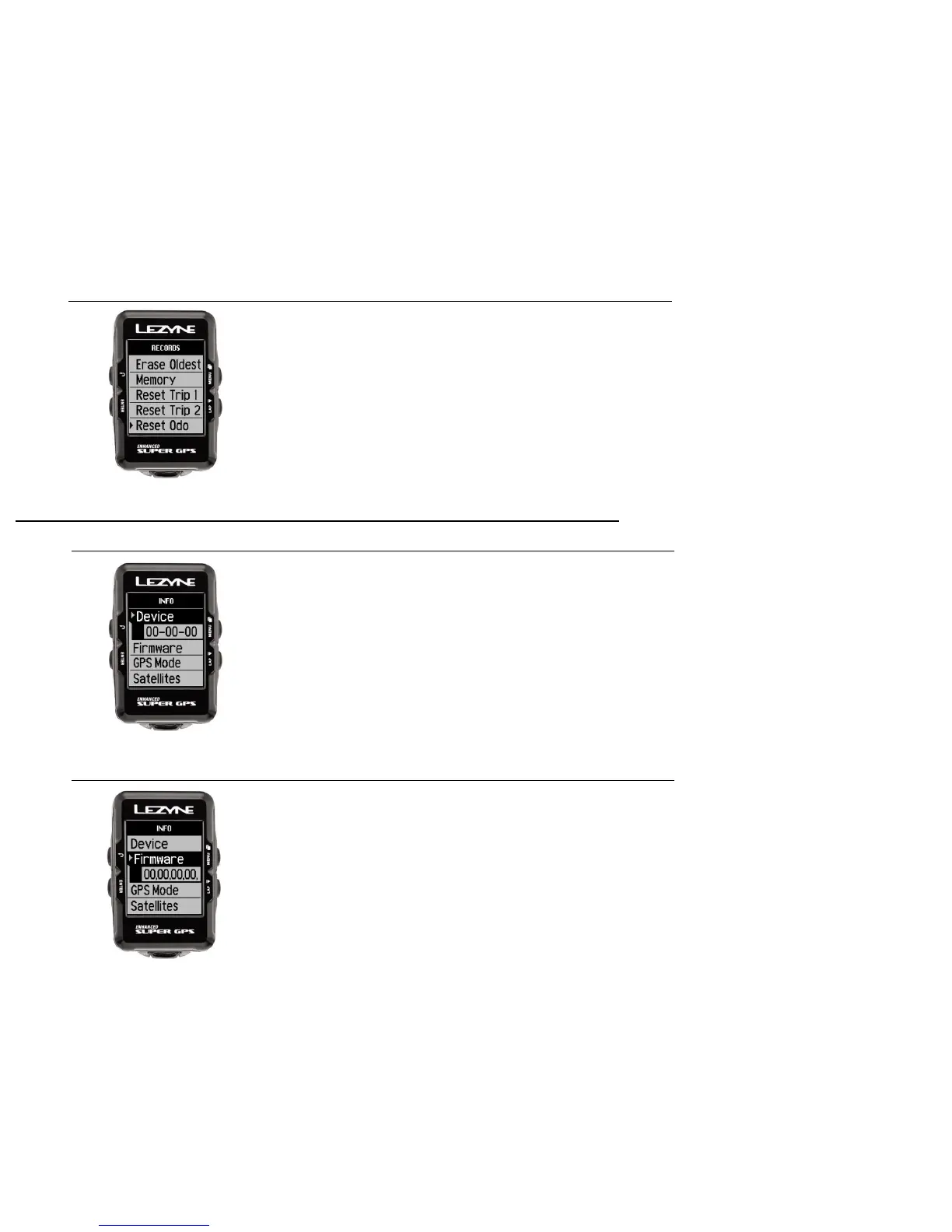
Device
41
Firmware
This indicates the device type.
The numbers in Firmware indicates which version is currently
being used on the device.
Reset Odo (Odometer)
This allows you to delete the accumulated miles on
the Odometer.
Press ENTER and use the right buttons to select Yes
or No. Press ENTER to make the selection.



 To Next Page