8
ENG
ENGLISH
ASSEMBLING AND PREPARING
Installing the Monitor
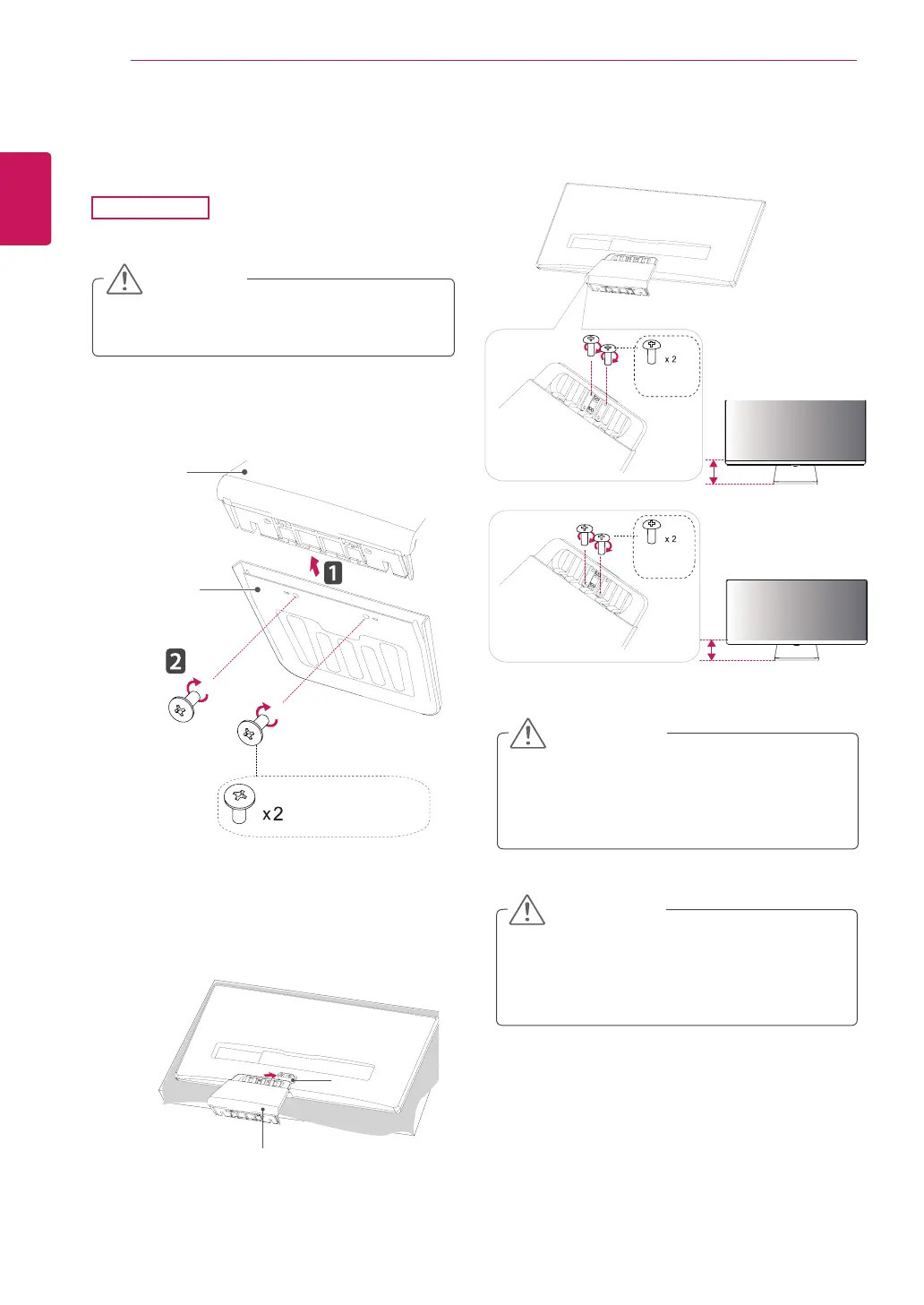
Assembling the stand base
Toprotectthescreenfromscratches,cover
thesurfacewithasoftcloth.
CAUTION
2
First,pleaseinsertStandBodytoStandBase,
Thentightentwoscrewsintothebackofthe
standbase.
1
Placethescreenfacedown.
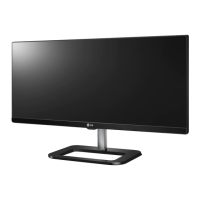
29UM65
Applyingexcessiveforcewhentightening
thescrewsmaycausedamagetothemoni-
tor.Damagecausedinthiswaywillnotbe
coveredbytheproductwarranty.
CAUTION
3
Checkthedirectionofthestandbody
(front,back)andthenmountthestandbody
ontothestandhinge.
4
Tightentwoscrewsintothebackofthestand
body.
Itmayhurtyourfootoffthestand,sobe
careful.
CAUTION
Stand Body
Stand Body
Stand Base
(Silver)
(Black)
Or
120mm
100mm
(Black)
Stand Hinge


 To Next Page