24
User Menus
The sensor from which the set receives signals from the
remote control.
Screen Adjustment Options
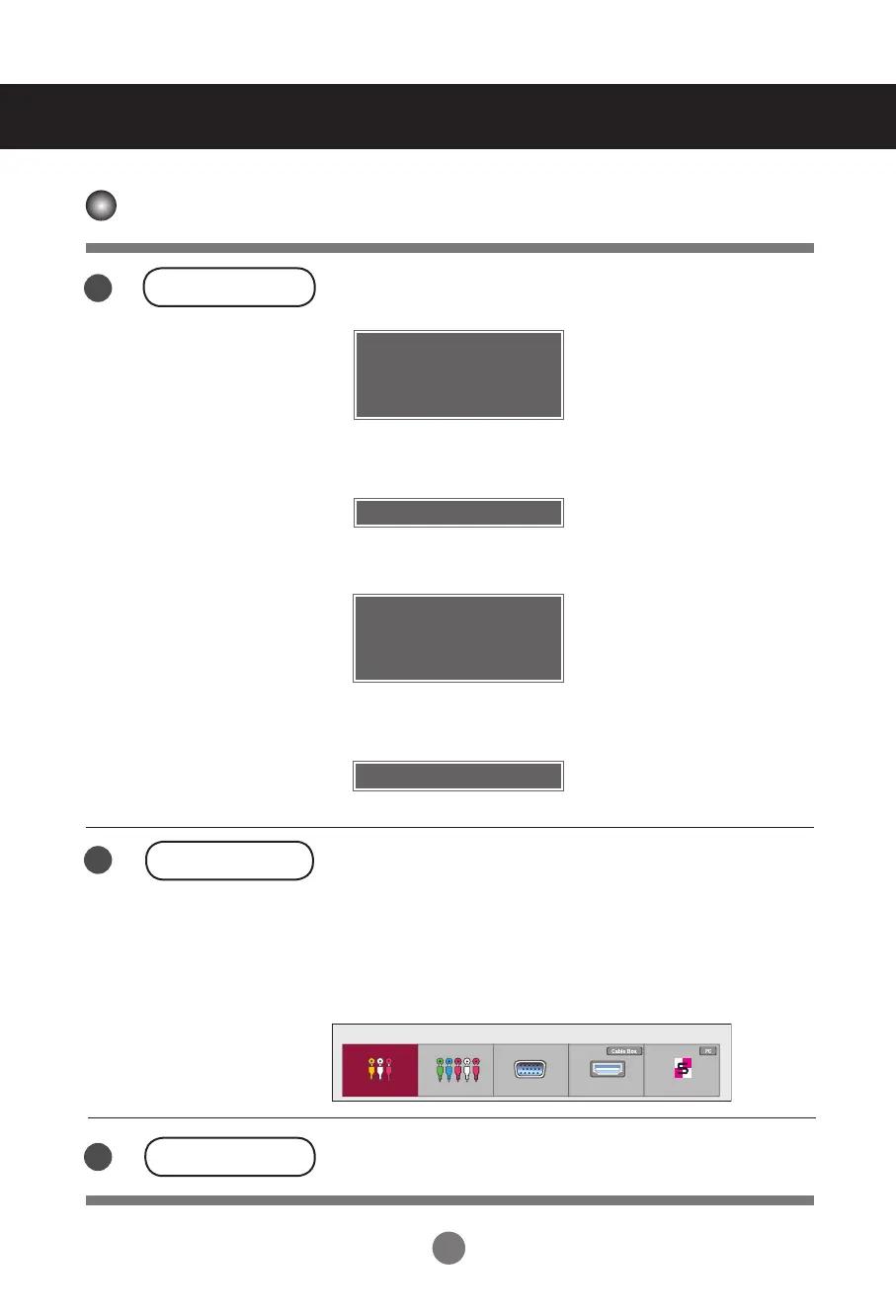
AUTO/SET Button
AV Composite Video
Component HDTV, DVD
RGB 15-pin D-Sub analog signal
HDMI/DVI Digital signal
SuperSign SupeSign
- Toggles between inputs
INPUT Button
IR Receiver
5
7
6
INPUT → ◄ ► → AUTO/SET
Input List
AV Component RGB HDMI/DVI SuperSign
[For PC Analog signal]
[For PC Analog signal]
Auto in progress
Auto in progress
[When XGA Mode is active and
1360 x 768 is selected]
[When XGA Mode is active and
1920 x 1080 is selected]
Auto in progress
For optimal display change
resolution to 1360 x 768
Auto in progress
For optimal display change
resolution to 1920 x 1080
< 32VS10MN >
< 42VS10MN, 47VS10MN >



 To Next Page