23
User Menus
Screen Adjustment Options
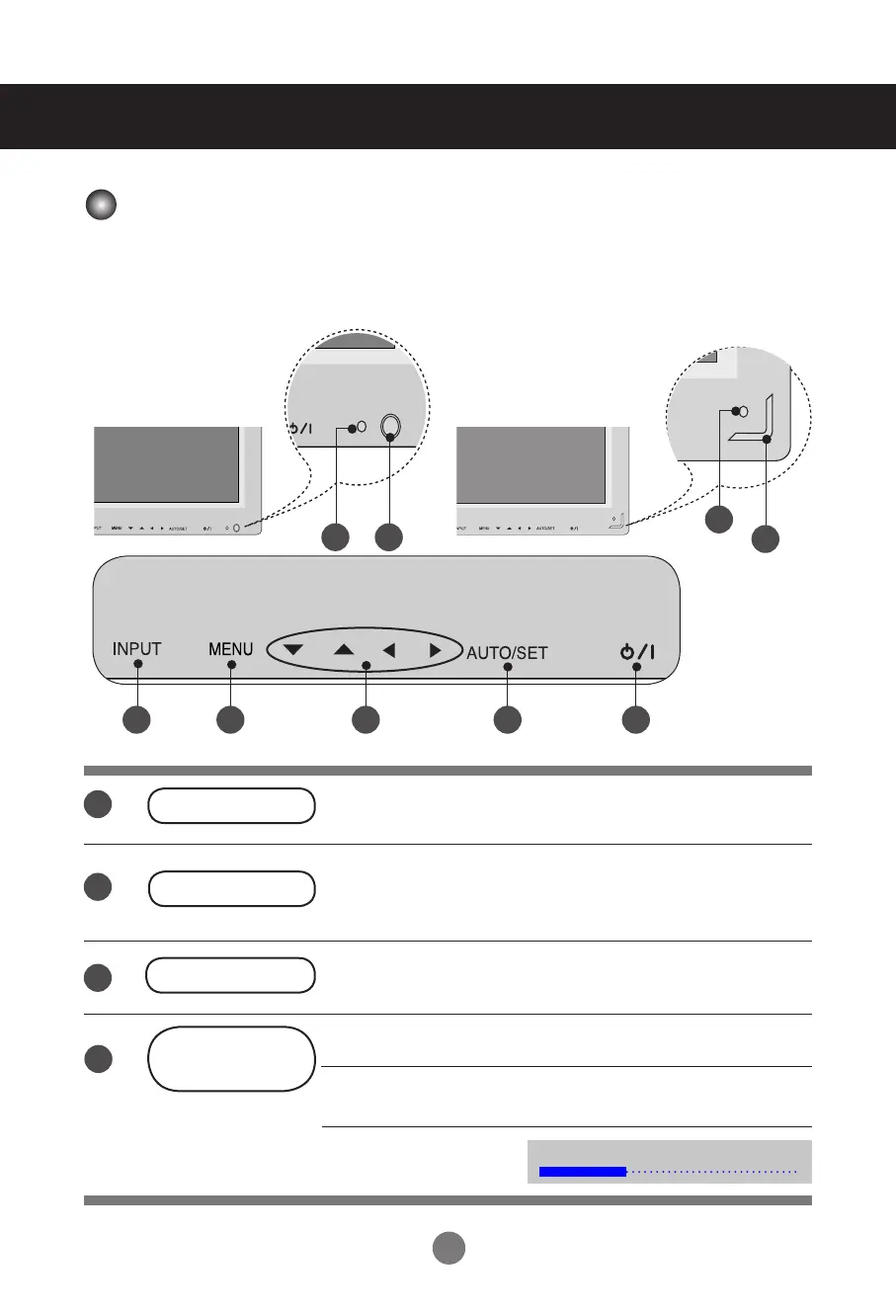
Turns the set on/off.
This Indicator lights up green when the set is operating
normally (on mode). If the set is in sleep mode (Energy
Saving), the indicator color changes to amber.
On/Off Button
◄ ► Adjusts the volume.
▲ ▼ Adjusts up and down.
Shows/hides the OSD (On-Screen Display) menu.
MENU Button
Selects an icon or adjusts the setting in the OSD menu.
OSD Select /
Adjust Button
Power Indicator
Volume
35
1
6 3 4 5 1
2
3
4
2
7
7
2
< 32VS10MN > < 42VS10MN, 47VS10MN >



 To Next Page