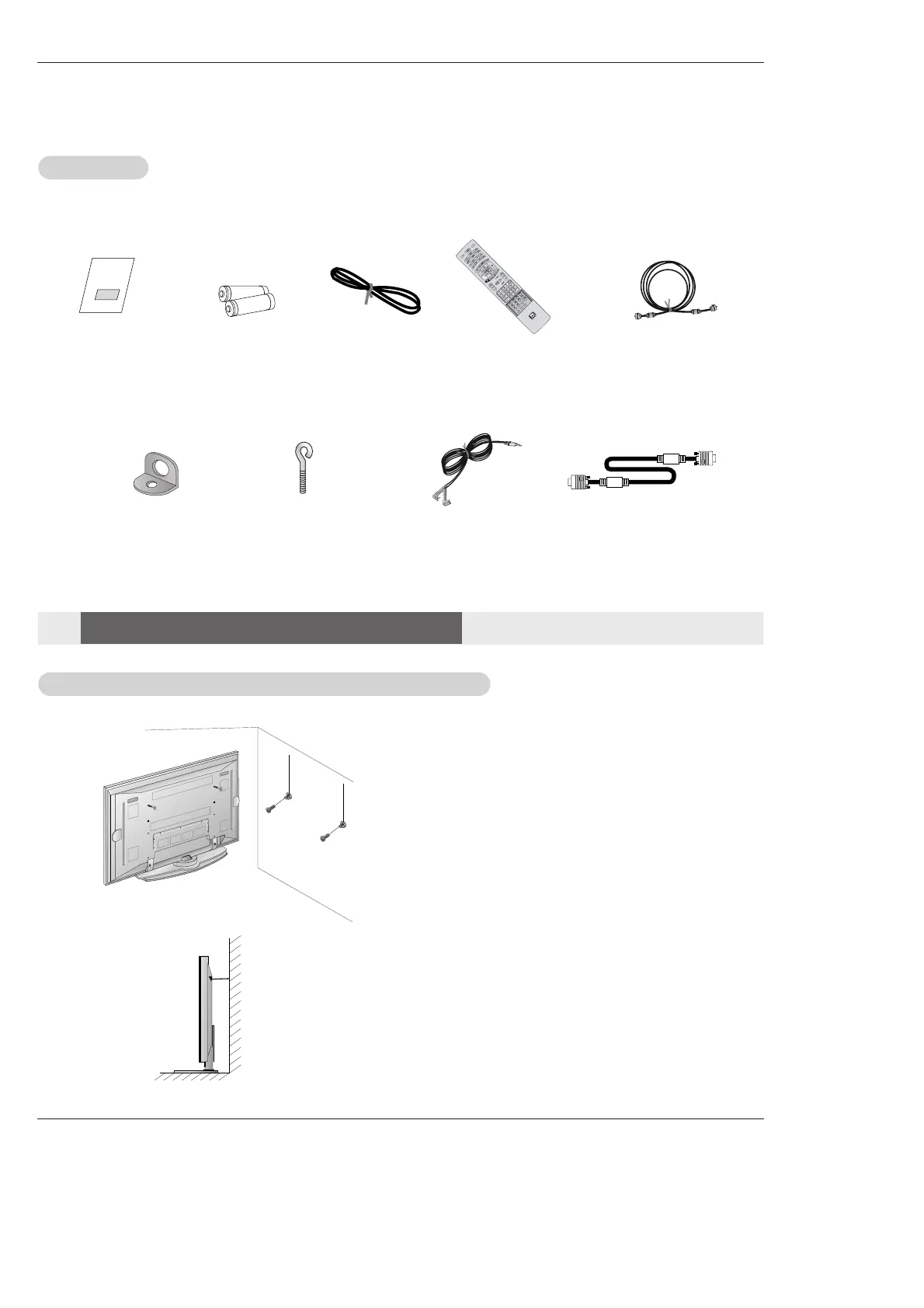
75Ω Round Cable
Ensure that the following accessories are included with your plasma display. If an accessory is missing, please contact the dealer
where you purchased the product.
• If the set will be mounted on a desk top, insert
the 2 eye-bolts and tighten them securely in the upper
holes as shown.
Install the wall brackets on the wall with 2 bolts*, (not
supplied with the product), as shown.
Match the height of the eye-bolts and the wall brack-
ets.
Check to be sure the eye-bolts and the brackets are
tightened securely.
• Secure the TV assembly to the wall with strong strings
or wire cables, (not supplied with the product), as
shown.
2-Wall brackets
2-eye-bolts
G-LINK Cable
Remote Control
Installation
Installation
Accessories
Accessories
Installation Instructions
Installation Instructions
Joining the
Joining the
TV assembly to the wall to protect the set tumbling
TV assembly to the wall to protect the set tumbling
D-sub 15 pin Cable



 To Next Page