Owner’s Manual 75
Operation
Low Power
Low Power
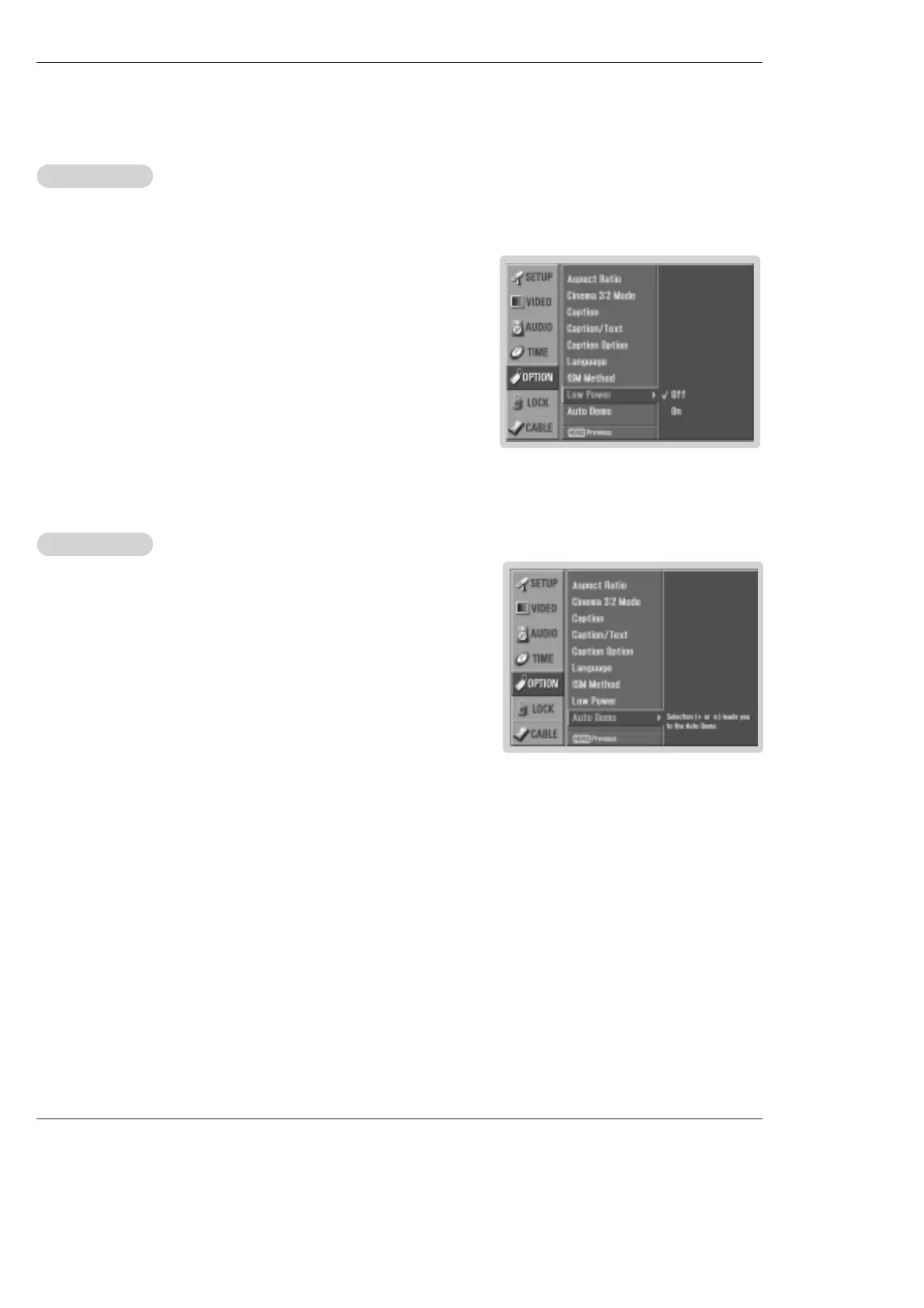
- Low power reduces the plasma display power consumption.
1. Press the MENU button and then use
D / E
button to select the OPTION menu.
2. Press the G button and then use
D / E
button to select Low Power.
3. Press the G button and then use
D / E
button to select On or Off.
• When you select On, the screen darkens.
4. Press EXIT button to return to TV viewing or press MENU button to return to the
previous menu.
- Displays the slide show to explain the main features of this TV.
1. Press the MENU button and then use
D / E
button to select the OPTION menu.
2. Press the
G button and then use
D / E
button to select Auto Demo.
3. Press EXIT button to stop Auto Demo.
Note : The images on the Auto Demo may differ from the actual products.
Auto Demo
Auto Demo



 To Next Page