90 Plasma TV
Operation
- Nothing to do with Caption on/Off using Mute button, the mode selected Caption/Text is to be displayed.
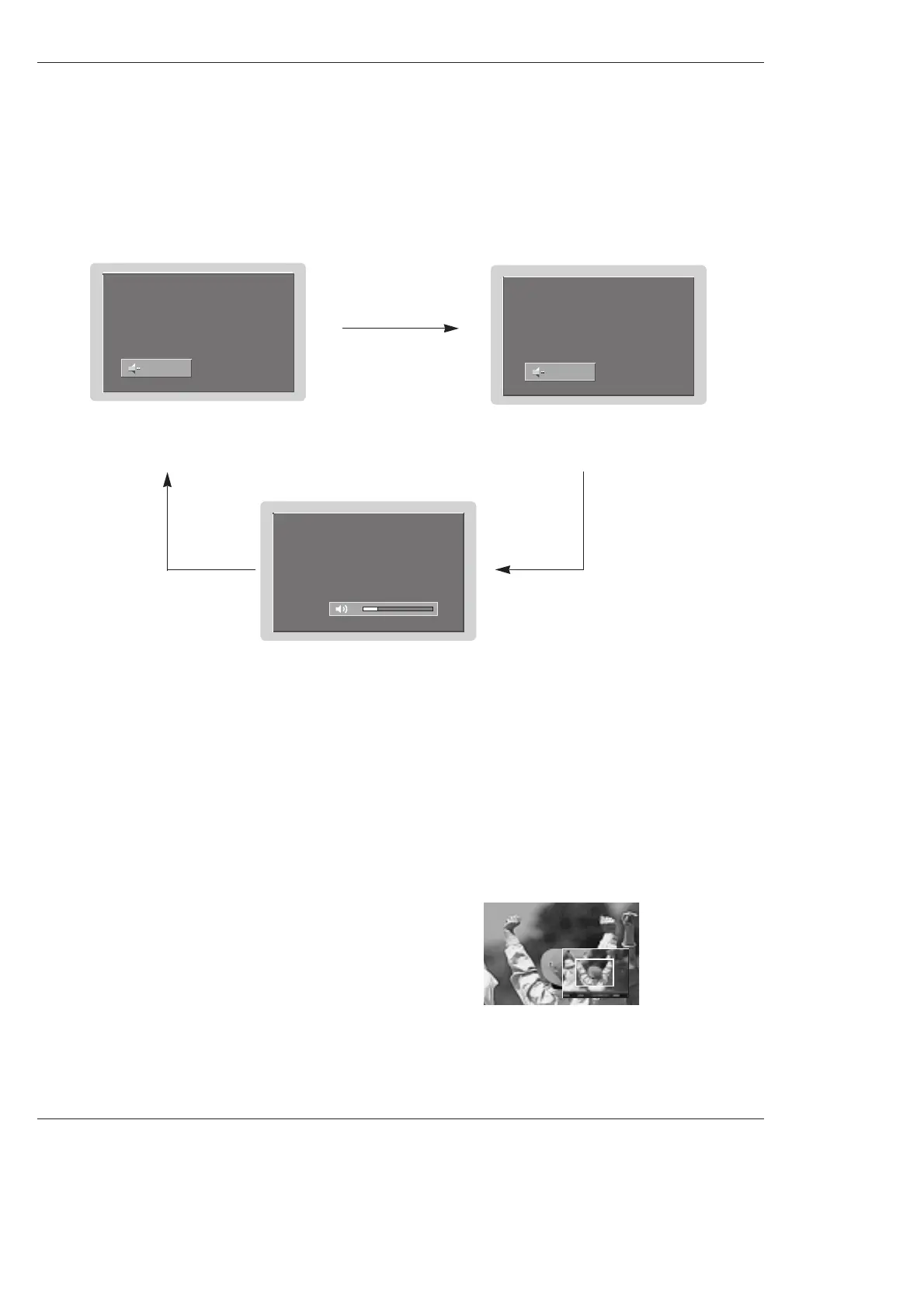
- When you repeatedly press the Mute button, the sound mode is changed in turn. (Refer to the picture below)
Note:
• EZ Mute does not operate in Component/RGB/HDMI/DVI modes.
Mute : Sound is muted.
EZ Mute : a special mute mode to
activate the closed caption, auto-
matically.
EZ Mute
Mute Off : Sound is enabled.
1. Press the FREEZE button in 720p or 1080i mode.
2. Use the
D / E
/ F / G
buttons to select the screen section to be magnified.
3. To return to normal viewing, press the FREEZE button again.
Note : The Magnify feature is available only in 720p or 1080i mode, but the
FREEZE button works in all video formats.
- Enlarges the picture with correct proportions.
- When enlarging the picture, the image may become distorted.
F
F
F
F
Freeze & Magnify (DTV/CADTV 720p, or 1080i mode only)



 To Next Page