Owner’s Manual 61
Operation
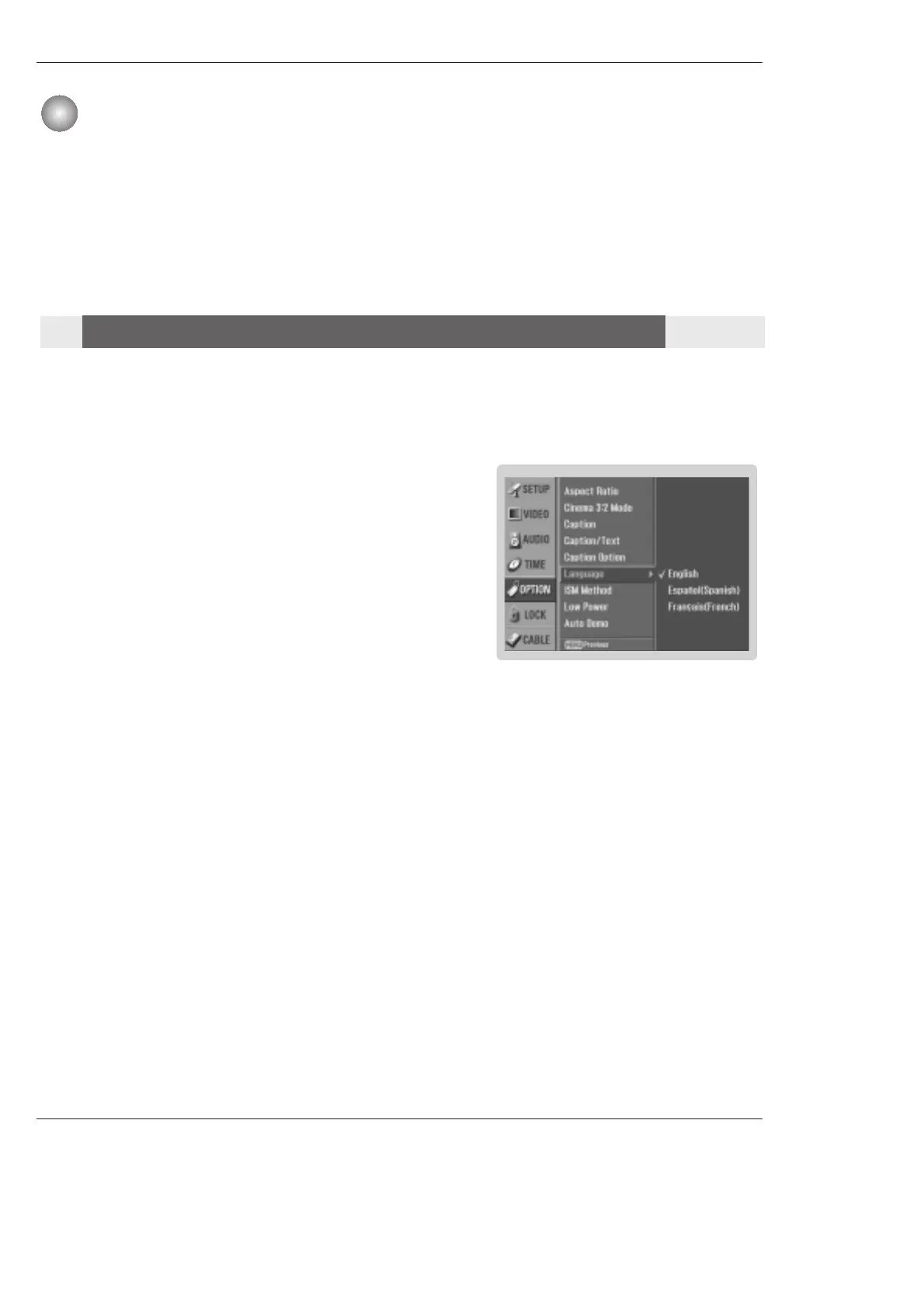
- The menus can be shown on the screen in the selected language. First select your language.
1. Press the MENU button and then use
D
/
E
button to select the OPTION
menu.
2. Press the G button and then use
D
/
E
button to select Language.
3. Press the G button and then use
D
/
E
button to select your desired
language.
From this point on, the on-screen menus will be shown in the selected
language.
4. Press EXIT button to return to TV viewing or press MENU button to return to
the previous menu.
TV Setup
TV Setup
On-screen Menus Language Selection
On-screen Menus Language Selection



 To Next Page