Owner’s Manual 67
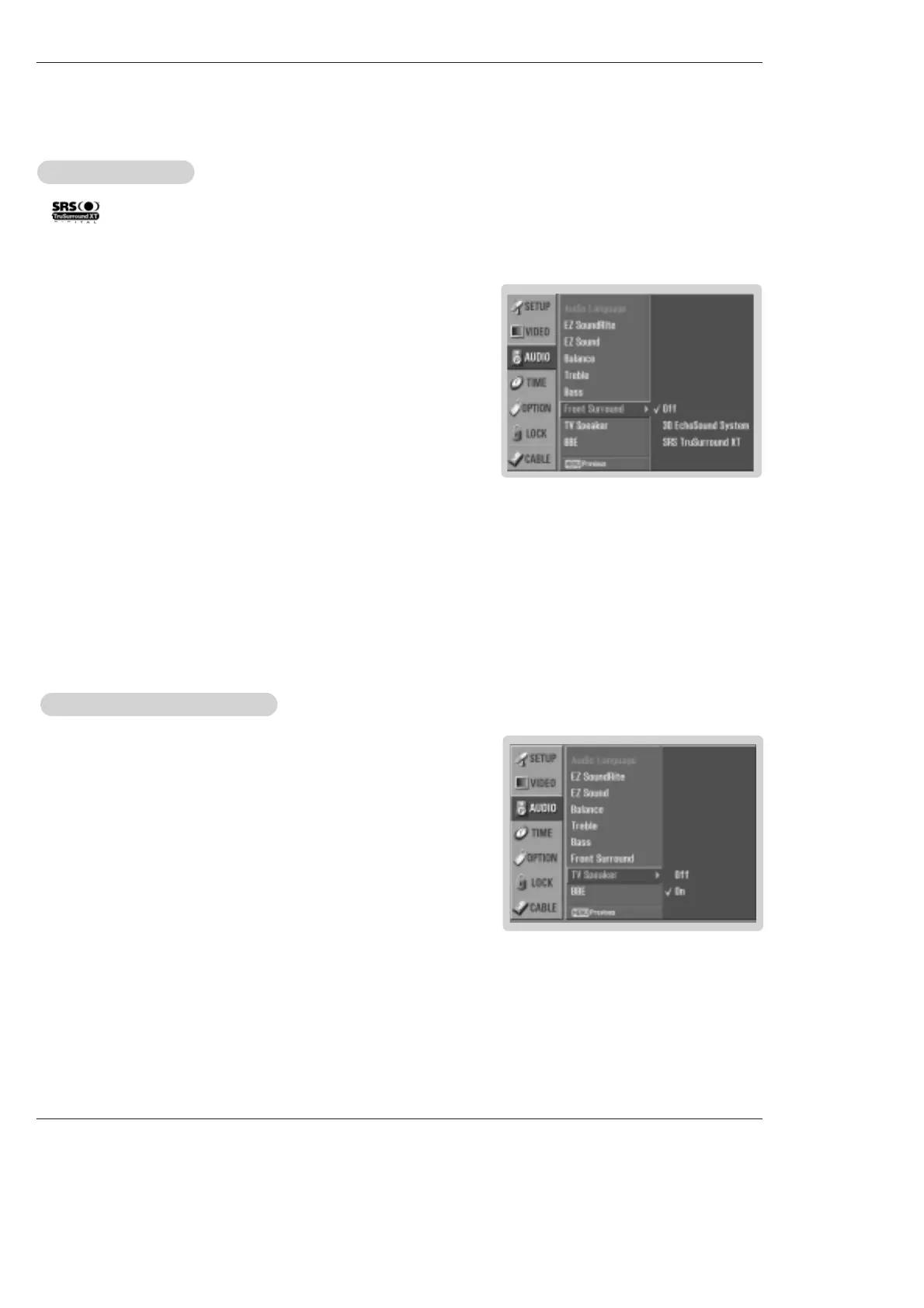
1. Press the MENU button and then use
D / E
button to select the AUDIO menu.
2. Press the G button and then use
D / E
button to select TV Speaker.
3. Press the G button and then use
D / E
button to select On or Off.
4. Press EXIT button to return to TV viewing or press MENU button to return to the
previous menu.
TV Speakers On/Of
TV Speakers On/Of
f Setup
f Setup
- Turn TV speakers off if using external audio equipment. Feature turns the TV
Speakers option On or Off.
Operation
1.
Press the MENU button and then use
D / E
button to select the AUDIO menu.
2. Press the
G button and then use
D / E
button to select Front Surround.
3. Press the G button and then use
D / E
button to select Off, 3D EchoSound
System
or SRS (Sound Retrieval System) TruSurround XT..
• 3D EchoSound System
Creates a stunning simulated stereo effects from any mono sound and a real-
istic three-dimensional sound with a very wide and deep sound stage into
stereo sound.
• SRS TruSurround XT
Takes advantage of any multi-channel format without needing to add extra
speakers or equipment. Dialog clarity, bass enrichment, and the addition of
stereo audio enhancement that produces an immersive sound experience from
standard stereo material.
4. Press EXIT button to return to TV viewing or press MENU button to return to the
previous menu.
Front Surround
Front Surround
- is a trademark of SRS Labs, Inc.
- TruSurround XT technology is incorporated under license from SRS Labs, Inc.
- Manufactured under license from Dolby Laboratories. “Dolby” and the double-D symbol are trademarks of Dolby Laboratories.



 To Next Page