88 Plasma TV
Operation
APM (Adaptive Picture Mode)
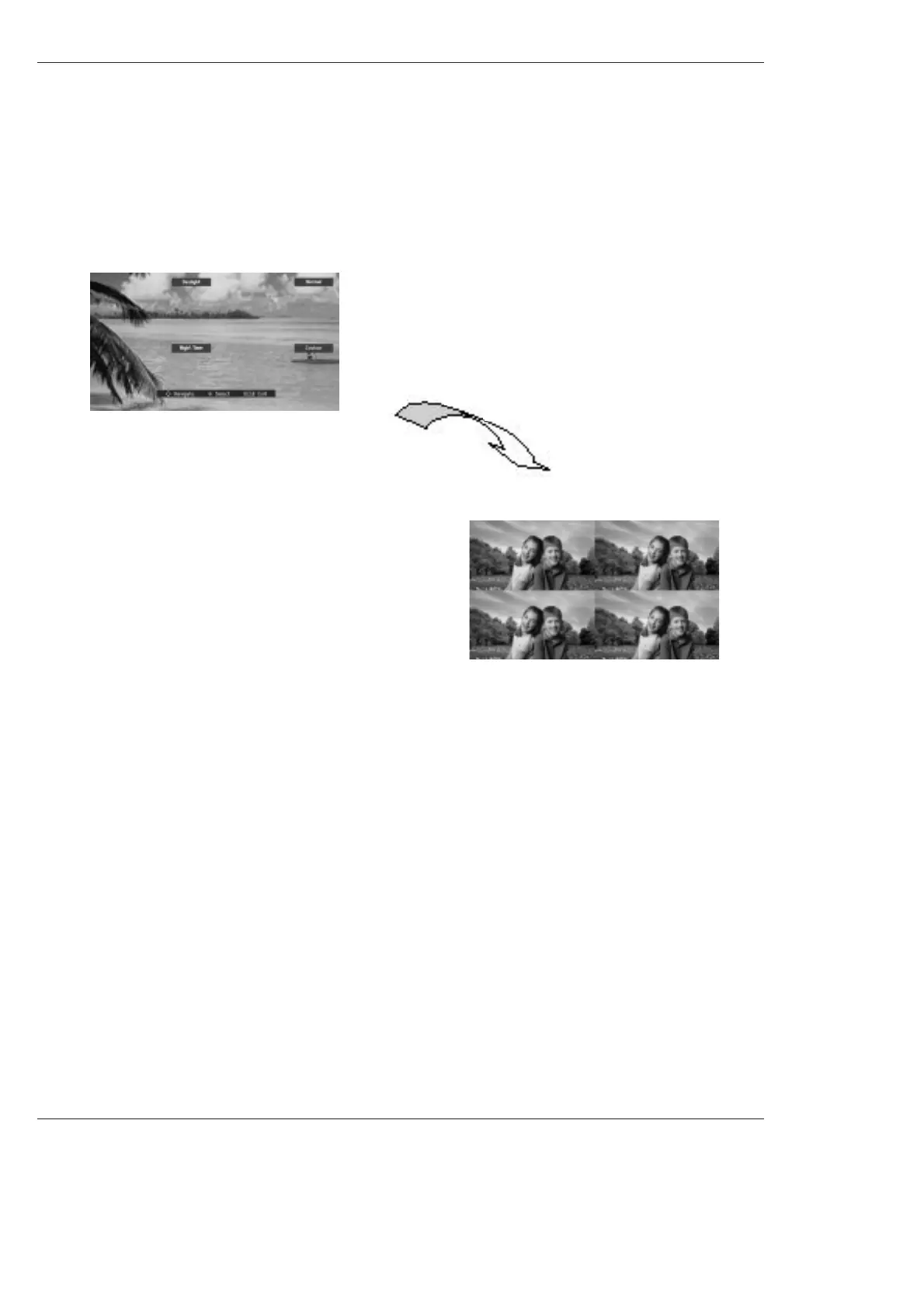
- Allows a viewer to select their preferred picture mode after compairing the four different picture (Daylight, Normal, Night Time
and Custom) settings.
1. Press the APM button at once. As shown below, the screen is
divided to 4-split.
Use the
D / E
/ F / G button to navigate 4 EZ Pictures. By press-
ing the ENTER button, you can select the desired mode.
2. Press the APM button, again. As shown below, the 4-same
screens are displayed.
You can easily compare with 4 modes.
3. Use the
D / E
/ F / G button to navigate 4 EZ Pictures. By press-
ing the ENTER button, you can select the desired mode.
4. Press EXIT button to return to TV viewing.
Note: While operating the 4-split, any button except APM, ENTER, EXIT, VOLUME
D
/
E
, MUTE button on the
remote control are not available.



 To Next Page