Owner’s Manual 73
Operation
Caption Option
Caption Option
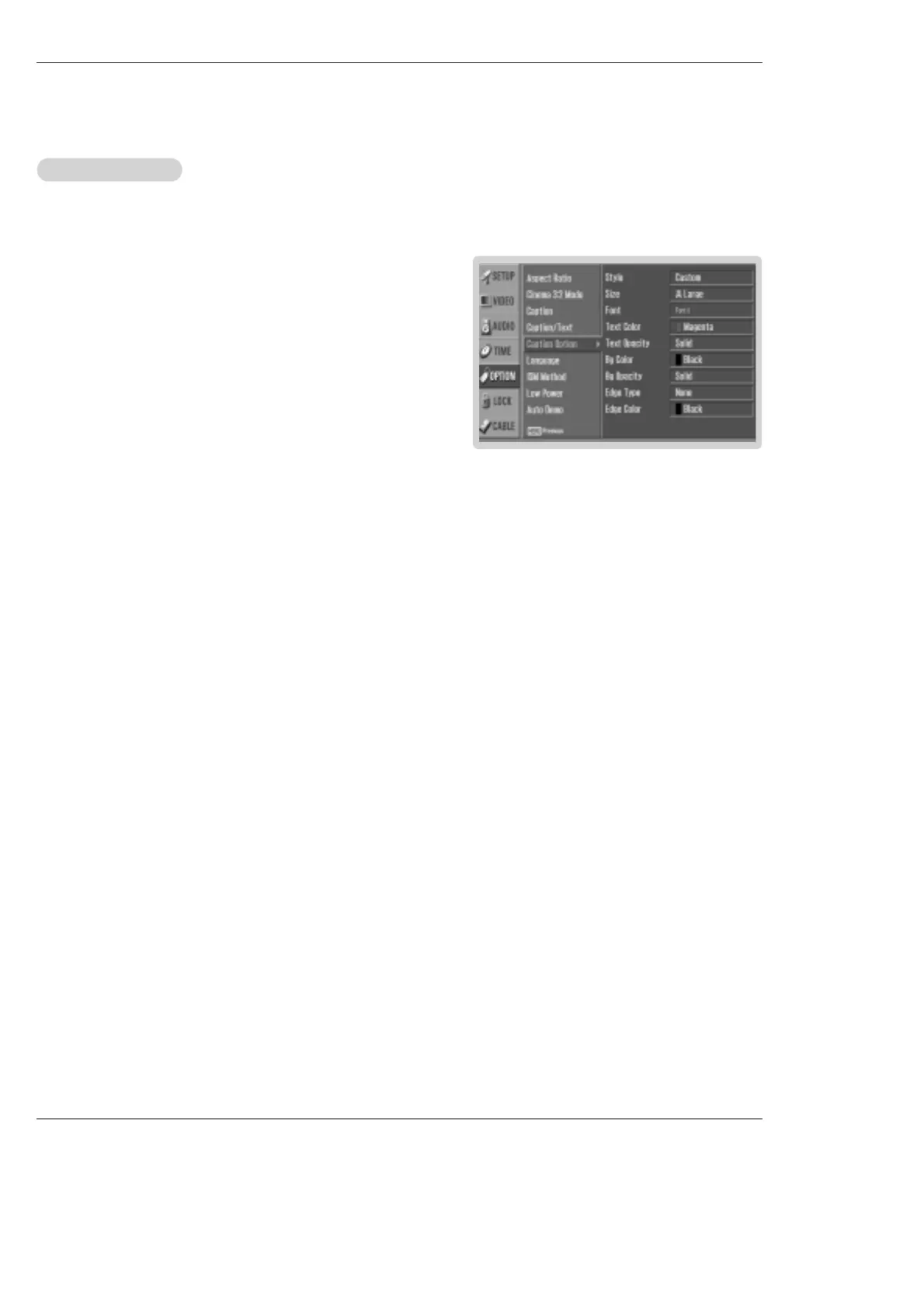
- Customize the DTV/CADTV captions that appear on your screen.
1. Press the MENU button and then use
D / E
button to select the OPTION
menu.
2. Press the G button and then use
D / E
button to select Caption Option.
3. Press the G button and then use F / G button to select Custom.
4. Use
D / E
button to customize the Style, Font, etc., to your preference. A pre-
view icon is provided at the bottom of the screen, use it to see the caption lan-
guage.
• Size: Set the size of the words.
• Font: Select a typeface for the words.
•
Text Color: Choose a color for the text.
•
Text Opacity: Specify the opacity for the text color.
• Bg (Background) Color: Select a background color.
• Bg (Background) Opacity: Select the opacity for the background color.
• Edge Type: Select an edge type.
• Edge Color: Select a color for the edges.
5. Press EXIT button to return to TV viewing or press MENU button to return
to the previous menu.



 To Next Page