Owner’s Manual 33
Operation
- It's available to communicate to either direction and you can give and take a image, sound, or each control command
with one cable.
W
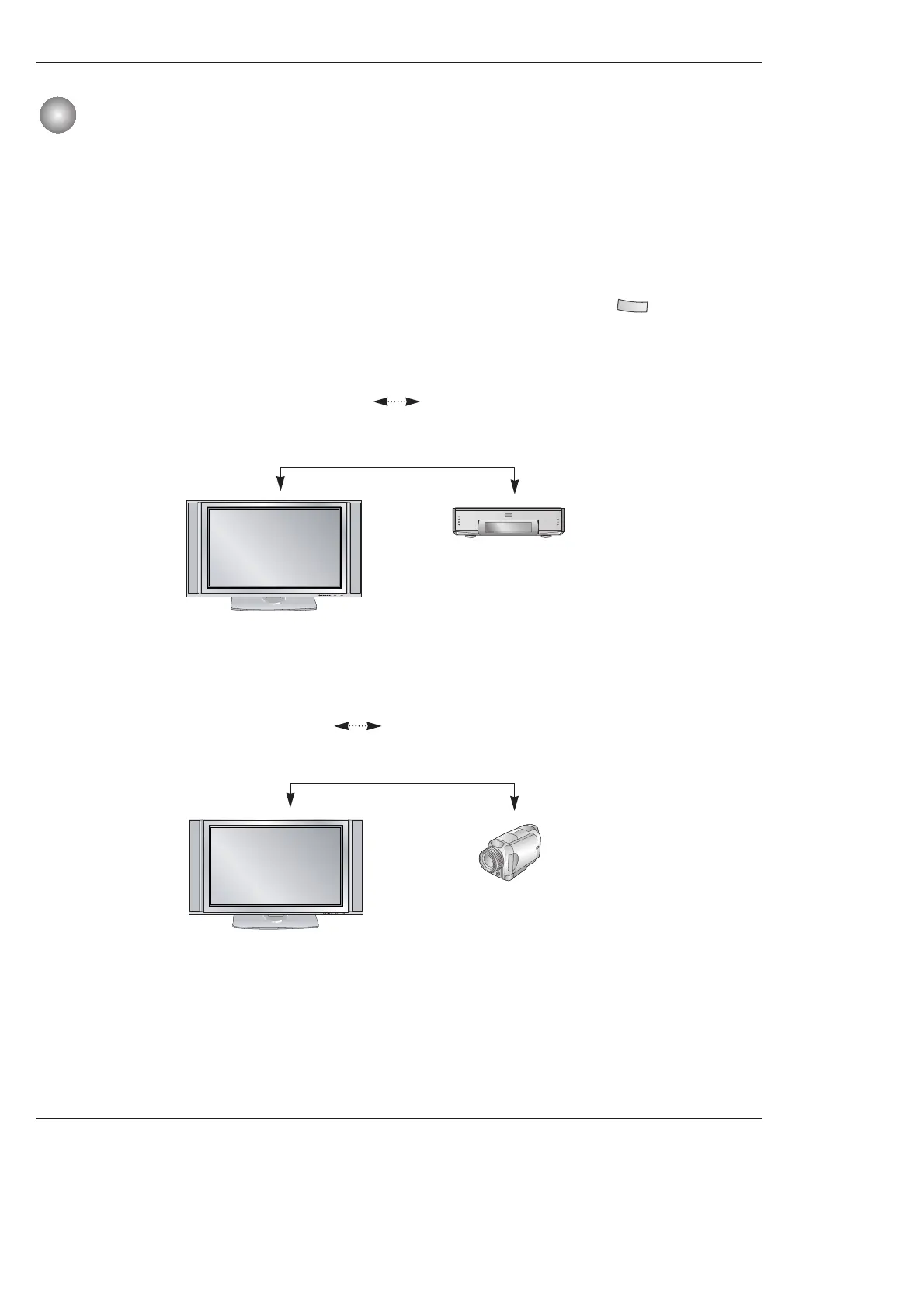
W How to connect the 1394
•To operate the IEEE1394, these methods are available as shown below.
1. When connecting the DVHS or the MicroMV Camcorder, as shown in the (a) or (b) figure, press the button to show
the control panel.
IEEE 1394 Functions
IEEE 1394 Functions
Note: When connecting the DVHS and the MicroMV Camcorder, in case of showing ‘input error’ on the
MicroMV Camcorder window, it’s okay.
(a) TV DVHS
<Connect the IEEE1394 Cable>
<Connect the IEEE1394 Cable>
(b) TV MicroMV Camcorder
<TV>
<TV>
<DVHS>
<MicroMV Camcorder>



 To Next Page