Owner’s Manual 39
Operation
DTV Link
DTV Link
: DTV Link applies to 1394 connection of device labeled DTV Link logo.
W
W
V
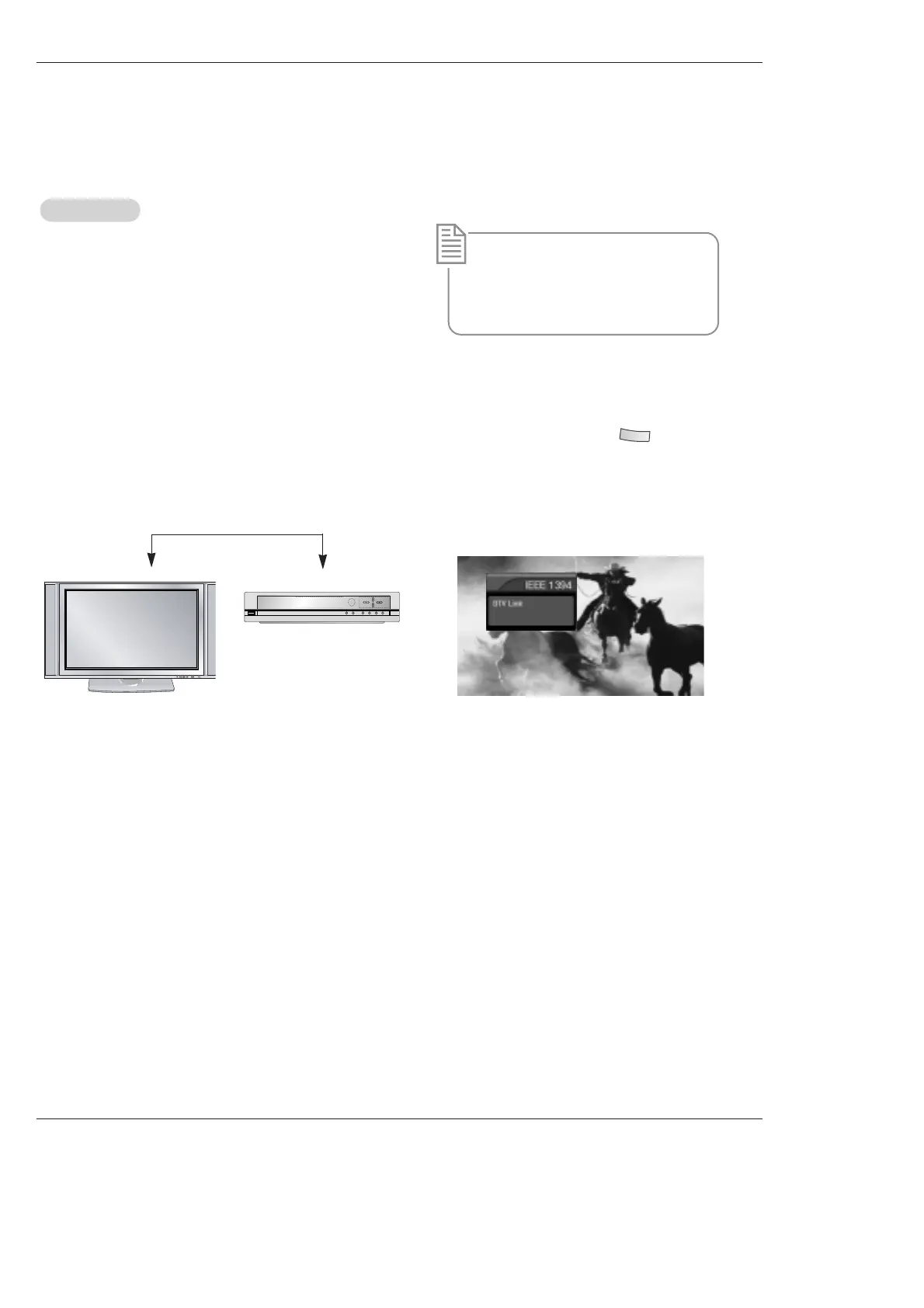
How to play the DTV Link
<DTV Link-Producer>
1. Connect the IEEE 1394 jack of the TV to the IEEE 1394
jack of the DTV Link supported device IEEE 1394 Cable.
* What’s the DTV Link?
It is normal standard of CEA which restricts
by a remote and displays OSD and plays to
stream of a remote control by using a con-
nection of IEEE1394.
<Connect the IEEE1394 Cable>
2. When watching the TV, press the .
<TV>
3. Press the TV INPUT button to stop the IEEE1394
function.
Notes:
• On a condition of connecting the IEEE 1394, you can control the DTV Link device while watching the OSD through DTV and
DTV remote control.
( ex: change of channel, play, record, a show of recording list etc.)
• Analog channel is not supported.
• In case a device outputting MPEG2 TS Data through IEEE1394 port but it doesn't support to DTVLink, you are able to
see a screen even if it doesn't control directly on TV.



 To Next Page