Owner’s Manual 49
Operation
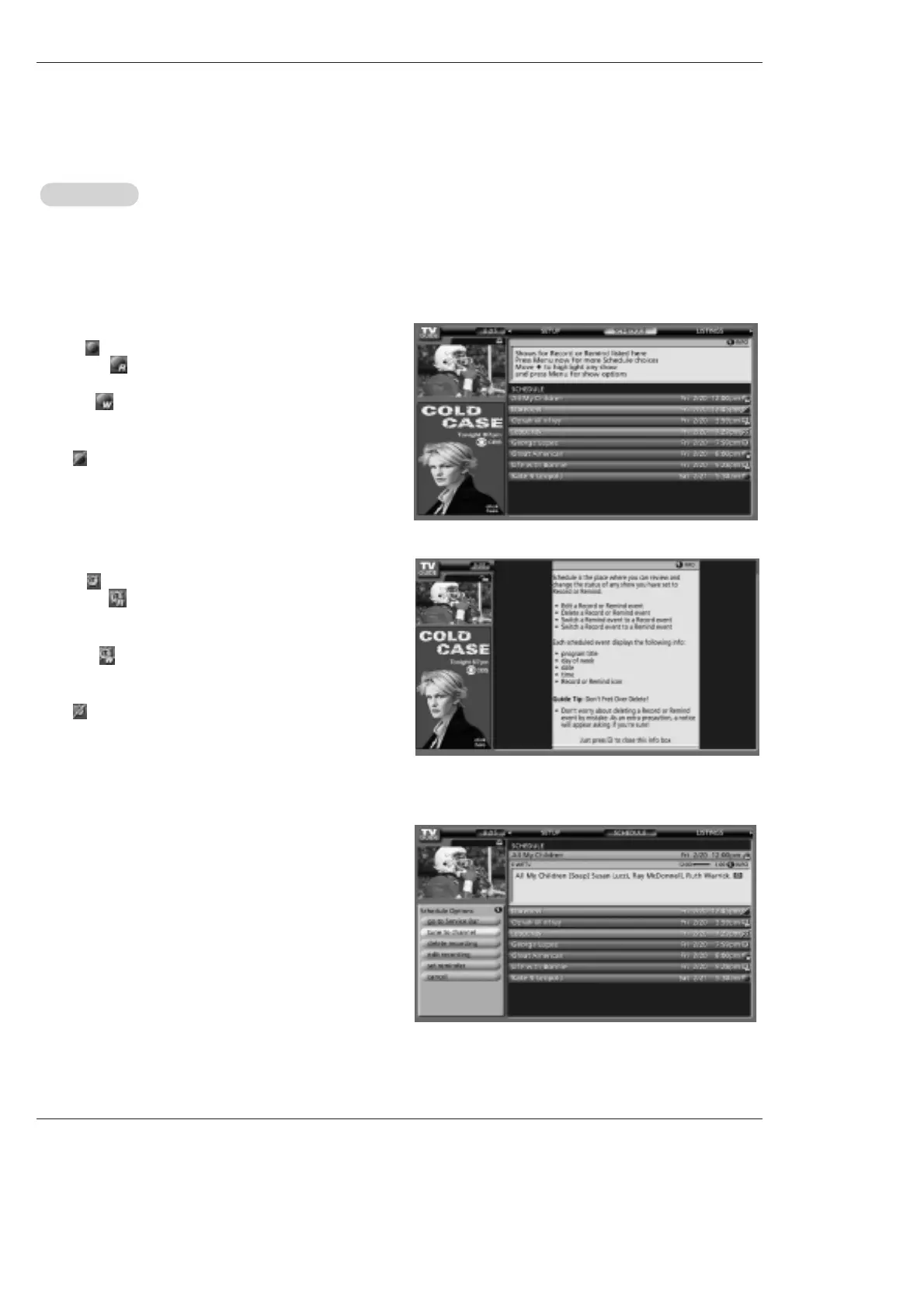
- Schedule lets you review, edit, or delete Record and Remind events that you set previously.
- With Schedule highlighted, press the INFO button to display a Help screen. Press the INFO button again to close the
screen.
- An icon identifies the event type:
Record
W Once —records the show one time
W Regularly —records the show every time the show airs
on the same channel and starts at the same time
W Weekly —records the show each time the show airs on
the same day of the week, on the same channel and starts at
the same time
W Off —keeps the show in the list but will not record this
show until the frequency is changed.
Remind
W Once —sets a show reminder one time
W Regularly —sets a show reminder every time the
show airs on the same channel and starts at the same
time
W Weekly —sets a show reminder each time the
show airs on the same day of the week, on the same
channel and starts at the same time
W Off —keeps the show in the list but will not remind
until the frequency is changed
Highlight an event, and press the Menu key for options.
Go to Service Bar - closes the menu, changes no information,
and returns to the Schedule Service Bar.
Tune to channel - exits the TV Guide On Screen system and
tunes to the highlighted show.
Delete Recording - removes the recording from the Schedule,
after a Confirm screen.
Edit Recording - opens a menu from which you can change
existing recording information.
Set Reminder - opens a menu from which you can set a
Reminder for the show (Record is not cancelled).
Cancel - closes the menu, changes no information, and returns
to the highlighted show.
Schedule
Schedule



 To Next Page