82 Plasma TV
Operation
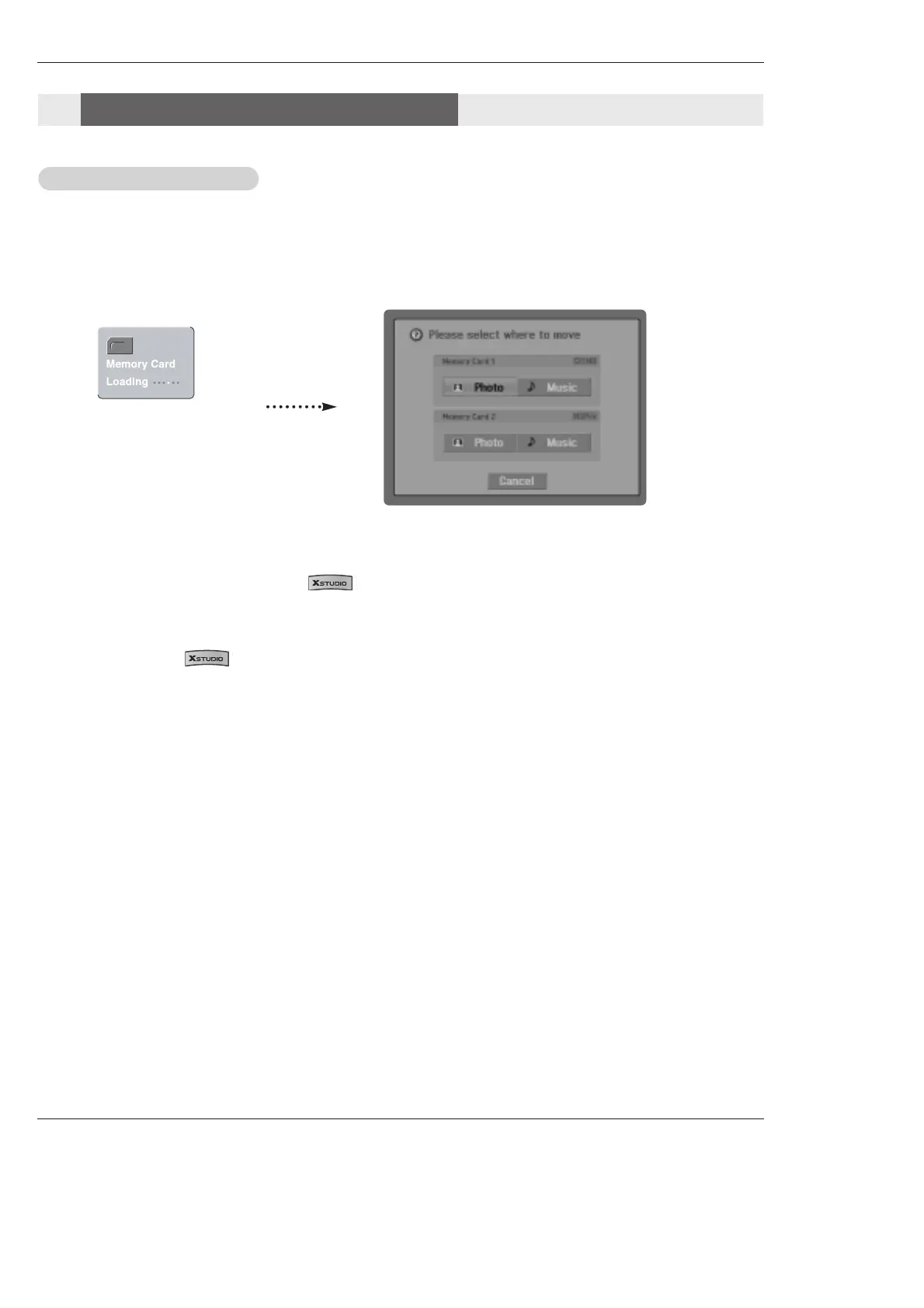
- When you plug a memory card or press the button, the above screens will be displayed.
1. Press
D / E
/ F / G button to select either Photo or Music on Memory Card 1 or Memory Card 2.
2. Press ENTER button to view Photo List or Music List of each slot.
3. Press EXIT button or button to return to TV viewing.
Note: In 30 seconds later, 'Loading" message is disappeared.
B.
B.
C.
C.
- When you plug the Memory Card, this screen is displayed, automatically.
Select the Photo or Music
Select the Photo or Music
Notes on Memory Card
Notes on Memory Card



 To Next Page