5. Delete History
Allows you to erase selected call list(s).
1. Press
,, .
2. Use to highlight the list of calls to erase, then
press .
Missed Calls/ Incoming Calls/ Outgoing Calls/
Recent Calls/ All Calls
3. Press Yes.
Media Player
Your phone's built-in media player gives you the
ability to listen to audio clips and view video clips
right from your phone's display.
Access and Options
1. Press Menu.
2. Press Media Player.
3. Select a sub-menu.
1. Channel Listing
2. Memory Card
Media Player
24
Media Player
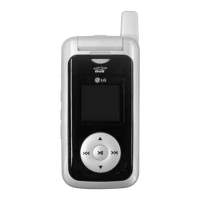
Shortcut
is a quick access to Media Player.


 To Next Page