6. Settings
Allows you to configure 9 settings for messages.
6.1 Notification
When you receive a text message, your phone
notifies you by displaying an icon on your display
screen. You can also choose to be notified with a
larger pop-up message on your display screen.
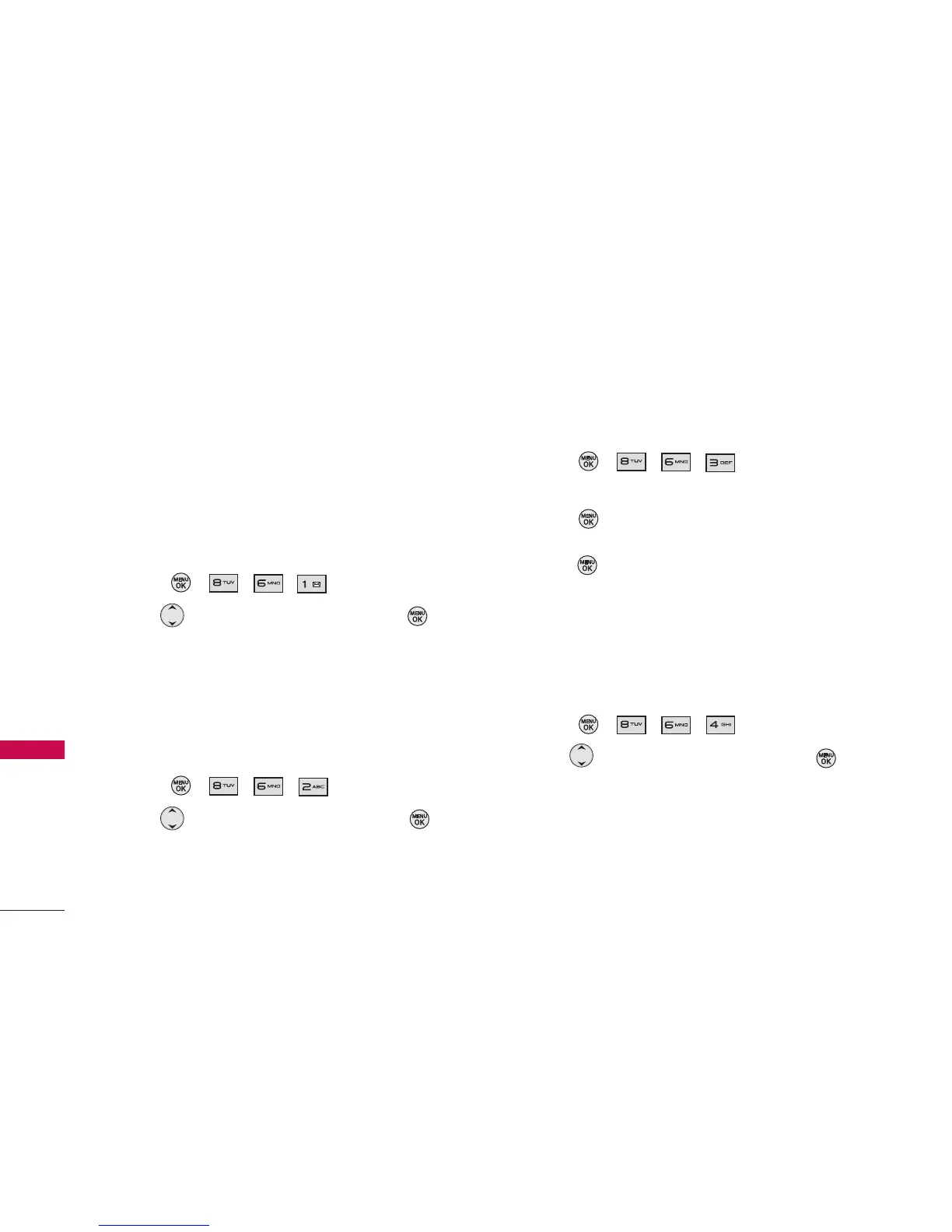
1. Press , , , .
3. Use to select a setting, then press .
Message & Icon/ Icon Only
6.2 Message Reminder
When new messages arrive, you can choose to have
your phone notify you by playing an audible alert.
1. Press , , , .
2. Use to select a setting, then press .
On/ Off
6.3 Callback Number
You can set a callback number in your messages so
that the recipient of the message can contact you.
1. Press , , , .
2. Select None, My Phone Number, or Other and
press .
(If you select Other, enter a number and
press .)
6.4 Auto-Delete
You can delete text messages that you have already
read whenever you like, or you can have your phone
delete them automatically for you.
1. Press , , , .
2. Use to select a setting, then press .
On/ Off
Messaging
40
Messaging



 To Next Page