1. Send Message
Allows you to send text messages, picture
messages, pages, and e-mail transmissions. Each
message has a destination (up to 25 recipients per
message) and information (Message). These are
dependent upon the type of message you want to
send.
Sending a Text Message
1. Press , , .
2. With the highlight on To field, press .
Search an entry you want to send a message in
Contacts and press .
Or enter the destination. Select From Contacts/
Mobile/ Email/ Recent List and press Left Soft Key
OK.
3. Press Left Soft Key Next and type your
message (text or e-mail), then press .
Using Text Input Modes
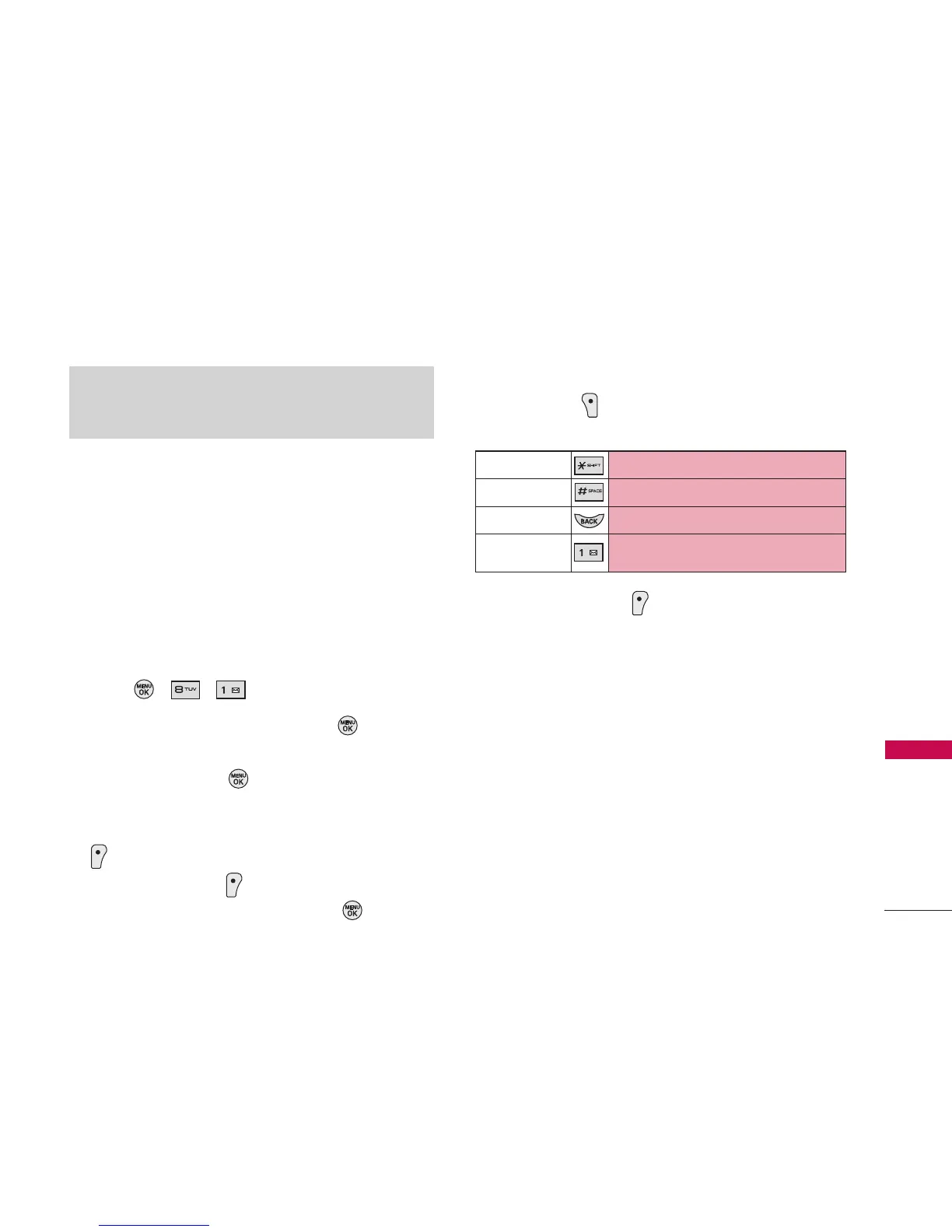
Right Soft Key ( ) To choose Abc/T9Word/123/
Symbols/Smileys/Quick Messages/Preset Suffix.
4. Press Left Soft Key Send.
A confirmation message is displayed.
5. Set a priority of your message.
Priority:Normal/ Priority:Urgent
6. Set your callback number.
None/ My Phone Number/ Other
Sending a Pic/Video Msg
Register your Pic/Video Msg account.
35
Messaging
Note
If you receive the same message twice, your phone deletes
the older one and the new one is stored as a Duplicate.
SHIFT Key
To change cases.
SPACE Key
To insert a space.
BACK Key
To backspace and hold it to delete words.
Punctuation
Key
To insert punctuation in a word or to
complete a sentence in T9Word Mode.



 To Next Page