Settings
59
Settings
Settings
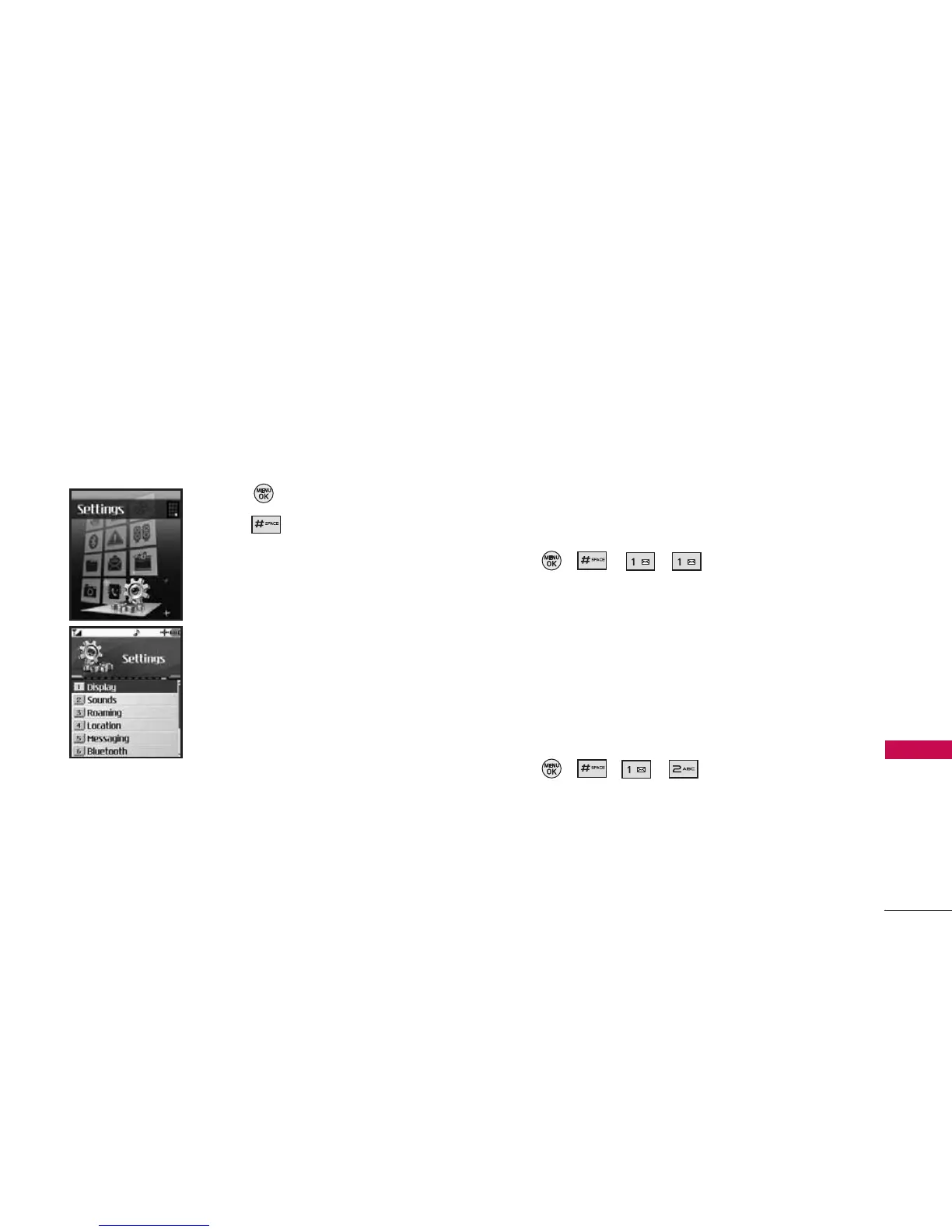
The Settings Menu has options to customize your
phone.
Access and Options
1. Press Menu.
2. Press Settings.
3. Select a sub-menu.
1. Display
2. Sounds
3. Roaming
4. Location
5. Messaging
6. Bluetooth
7. Security
8. Setup/Others
9. Phone Info
1. Display
Provides you with options to customize the phone’s
display screen.
1.1 Greeting
Allows you to enter a string of greeting up to 16
characters displayed on the LCD screen.
1. Press , , , .
2. Select a setting.
Custom/ Off
3. If set to Custom, enter your greeting words.
1.2 Incoming Calls
Allows you to set a specific screen for incoming calls.
1. Press , , , .
2. Select Caller ID/ No Caller ID/ Roaming.
3. For each selection, choose a setting.
Preloaded/ My Pics/Videos/ Assigned Media/
Downloads/ Get New/ Take New Picture



 To Next Page