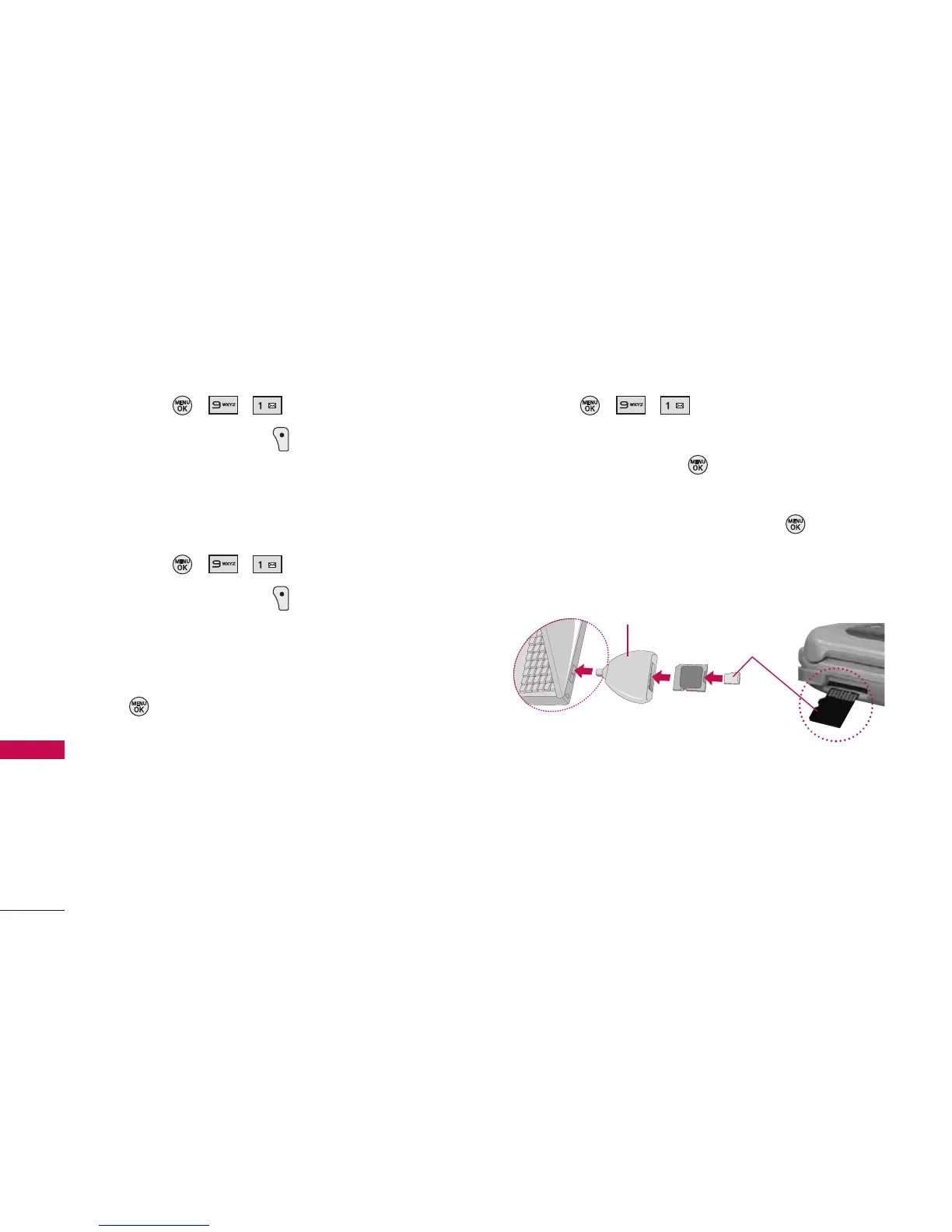
Viewing Memory in the microSD Card
1. Press , , .
2. Press Right Soft Key Options and select
Memory Info (The used and available memory
space will be displayed).
Formatting the microSD Card
1. Press , , .
2. Press Right Soft Key Options and select
Format Memory Card.
3. If you are sure you wish to remove all the files
from your microSD card, select Delete and press
.
Displaying Your microSD Folders
1. Press , , .
2. Select your desired folder (dcim, media &
my_music) and press .
3. To view or play a preview of a file, highlight it with
your navigation key, and then press or the
appropriate soft key.
Tools
44
Tools
microSD Card
Adapter
SD-compatible device
(USB Reader/Writer) : sold separately



 To Next Page