EasyManua.ls Logo

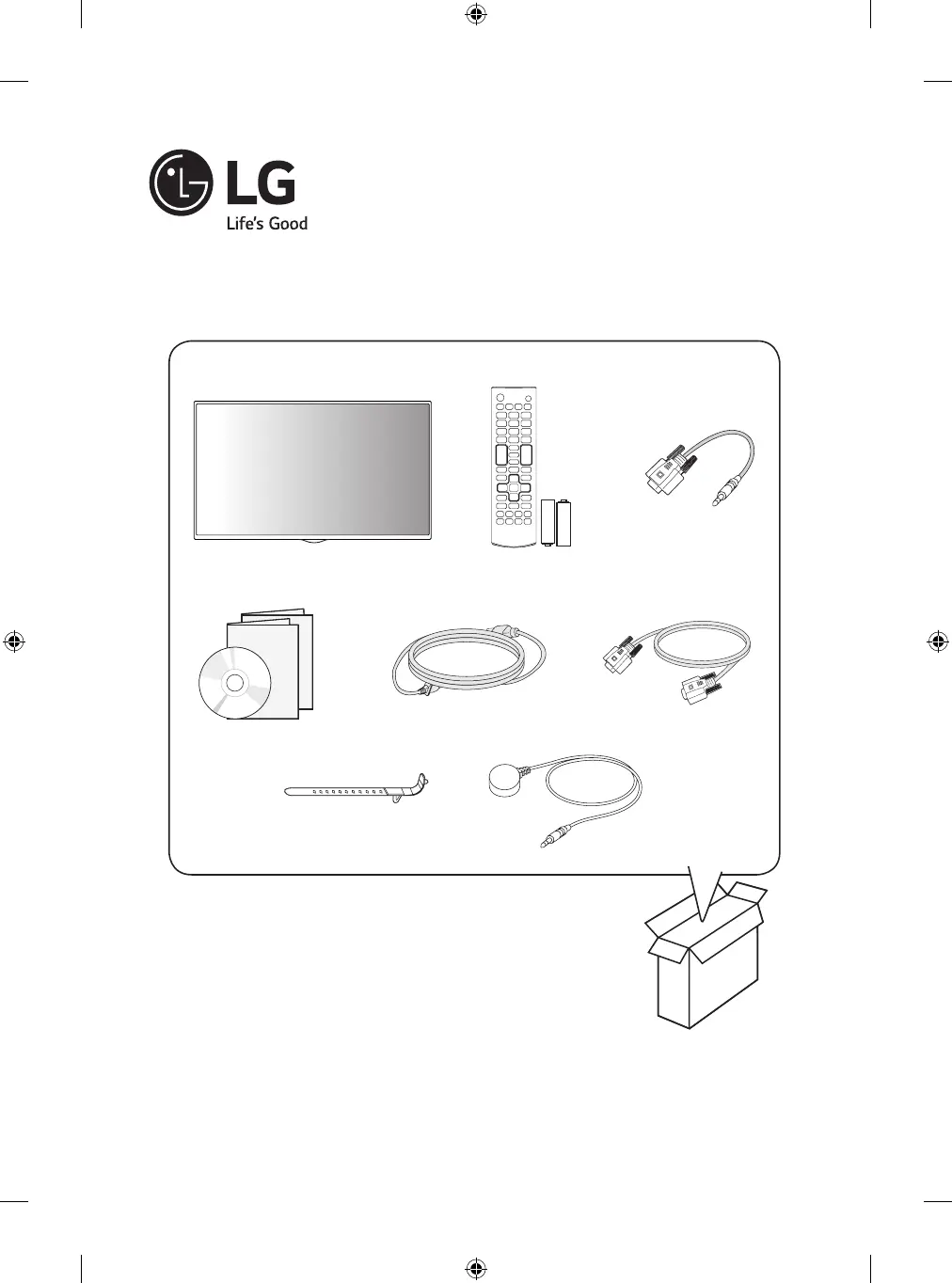
LG 55SH7DB - User Manual

LG 55SH7DB
84 pages
Print Icon
To Next Page IconTo Next Page
Loading...
P/No: MFL69178803 (1902-REV02)
AAA
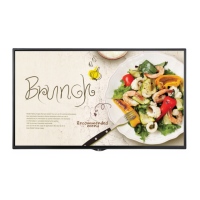
LG Digital Signage
(MONITOR SIGNAGE)
42SH7DB
49SH7DB
55SH7DB
*MFL69178803*

Other manuals for LG 55SH7DB

Questions and Answers

  • M
    Mary GarrisonSep 8, 2025
    What does 'Out of range' mean on LG 55SH7DB Digital Signage?
    • J
      Jacob MorrisSep 9, 2025
      If you see an 'Out of range' message on your LG Digital Signage, it means the signal from the PC is outside the product's vertical or horizontal frequency range. Adjust the frequency range according to the specifications in the manual. The maximum resolution is 1920 x 1080 (60 Hz).
  • J
    Jamie StephensAug 23, 2025
    Why the operation does not work normally on my LG Monitor?
    • Y
      Yvette SandersAug 23, 2025
      If your LG Monitor isn't operating normally, check if the Timer is set. Also, review the power control settings. Note that a power interruption could also cause this issue.
  • T
    Thomas AllenAug 25, 2025
    How to fix no image on my LG Monitor?
    • M
      Mark TerryAug 25, 2025
      If your LG Monitor displays no image, first ensure the power cord is securely plugged into the power outlet. Also, check the signal cable connecting your PC to the monitor to confirm it's properly connected. If these are fine, use the INPUT menu on the remote control to select the correct input signal. Also, the signal from the PC (video card) may be out of the vertical or horizontal frequency range of the product. In this case, adjust the frequency range by referring to the Specifications in this manual.
  • A
    Ashley PorterAug 27, 2025
    Why is the screen color abnormal on my LG Monitor?
    • A
      annetteallenAug 27, 2025
      If the colors on your LG Monitor's screen appear abnormal, first set the color depth to more than 24 bits (true color) via Control Panel - Display - Settings - Color Table in Windows. Also, check the connection status of the signal cable to ensure it's properly connected. Please note that slight color variations can be normal due to the unique characteristics of the LCD panel and do not indicate a malfunction.
  • J
    jessica17Aug 27, 2025
    What to do if the screen image looks abnormal on LG Monitor?
    • R
      Rebekah WilliamsAug 28, 2025
      If the screen image on your LG Monitor looks abnormal, verify that the video card resolution and frequency are supported by the monitor. Also, ensure that the correct input signal is connected to the appropriate signal port using the corresponding signal cable.
  • L
    Lisa ClarkeSep 22, 2025
    Why do black spots appear on the screen of my LG 55SH7DB Digital Signage?
    • E
      ekaneSep 22, 2025
      The appearance of several pixels (red, green, white, or black color) on the screen of your LG Digital Signage is attributable to the unique characteristics of the LCD panel and is not a malfunction.
  • J
    Jason CervantesSep 16, 2025
    How to adjust dull sound on LG Digital Signage?
    • K
      Karen CookSep 16, 2025
      If the sound from your LG Digital Signage is too dull, select the appropriate equalizer sound setting.
  • N
    Nancy SmithSep 18, 2025
    How to fix poor color resolution on LG 55SH7DB Digital Signage?
    • C
      craignicholsSep 18, 2025
      To fix poor color resolution (16 colors) on your LG Digital Signage, set the number of colors to more than 24 bits (true color). In Windows, go to Control Panel - Display - Settings - Color Table menu.
  • J
    Joshua SanchezSep 7, 2025
    How to fix wrong screen position on LG Digital Signage?
    • A
      Angela RiveraSep 7, 2025
      If the screen position is incorrect on your LG Digital Signage, check that the video card resolution and frequency are supported by the product. If the frequency is out of range, set the recommended resolution in the Control Panel Display Setting menu.
  • J
    jessica42Sep 4, 2025
    How to check the power cord connection on LG 55SH7DB Digital Signage?
    • B
      Brenda GravesSep 4, 2025
      If your LG Digital Signage isn't powering on, verify that the power cord is securely plugged into the power outlet.

LG 55SH7DB Specifications

General IconGeneral
Display Size55 inches
Panel TechnologyIPS
Viewing Angle (H x V)178° x 178°
Operating Hours24/7
Operating Temperature0°C to 40°C
Storage Temperature-20°C to 60°C
Standby Power Consumption0.5 W
Frequency50/60Hz
VESA Mount300 x 300 mm
Display TypeLCD
Resolution1920 x 1080 (Full HD)
Contrast Ratio1200:1
Response Time12 ms
InputHDMI, USB
OutputAudio Out
External ControlRS-232C, RJ45
OrientationLandscape & Portrait
Input Voltage100-240 V
Bezel Width11.9 mm (Even Bezel)

Related product manuals