EasyManua.ls Logo

LG 55SH7DB - User Manual

LG 55SH7DB
84 pages
Print Icon
To Next Page IconTo Next Page
Loading...
P/No: MFL69178803 (1902-REV02)
AAA
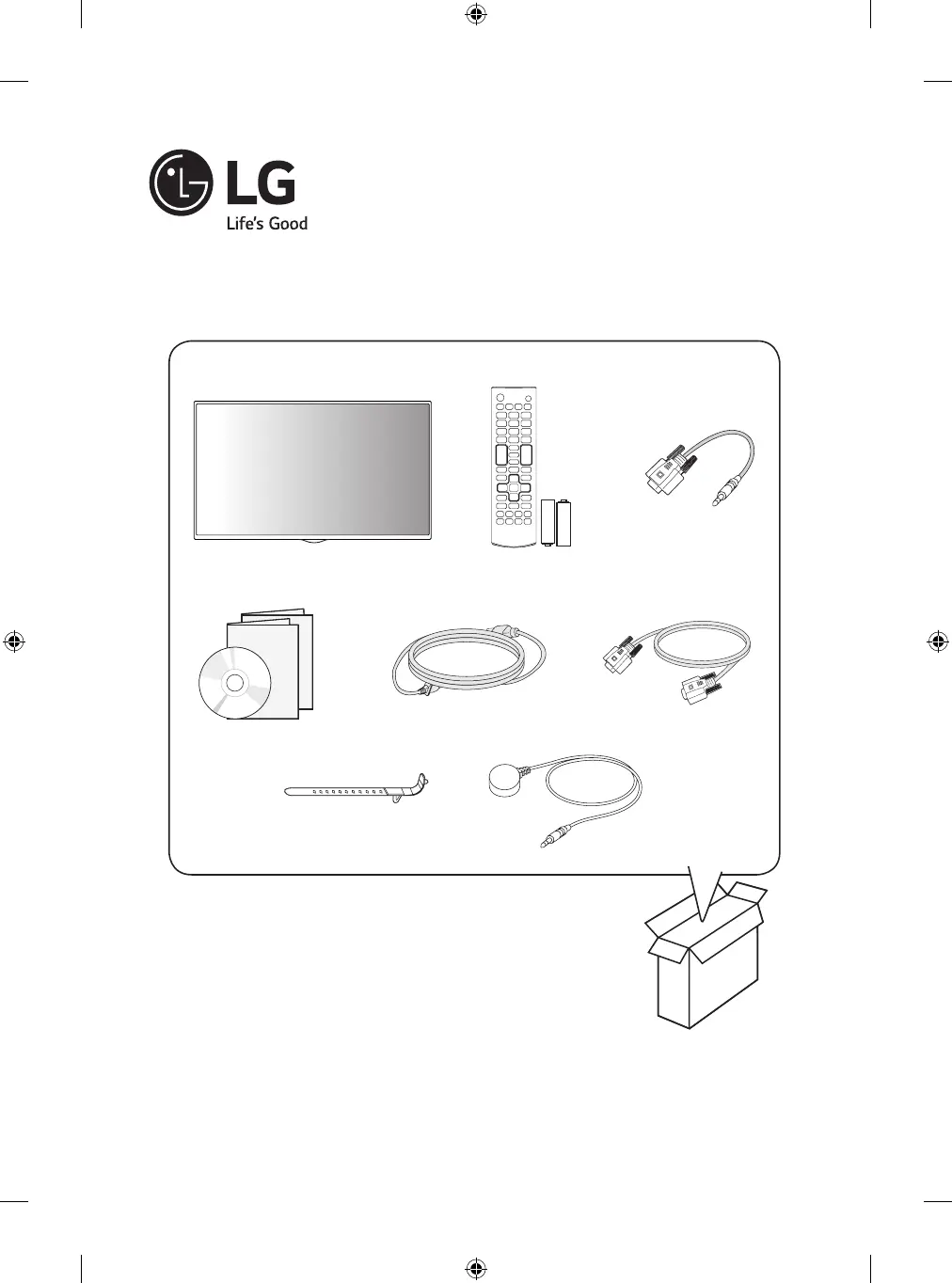
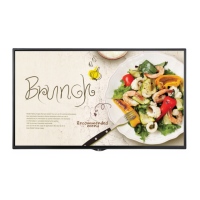
LG Digital Signage
(MONITOR SIGNAGE)
42SH7DB
49SH7DB
55SH7DB
*MFL69178803*

Other manuals for LG 55SH7DB

Questions and Answers

  • Y
    yjosephAug 21, 2025
    What to do if the audio function does not work on LG Monitor?
    • T
      Tina CombsAug 22, 2025
      If the audio on your LG Monitor isn't working, check that the audio cable is properly connected. Also, make sure the volume is adjusted to an audible level and the sound settings are correctly configured. You may also want to experiment with different equalizer sound settings to see if that resolves the issue.
  • J
    jessica42Sep 4, 2025
    How to check the power cord connection on LG 55SH7DB Digital Signage?
    • B
      Brenda GravesSep 4, 2025
      If your LG Digital Signage isn't powering on, verify that the power cord is securely plugged into the power outlet.
  • C
    Cody DyerSep 2, 2025
    How to troubleshoot no sound on LG 55SH7DB?
    • J
      Justin DavisSep 2, 2025
      If there's no sound from your LG Digital Signage, ensure the audio cable is correctly connected. Also, check and adjust the volume level, and verify that the sound settings are properly configured.
  • R
    Robert ThorntonSep 1, 2025
    What to do if the 'No Signal' message appears on my LG 55SH7DB?
    • T
      thomas88Sep 1, 2025
      If you see a 'No Signal' message on your LG Digital Signage, first, make sure the signal cable between your PC and the display is properly connected. If it is, try pressing the INPUT menu on the remote control to select the correct input signal.
  • N
    Natalie StevensAug 30, 2025
    What to do if after-image appears on LG Monitor?
    • C
      Chris PearsonAug 30, 2025
      If an after-image appears on your LG Monitor, and you've been displaying a fixed image for an extended period, it may cause pixel damage. To prevent this, use the screen-saver function. Note that this can be normal for LCD screen products.
  • P
    Paige GarzaAug 29, 2025
    How to solve 'Unknown Product' message appears when LG Monitor is connected?
    • P
      Paul NelsonAug 29, 2025
      If you see an 'Unknown Product' message when your LG Monitor is connected, check your video card user manual to see if the Plug & Play function is supported.
  • J
    jessica17Aug 27, 2025
    What to do if the screen image looks abnormal on LG Monitor?
    • R
      Rebekah WilliamsAug 28, 2025
      If the screen image on your LG Monitor looks abnormal, verify that the video card resolution and frequency are supported by the monitor. Also, ensure that the correct input signal is connected to the appropriate signal port using the corresponding signal cable.
  • A
    Ashley PorterAug 27, 2025
    Why is the screen color abnormal on my LG Monitor?
    • A
      annetteallenAug 27, 2025
      If the colors on your LG Monitor's screen appear abnormal, first set the color depth to more than 24 bits (true color) via Control Panel - Display - Settings - Color Table in Windows. Also, check the connection status of the signal cable to ensure it's properly connected. Please note that slight color variations can be normal due to the unique characteristics of the LCD panel and do not indicate a malfunction.
  • T
    Thomas AllenAug 25, 2025
    How to fix no image on my LG Monitor?
    • M
      Mark TerryAug 25, 2025
      If your LG Monitor displays no image, first ensure the power cord is securely plugged into the power outlet. Also, check the signal cable connecting your PC to the monitor to confirm it's properly connected. If these are fine, use the INPUT menu on the remote control to select the correct input signal. Also, the signal from the PC (video card) may be out of the vertical or horizontal frequency range of the product. In this case, adjust the frequency range by referring to the Specifications in this manual.
  • J
    Jamie StephensAug 23, 2025
    Why the operation does not work normally on my LG Monitor?
    • Y
      Yvette SandersAug 23, 2025
      If your LG Monitor isn't operating normally, check if the Timer is set. Also, review the power control settings. Note that a power interruption could also cause this issue.

LG 55SH7DB Specifications

General IconGeneral
Display Size55 inches
Panel TechnologyIPS
Viewing Angle (H x V)178° x 178°
Operating Hours24/7
Operating Temperature0°C to 40°C
Storage Temperature-20°C to 60°C
Standby Power Consumption0.5 W
Frequency50/60Hz
VESA Mount300 x 300 mm
Display TypeLCD
Resolution1920 x 1080 (Full HD)
Contrast Ratio1200:1
Response Time12 ms
InputHDMI, USB
OutputAudio Out
External ControlRS-232C, RJ45
OrientationLandscape & Portrait
Input Voltage100-240 V
Bezel Width11.9 mm (Even Bezel)

Related product manuals