15
Using the Touch Pen
Exploring the Product
Using the Touch Pen
The touch pen can be used for various purposes, such as touching the screen to launch menus or to take notes,
annotate, and draw on data.
Getting to Know the Touch Pen Functions
Two pens can be used simultaneously to write or draw together. Different colours can be assigned to each pen.
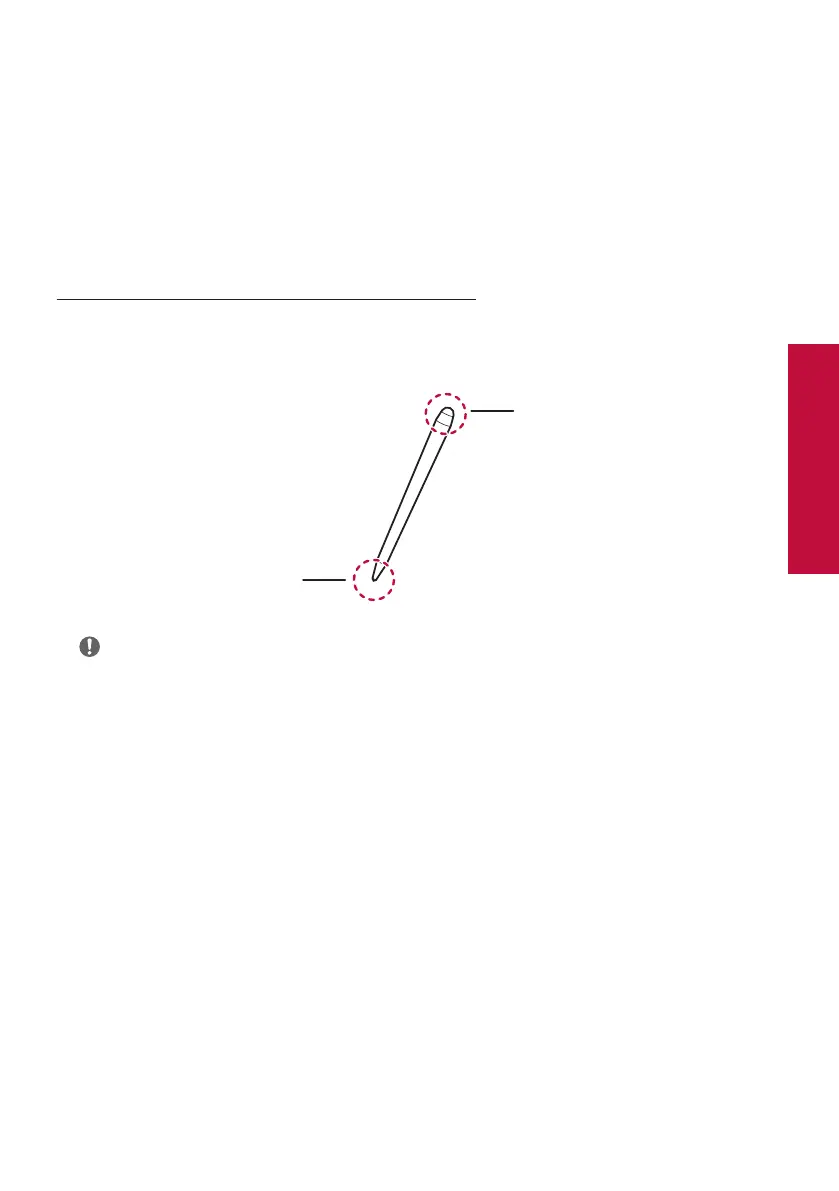
A pen has a 3 mm and 8 mm tip at each end, allowing you to use two modes separately with one pen.
Used when writing large letters
or drawing by holding it like chalk
or marker
Used when writing precisely or
drawing fine lines by holding it like
a pencil
Note
• If you press the pen on the screen for about 2 seconds and release it after you open a built-in PC (OPS), PDF
viewer, or Word document, the same pop-up menu as when you right-click on the mouse will appear.



 To Next Page