9
Exploring the Product
Names of Each Part
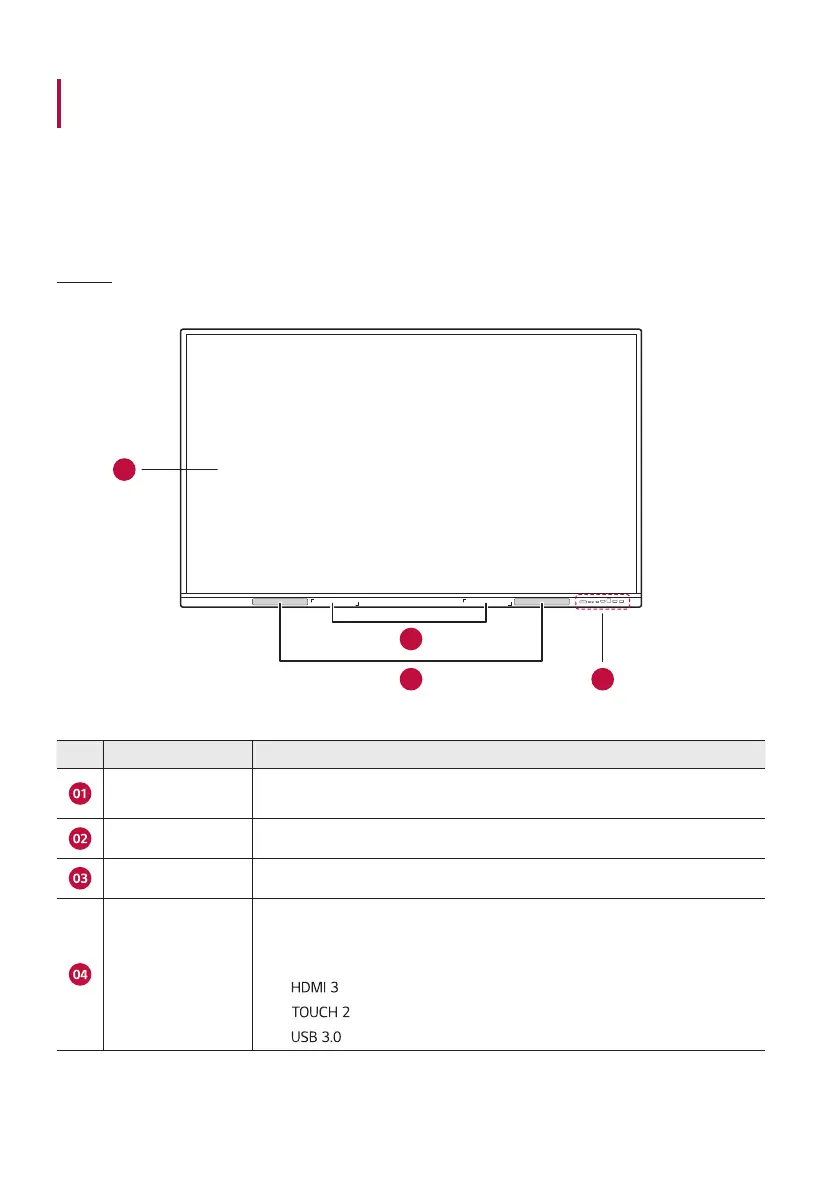
Front
01
02
03
04
No. Name Explanation
Touch screen
Screen that displays the contents of the electronic blackboard and can be
operated by touching it with your hand or with a touch pen.
Speaker Outputs the sound.
Touch Pen Holder Holds a touch pen by attaching it magnetically.
Front Cable Terminal
Terminals that allow you to connect each of the external devices of the
following specifications.
• USB Type-C
•
•
•



 To Next Page