16
Using the Touch Pen
Exploring the Product
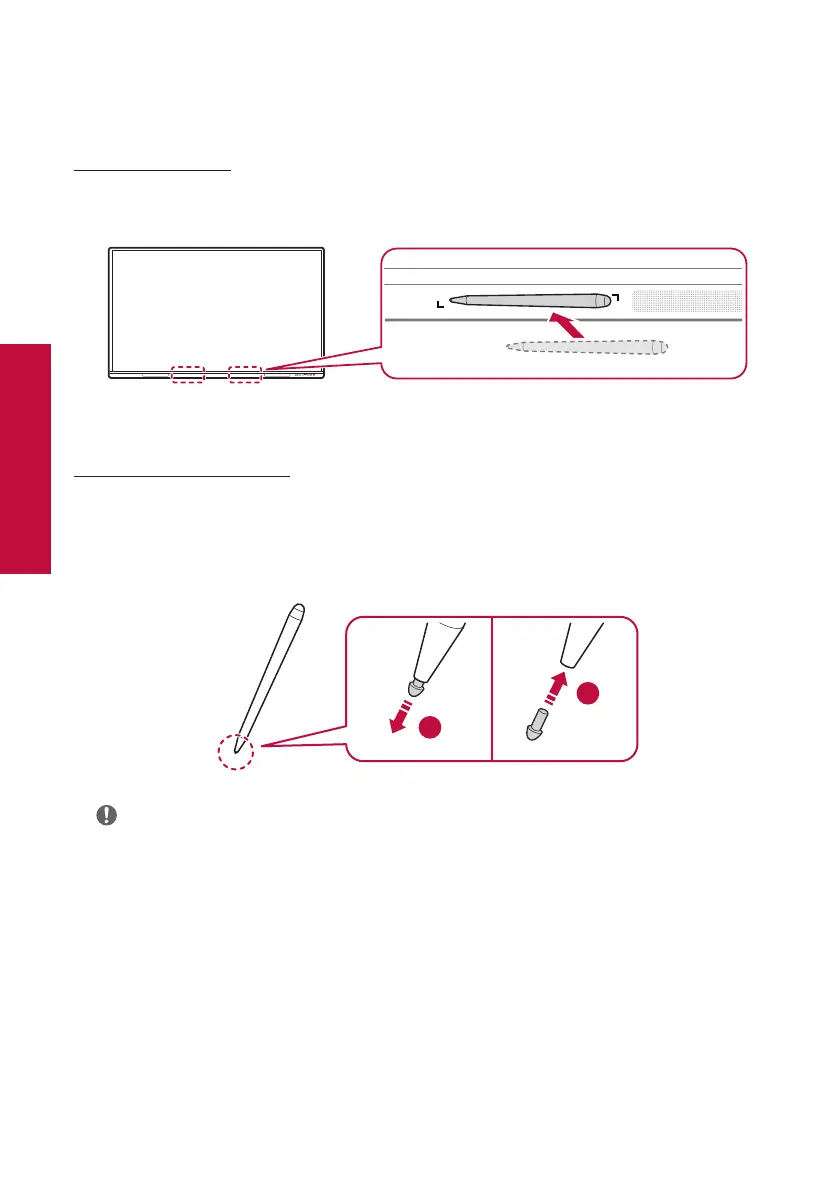
Storing the Pen
The touch pen can be attached to the magnetic touch pen holder to keep it in place, so you don't lose it.
Replacing the Pen Tip
If the touch pen tip is worn or damaged, it must be replaced with a new tip.
1
Remove the old tip by pulling on the end with tools such as tweezers.
2
Slide the new tip into the pen body.
1
2
Note
• To purchase additional touch pens or spare tips, contact LG Electronics.



 To Next Page