45
Control
Due to our policy of continuous product innovation, some specifications may change without notification.
©LG Electronics U.S.A., Inc., Englewood Cliffs, NJ. All rights reserved. “LG” is a registered trademark of LG Corp.
OPTIONAL SETTINGS
Freezer address setting
Address setting of product should be set from HMI and Main Controller and if 2 addresses does-
n’t match each other, HMI communication error will occur.
•
Main Controller address setting
Press down direction and right direction button ( ▼ ) at the same time.
When FN01 appears, press SW_CONF button.
Select desired address using left and right button ( ) and address will be set if press
SW_CONF button. If you don’t want, please press SW_CONF button.
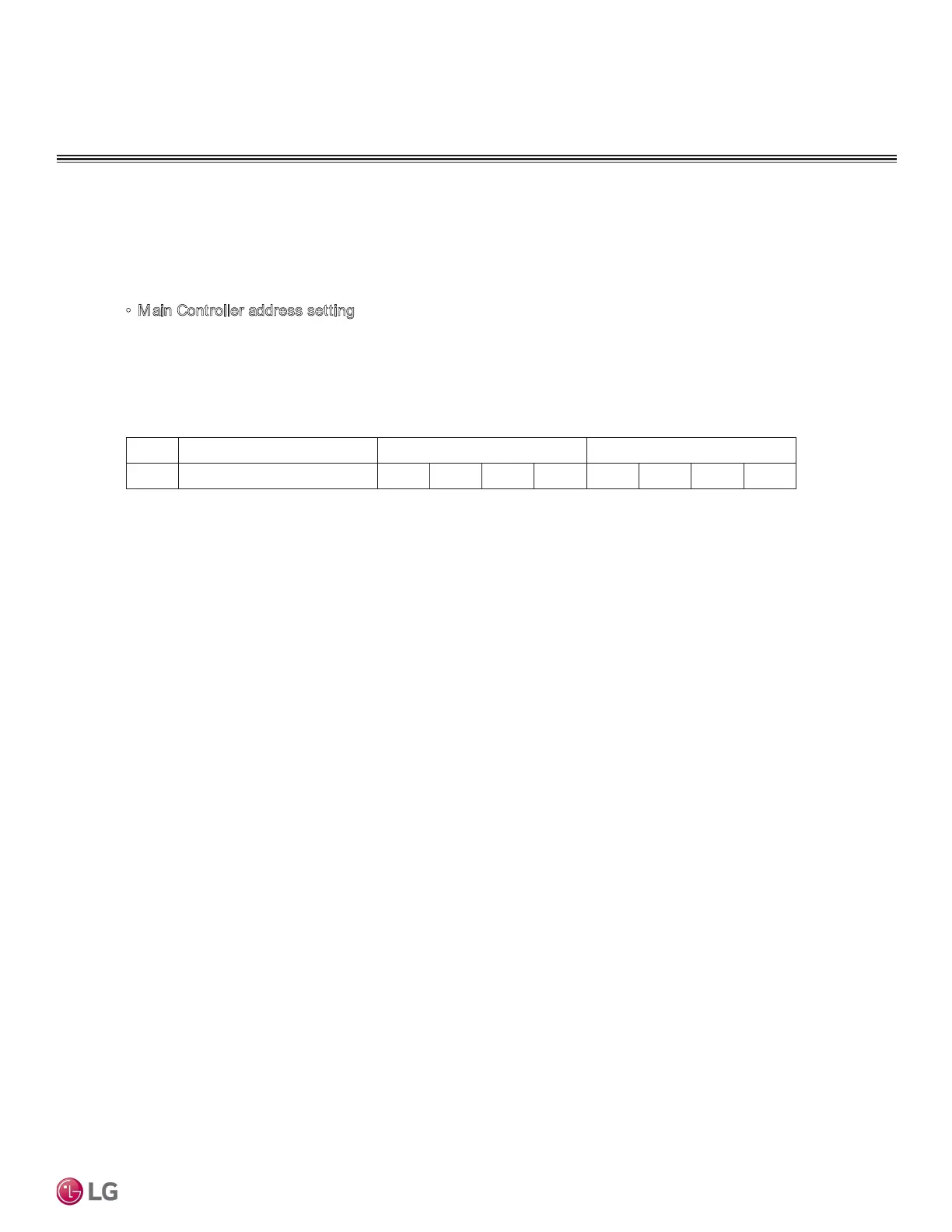
Description Screen Displays(0 Lever) Screen Displays(1 Lever)
1 Chiller Address F N 0 2 1
Note
• If Main Controller address doesn’t match HMI address, Error will occur. (please refer to con-
trol>freezer interlocking control about HMI address setting)


 To Next Page