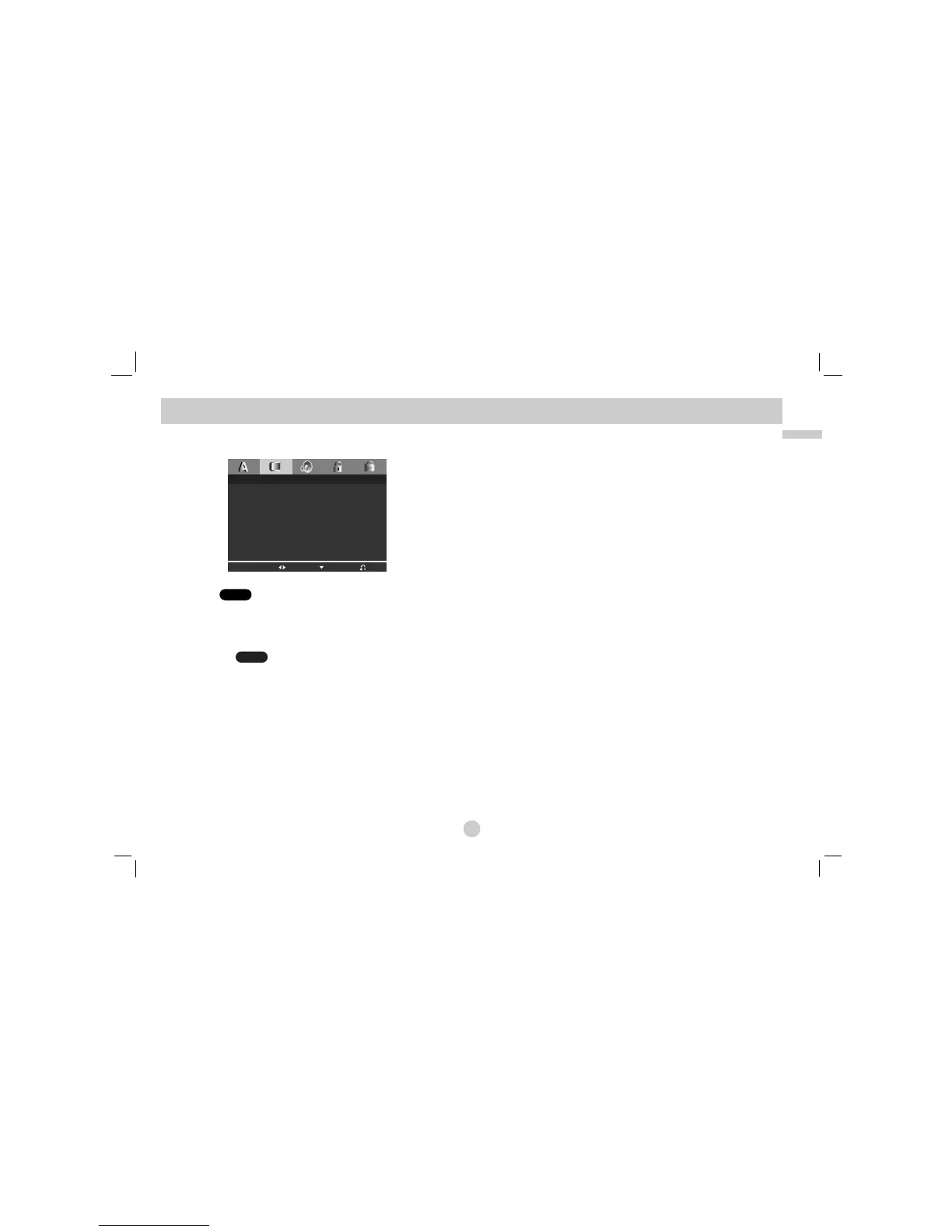
DISPLAY
TV Aspect
4:3:
Select when a standard 4:3 TV is connected.
16:9: Select when a 16:9 wide TV is connected.
Display Mode
Display Mode setting works only when the TV Aspect mode is set
to “4:3”.
LetterBox: Displays a wide picture with bands on the upper and
lower portions of the screen.
Panscan:
Automatically displays the wide picture on the entire
screen and cuts off the portions that do not fit.
DVD
DVD



 To Next Page