30
Programmed playback
WMA
MP3
CD
The program function enables you to store your favorite tracks
from any disc in the player memory.
A program can contain 30 tracks (Audio CD, MP3/WMA).
1. Insert a disc. (Audio CD, MP3 or WMA.)
2. Press v / V to select the desired file.
3. Press PROGRAM during playback or in the stop mode.
Repeat press PROGRAM to place additional tracks on
the program list.
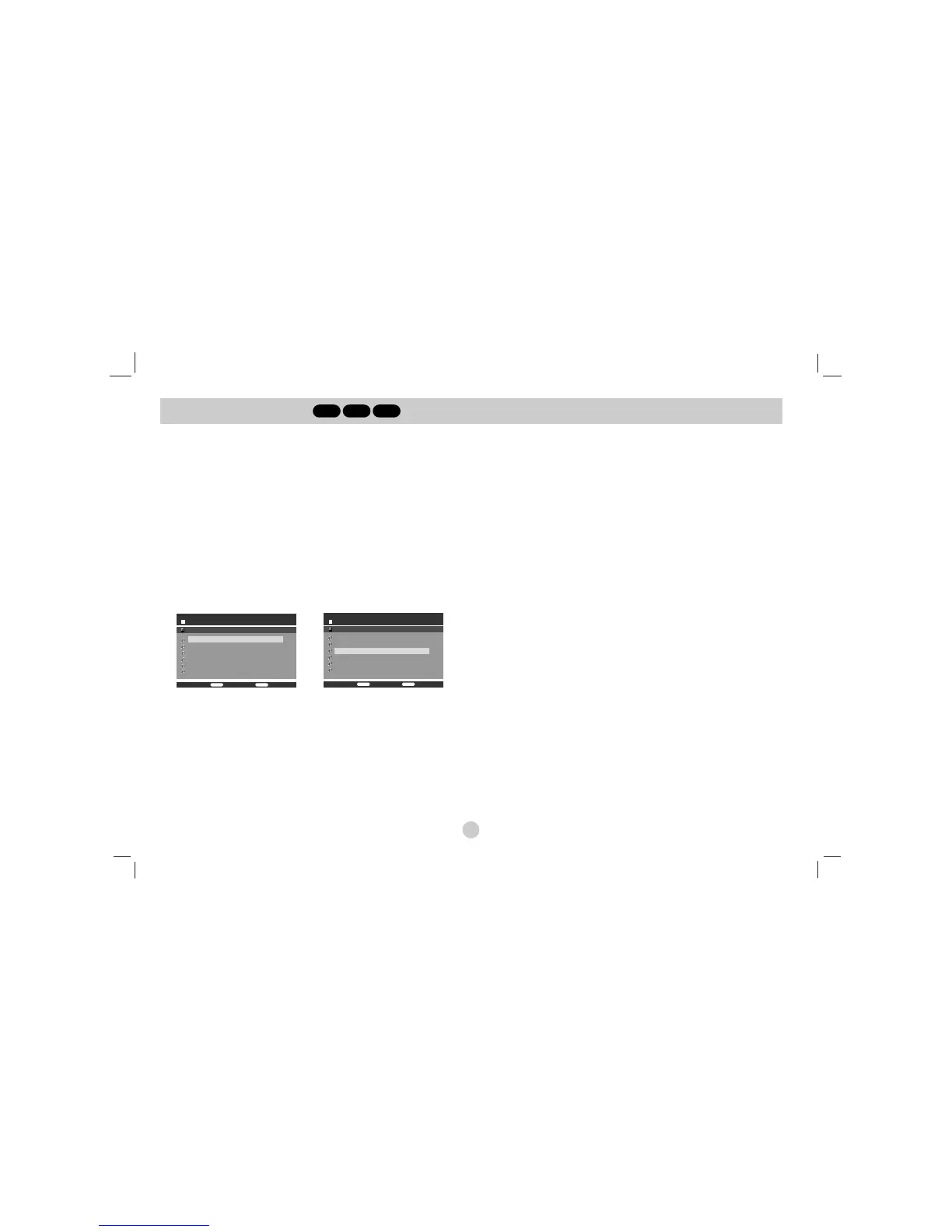
4. Press DISPLAY. Program List menu appear.
Press v / V to select the track you want to start playing.
Press DVD MENU to move to the next page.
Press TITLE to move to the previous page.
Audio CD Menu MP3/WMA Menu
5. Press PLAY or ENTER to start.
6. To resume normal playback from programmed playback.
Press DISPLAY then select a track of list and then press PLAY
or ENTER.
Erasing a Track from program list
1. Use v / V to select the track that you wish to erase from
the program list.
2. Press CLEAR. Repeat to erase additional tracks on the list.
For details on each operation item, refer to
relevant page.



 To Next Page