32
This unit will play DVD-RW discs recorded using the Video
Recording (VR) format.
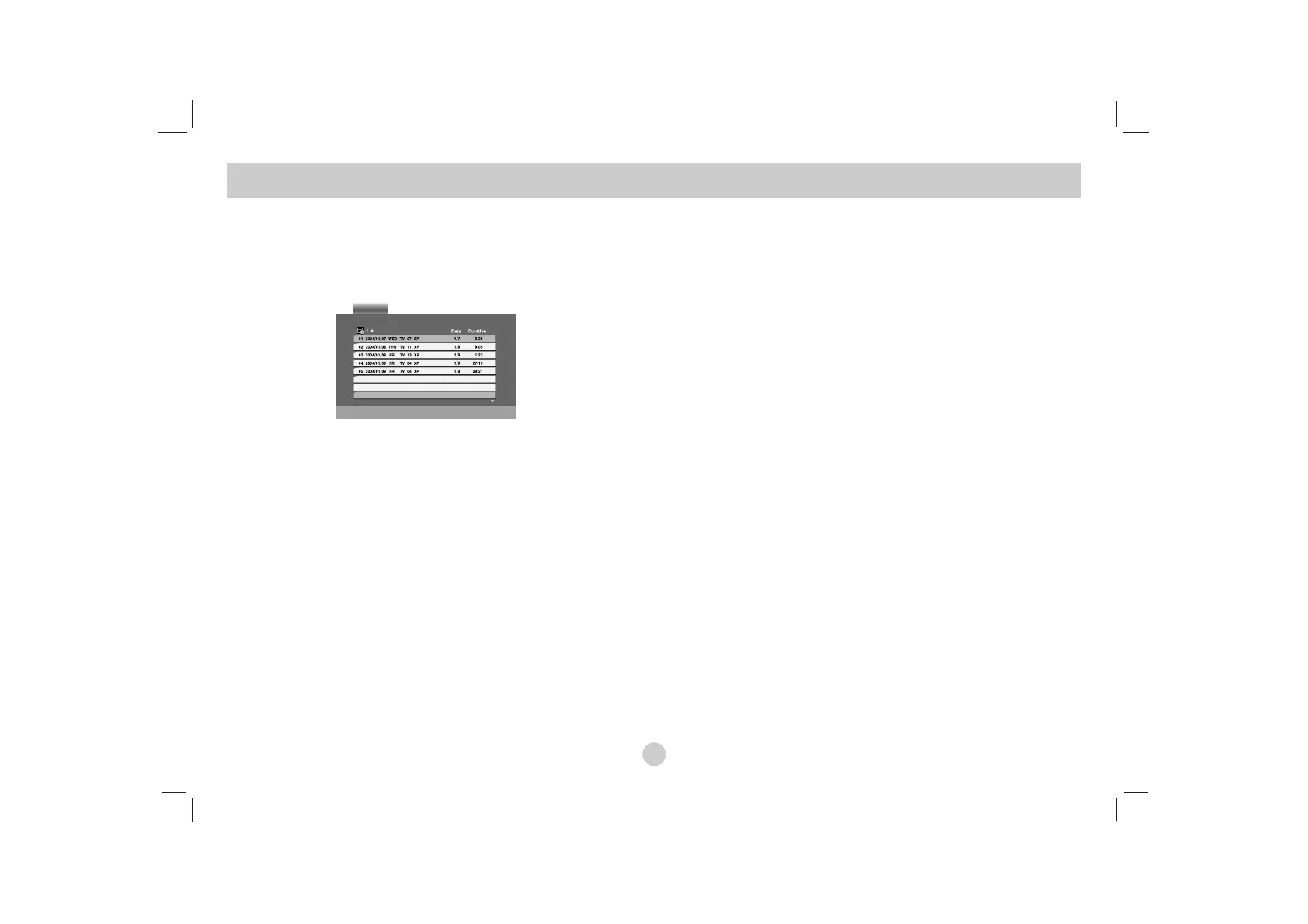
1. Insert a disc and close the tray. The DVD-VR menu appears
on the screen.
2. Press v / V to select a track then press PLAY or ENTER and
playback starts.
3. Press MENU to move to the list menu.
NOTES
• Unfinalized DVD-R/RW discs cannot be played in this player.
• Some DVD-VR disc are made with CPRM data by DVD RECORDER.
Player does not support these kinds of discs and display the “CHECK
DISC”.
What is ‘CPRM’?
CPRM is a copy protection system (with scramble system) only allowing
the recording of ‘copy once’ broadcast programs. CPRM stands for
Content Protection for Recordable Media.
Playing a DVD VR format Disc


 To Next Page