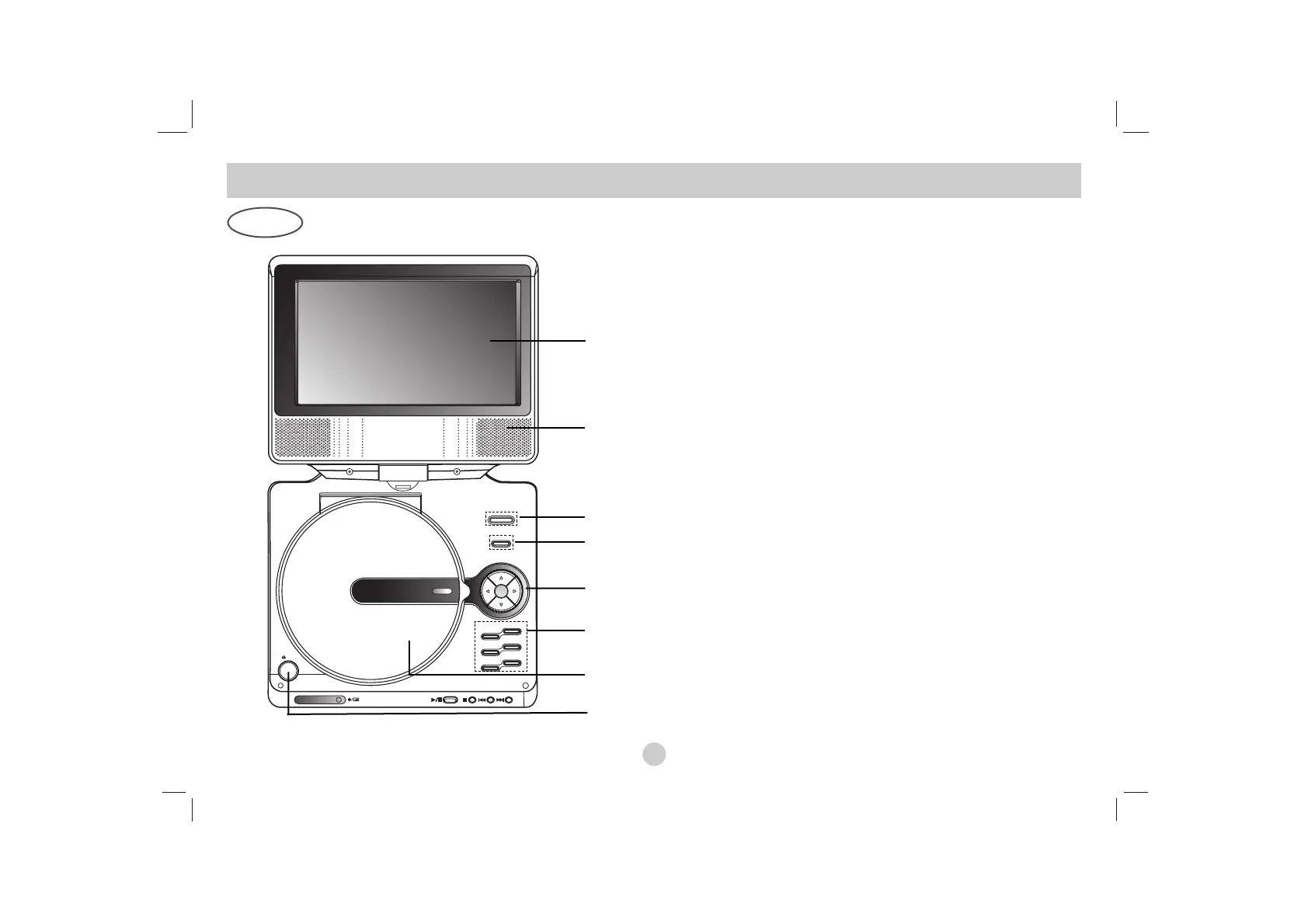
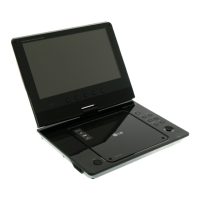
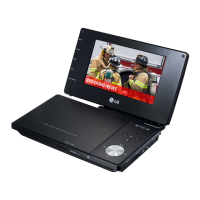
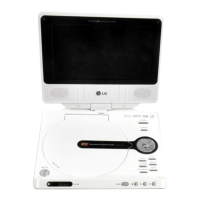
1. LCD screen
2. Speaker
3. Power ON/OFF : Switches the player ON and OFF.
4. A/V IN/OUT : Selects the source.
5. • bBvV(left/right/up/down)
Selects an item in the menu.
• bB: Adjusts the COLOR/BRIGHT.
• ENTER : Confirms menu selection.
6. • COLOR/BRIGHT : Selects the mode of LCD adjustment
Brightness → Color → OFF
• SETUP : Accesses or removes setup menu.
• TITLE : Displays title menu, if available.
• MENU : Accesses menu on a DVD disc.
• DISPLAY : Accesses On-Screen display.
• LCD MODE : NORMAL → FULL → ZOOM → OFF
7. Disc Lid
8. OPEN button : Push this button to open the Disc lid.
NOTE
Place a disc with the playback side down on the spindle, and push
gently on the center of the disc so it goes into position.
Main Unit
1
2
3
4
8
5
6
7


 To Next Page