33
Advanced Operations
Using this DVD Player you can play DivX file.
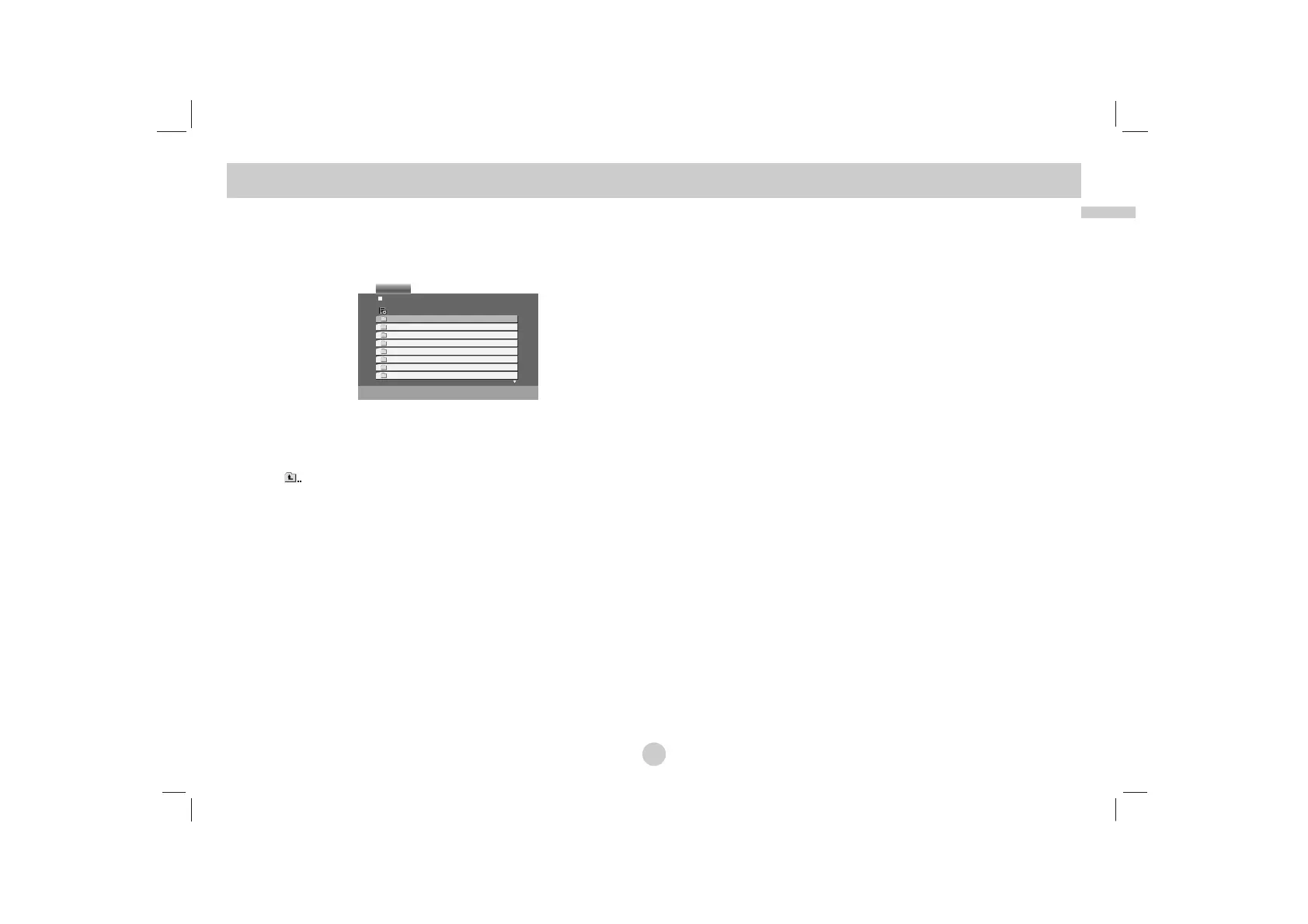
1. Insert a DivX file recorded media. The MOVIE menu appears
on the screen.
2. Press v / V to select a folder, and press ENTER. A list of files
in the folder appears. If you are in a file list and want to return
to the Folder list, use the v / V buttons on the remote to high-
light and press ENTER.
3. If you want to view a particular file, press v / V to highlight a
file and press ENTER or PLAY. You can use variable playback
functions. Refer to page 24-25.
4. Press STOP to stop the playback. The Movie menu appears.
Notice for displaying the DivX subtitle
If the subtitle does not display properly during playback, press and
hold SUBTITLE about 3 seconds then press b / B to select anoth-
er language code until the subtitle is displayed properly.
TIPS
• Press MENU to move to the next page.
• On a CD with MP3/WMA, JPEG and MOVIE file, you can switch MUSIC,
PHOTO and MOVIE menu. Press TITLE and MUSIC, PHOTO and
MOVIE word on top of the menu is highlighted.
• The disc subtitle may not be displayed properly, if a DivX subtitle
is downloaded through the internet.
• If the disc subtitle setup menu does not have the DivX subtitle
language you are going to play, the subtitle language may not
be displayed properly.
Playing a DivX Movie Disc


 To Next Page