OPERATING INSTRUCTIONS
- 5 -
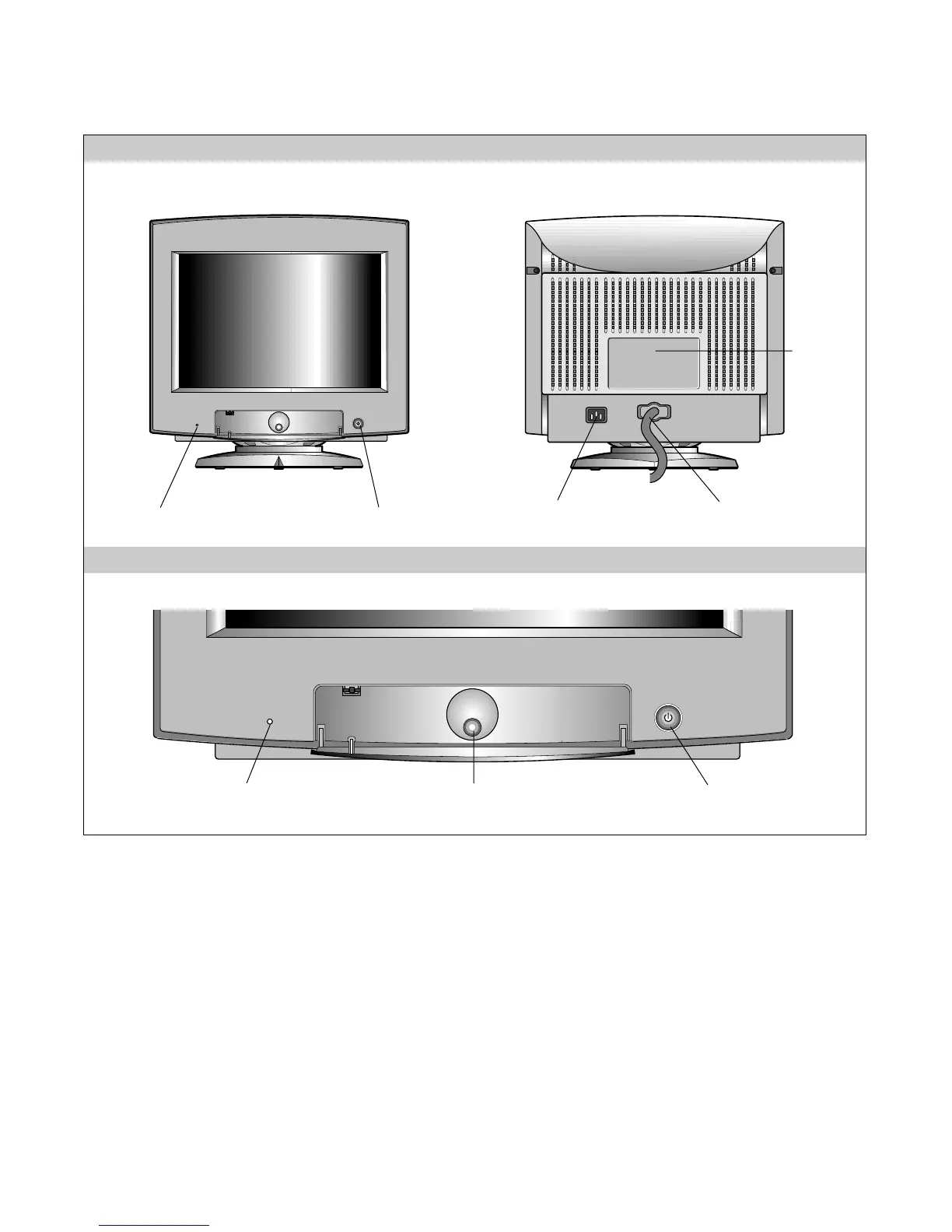
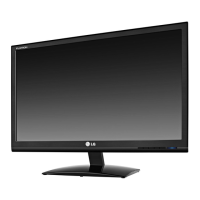
FRONT VIEW REAR VIEW
AC Power Socket
Signal Cable
ID Label
Power (DPMS) Indicator
Power ON/OFF Button
1. Power ON/OFF Button
This button is used to turn the monitor ON and OFF.
2. Power (DPMS) Indicator
This indicator lights up green when the monitor
operates normally; in DPMS (Energy Saving) mode,
– stand-by, suspend, or off mode – its color changes
to orange.
3. OSD Select/Adjustment
Use this knob for selecting (highlighting) an OSD
icon and adjusting level of the selected menu.
Front Control Panel
2. Power (DPMS) Indicator 3. OSD Select/Adjustment 1. Power ON/OFF Button



 To Next Page