13Installation
3
Installation
A
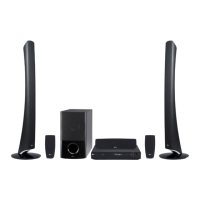
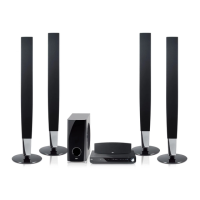
Front left speaker (L)/
B
Front right speaker
(R):
Place the front speakers to the sides of the
monitor or screen and as ush with the
screen surface as possible.
C
Subwoofer: The position of the subwoofer
is not so critical, because low bass sounds
are not highly directional. But it is better to
place the subwoofer near the front speakers.
Turn it slightly toward the center of the
room to reduce the wall reections.
D
Unit
Unit
NOTE
If the picture on nearby TV sets becomes
magnetically distorted, keep the speaker away
from your TV
Connections to Your
TV
Make one of the following connections,
depending on the capabilities of your existing
equipment.
NOTE
• Depending on your TV and other equipment
you wish to connect, there are various ways you
could connect the player. Use only one of the
connections described in this manual.
• Please refer to the manuals of your TV, Stereo
System or other devices as necessary to make
the best connections.
CAUTION
• Make sure the unit is connected directly to
the TV. Tune the TV to the correct video input
channel.
• Do not connect your unit via your VCR. The
image could be distorted by the copy
HT155DD-F0_DNGAFLK_ENG_4787.indd 13 2010-11-11 �� 11:41:48



 To Next Page