21Operation
4
Operation
Other Operations
Displaying Disc Information
on-screen
You can display various information about the
disc loaded on-screen.
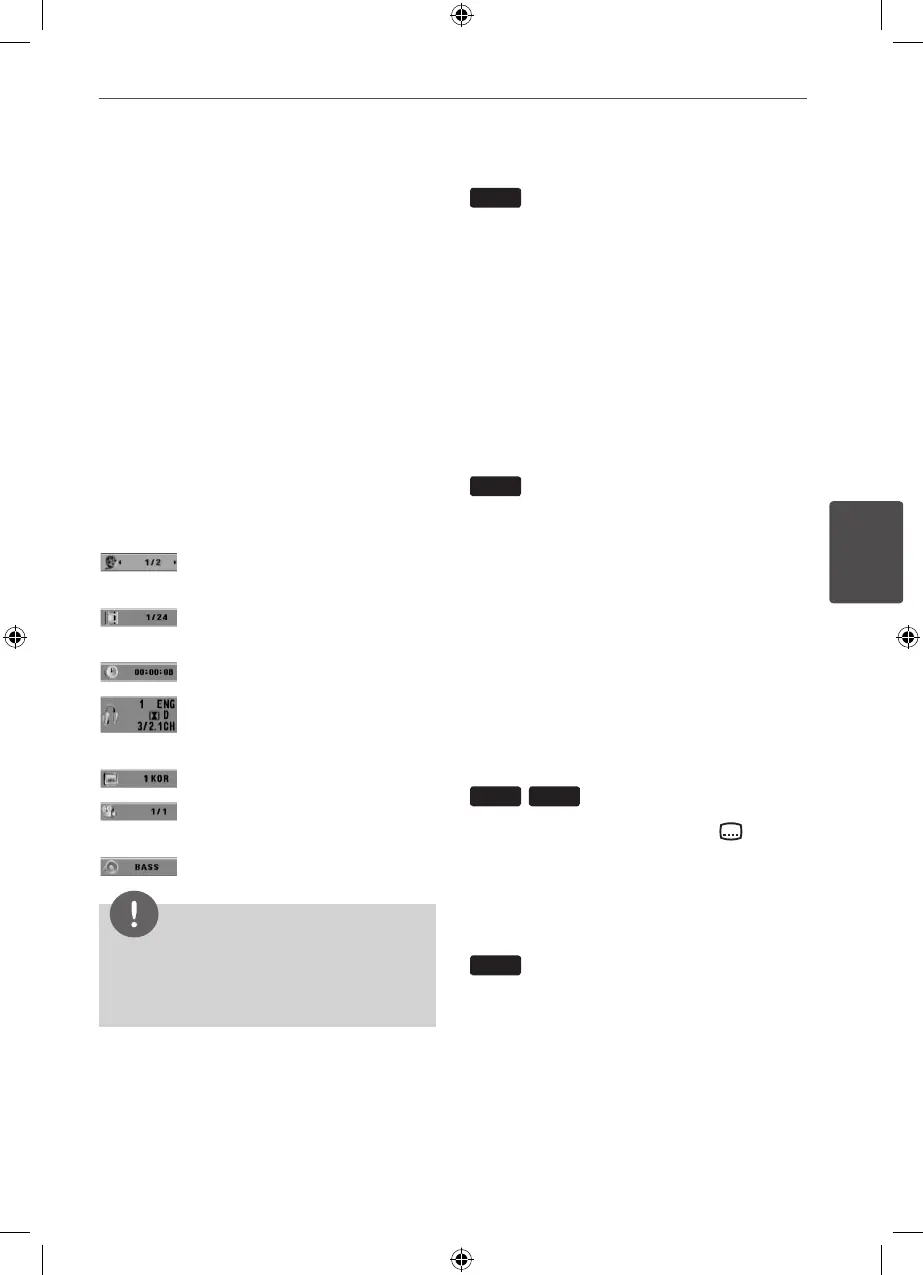
1. Press DISPLAY to show various playback
information.
The displayed items dier depending on
the disc type or playing status.
2. You can select an item by pressing
U u
and
change or select the setting by pressing
I i
.
Title – Current title number/ total
number of titles.
Chapter – Current chapter number/
total number of chapters.
Time – Elapsed playing time.
Audio – Selected audio language
or channel.
Subtitle – Selected subtitle.
Angle – Selected angle/total
number of angles.
Sound – Selected sound mode
NOTE
If any button is not pressed for a few
seconds, the onscreen display disappears.
To display the DVD Menu
DVD
When you play a DVD which contains several
menus, you can select the menu you want
using the Menu.
1. Press MENU.
The disc’s menu appears.
2. Select the menu by using
U u I i
.
3. Press PLAY to conrm.
To display the DVD Title
DVD
When you play a DVD which contains several
titles, you can select the title you want using
the Menu.
1. Press TITLE.
The disc’s title appears.
2. Select the menu by pressing
U u I i
.
3. Press PLAY to conrm.
Selecting a subtitle language
DVD
DivX
During playback, press SUBTITLE( )
repeatedly to select a desired subtitle
language.
1.5 times speed playback
DVD
The 1.5 speed allows you to watch the pictures
and listen to the sound quicker than playing at
a normal speed.
1. During playback, press PLAY(
B
) to play
at 1.5 times speed. “
B
X1.5” appears on the
screen.
2. Press PLAY(
B
) again to exit.
HT155DD-F0_DNGAFLK_ENG_4787.indd 21 2010-11-11 �� 11:41:49


 To Next Page