Operating 23
Operating
4
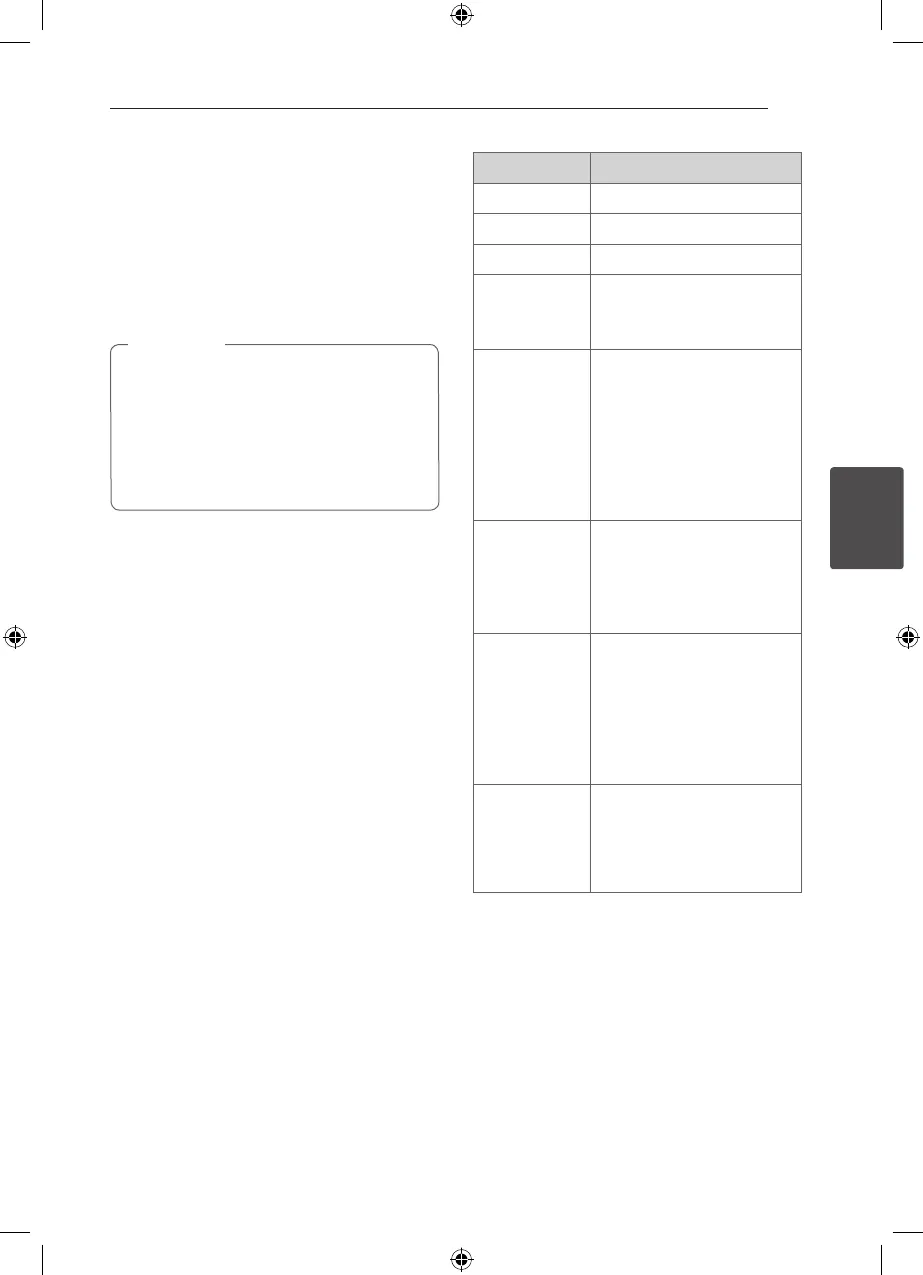
Basic Operations
1. Insert the disc by pressing OPEN/CLOSE or
connect the USB device to the USB port.
2. Select the DVD/ CD or USB function by pressing
FUNCTION.
3. Select a le (or track/ title) you want to play by
pressing
WSAD
.
When playing a disc or USB Flash Drive
containing with DivX, MP3/ WMA and JPEG
les together, you can select menu of les
which you would like to play by pressing
MENU. If “This le has non-supported type
on the unit” pops up, select an appropriate le
by pressing MENU.
,
Note
To Do this
Stop Press
Z
Playback Press
d
Pause Press
M
Frame-by-Frame
playback
Press
M
repeatedly to play title Frame-
by-Frame.
Skipping to the
next/ previous
chapter/ track/
le
During playback, press
C
or
V
to go to the next
chapter/ track or to return to
the beginning of the current
chapter/ track.
Press
C
twice briey to step
back to the previous chapter/
track.
Locating a
point quickly by
playing a le in
fast forward or
fast reverse
During playback, press
c
or
v
repeatedly to select the
required scan speed.
To return to normal speed,
press PLAY.
Playing
repeatedly or
randomly
Press REPEAT/RANDOM
repeatedly, and the current
title, chapter or track will be
played back repeatedly or
randomly.
- Random play mode : only
music les.
Slowing down
the playing
speed
In the pause mode, press
SCAN (
c
or
v
) to
select the required speed.
(The reverse playback is not
supported on Divx les.)
HT306SU-A2_BISRLLK_ENG_5736.indd 23 2011-04-08 �� 2:44:54



 To Next Page