Getting Started 7
Getting Started
1
Introduction
Playable Discs
This unit plays DVD±R/RW and CD-R/RW that
contains audio titles, DivX, MP3, WMA and/or
JPEG les. Some DVD±RW/DVD±R or CD-RW/
CD-R cannot be played on this unit due to the
recording quality or physical condition of the disc,
or the characteristics of the recording device and
authoring software.
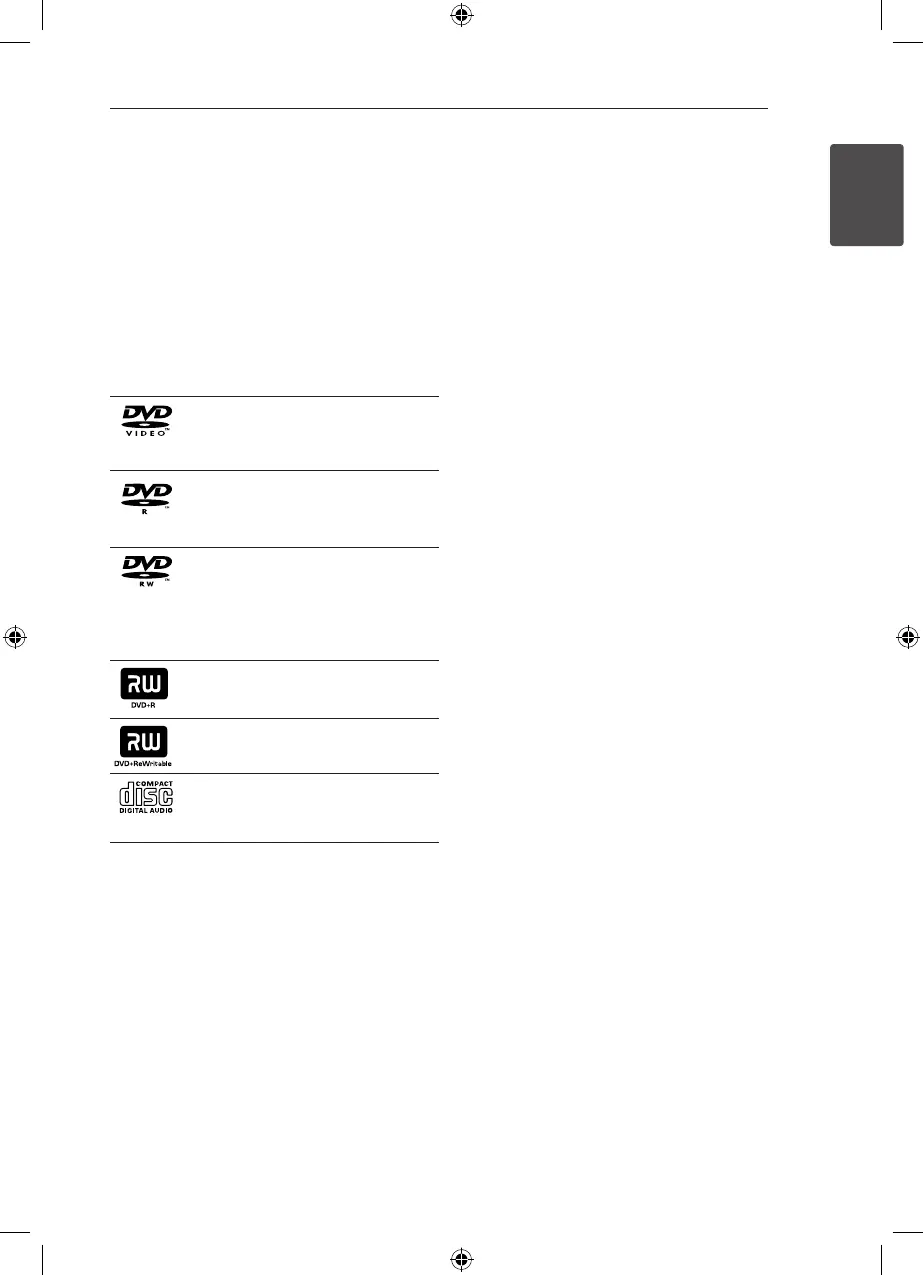
DVD-VIDEO (8 cm / 12 cm disc)
Discs such as movies that can be
purchased or rented.
DVD±R (8 cm / 12 cm disc)
Video mode and nalized only.
DVD-RW (8 cm / 12 cm disc)
Video mode and nalized only.
DVD VR format that have been
nalized can not be played in this
unit.
DVD+R: Video mode only.
Supports the double layer disc also.
DVD+RW (8 cm / 12 cm disc)
Video mode and nalized only.
Audio CD: Music CDs or CD-R/CD-
RW in music CD format that can be
purchased.
About the
&
Symbol Display
“
&
” may appear on your TV display during
operation and indicates that the function explained
in this owner’s manual is not available on that disc.
Symbol Used in this Manual
r
DVD-Video, DVD±R/RW in Video
mode or VR mode and nalized
t
Audio CDs
y
Video les contained in the
USB/Disc
u
Audio les contained in the
USB/Disc
i
Photo les
,
Note
Indicates special notes and operating features.
>
Caution
Indicates cautions for preventing possible damages
from abuse.
Regional Codes
This unit has a regional code printed on the rear of
the unit. This unit can play only DVD discs labeled
same as the rear of the unit or “ALL”.
y
Most DVD discs have a globe with one or more
numbers in it clearly visible on the cover. This
number must match your unit’s regional code; or
the disc cannot play.
y
If you try to play a DVD with a dierent regional
code from your unit, the message “Check
Regional Code” appears on the TV screen.
HT306SU-A2_BISRLLK_ENG_5736.indd 7 2011-04-08 �� 2:44:50



 To Next Page