Accessories Installation
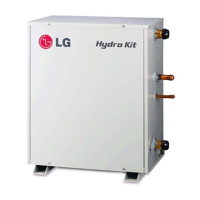
Hydro Kit
Installation Manual 41
ENGLISH
How to Wire Thermostat
Follow below procedures Step 1 ~ Step 6.
Step 1. Uncover front cover of the unit and open the control box.
Step 2. Identify the power specification of the thermostat. If it is 230 V AC, go to Step 4. Otherwise, if
it is 24 V AC, go to step 3.
Step 3.
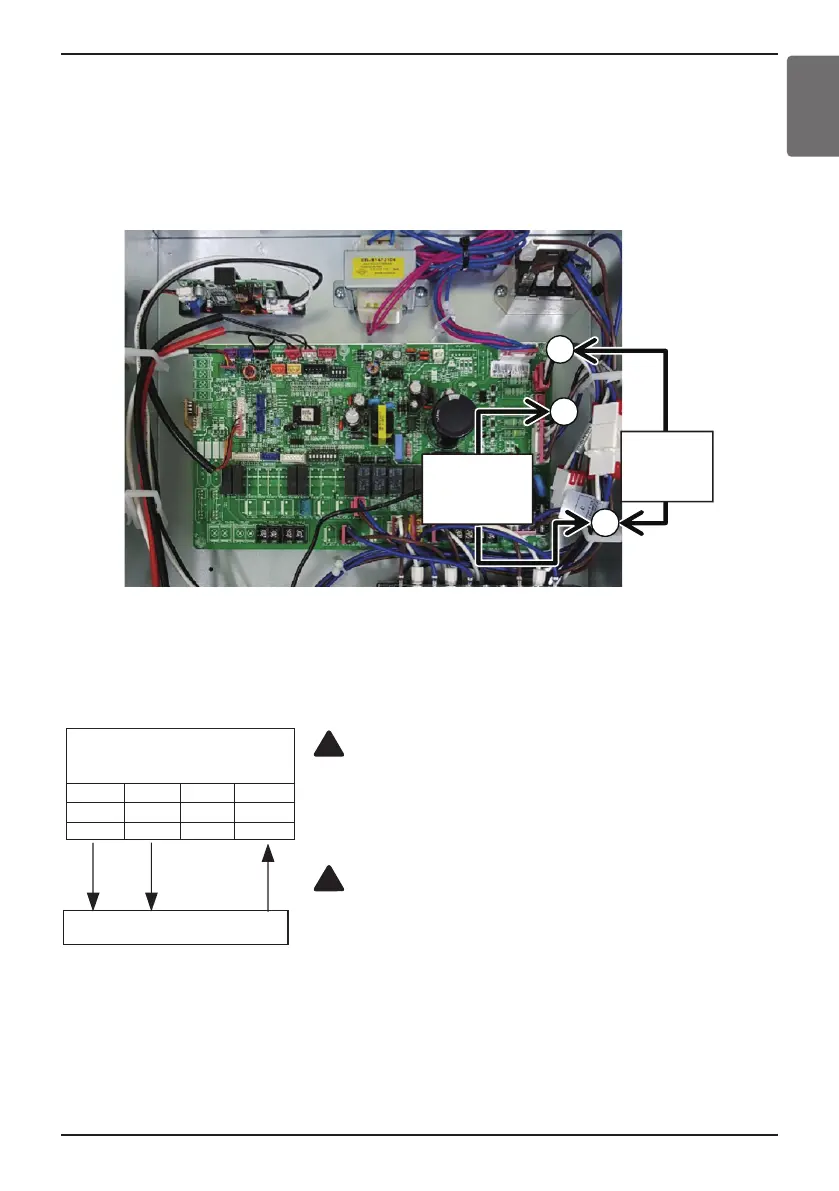
Find thermostat connecting cable A and C. Disconnect cable A and C, then connect cable B and C.
Step 4. If it is Heating Only Thermostat, go to step 5. Otherwise, if it is Heating / Cooling Thermostat,
go to step 6.
Step 5. Find terminal block and connect wire as below. After connecting, go to step 6.
WARNING
Mechanical type Thermostat.
Do not connect wire (N) as mechanical type thermostat does not
require electric power supply.
CAUTION
Do not connect external electric loads.
Wire (L) and (N) should be used only for operation Electric type
thermostat.
Never connect external electric loads such as valves, fan coil units, etc.
If connected, Main PCB Assembly 1 can be seriously damaged.
!
!
Thermostat
(L) (N) (H)
THERMOSTAT
(Default : 230 V AC)
1
L
BR
2
N
BL
3
L1
WH
4
L2
BK
Second:
Connect
B and C
First:
Disconnect
Aand C
A
B
C
(L) : Live signal from PCB to Thermostat
(N) : Neutral signal from PCB to Thermostat
(H) : Heating signal from Thermostat to PCB





 To Next Page