13
ENG
ENGLISH
CUSTOMIZING SETTINGS
PICTURE
1
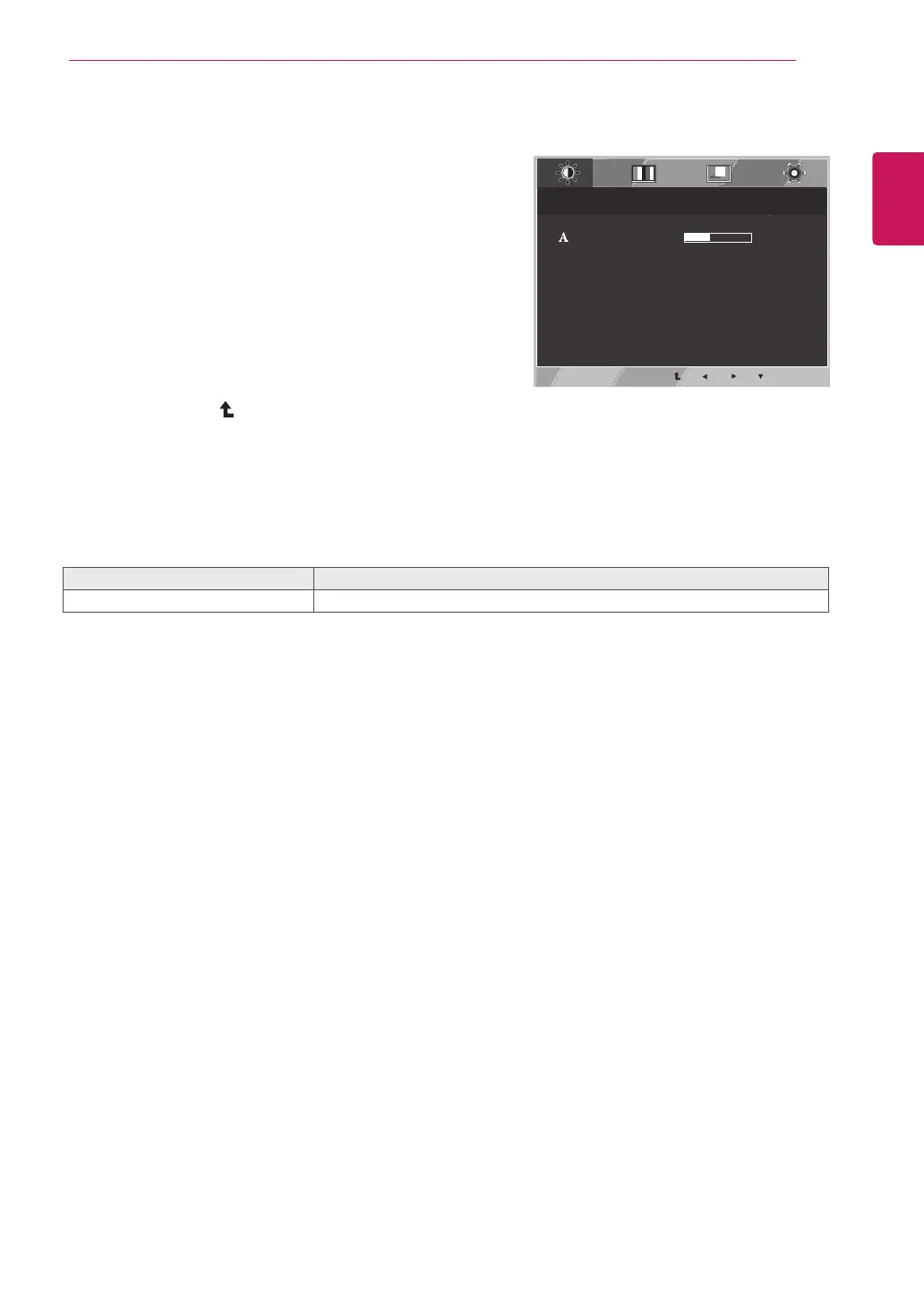
PressMENUbuttononthebottomoftheMonitorset
todisplaytheMENUOSD.
2
Selectthe"NEXTMENU"buttontoenterthemore
optionsettings.
3
EntertoPICTUREbypressingthe▼button.
4
Settheoptionsbypressingthe◄or►or▼
buttons.
5
SelectEXITtoleavetheOSDmenu.
Toreturntotheuppermenuorsetothermenuitems,
usetheuparrow(
)button.
Eachoptionisexplainedbelow.
MENU>NEXTMENU>PICTURE Description
SHARPNESS Toadjusttheclearnessofthescreen.
MENU > NEXT MENU > PICTURE
SHARPNESS
5
EXIT



 To Next Page