21
Installation and Setup
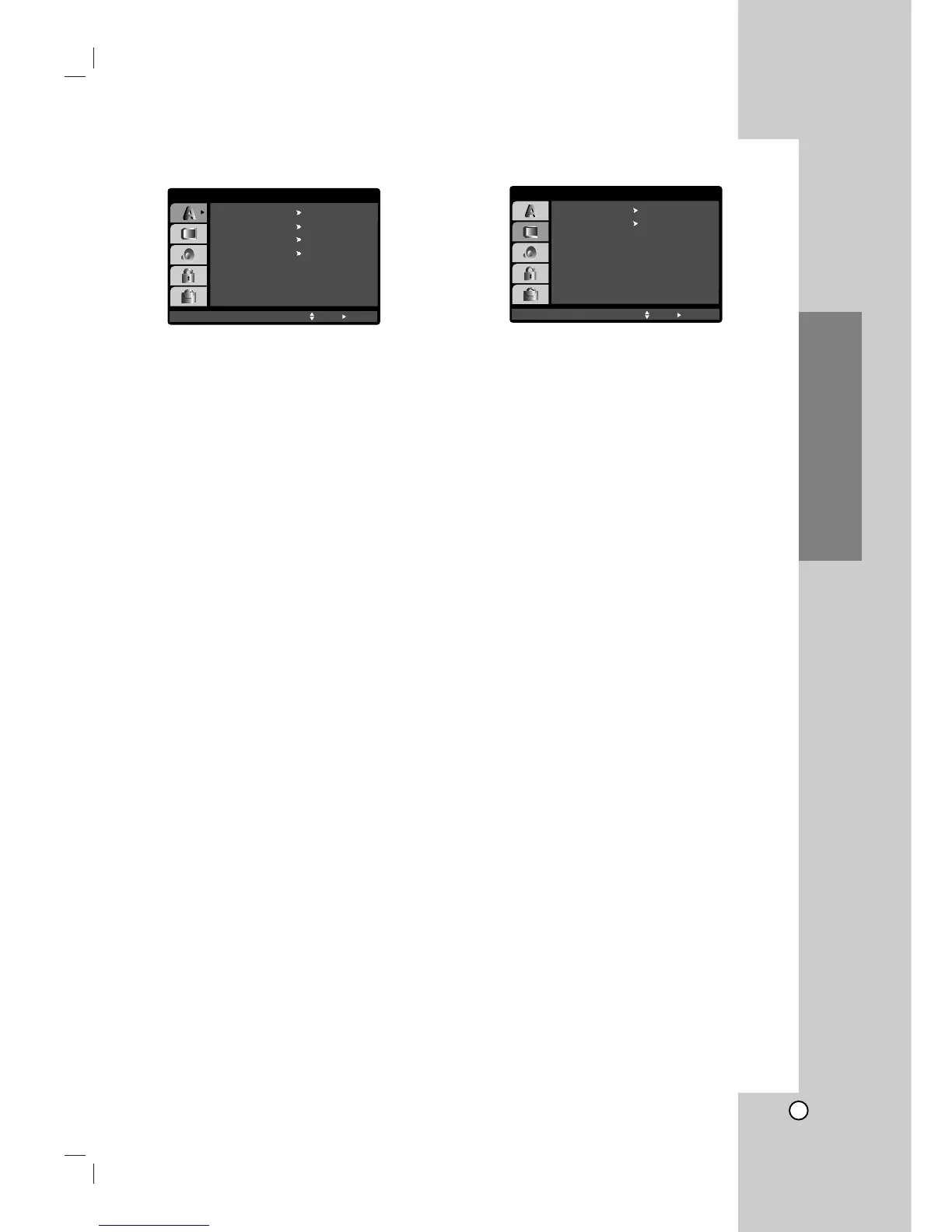
LANGUAGE
OSD
Select a language for the Setup menu and on-screen
display.
Disc Audio / Subtitle / Menu
Select the language you prefer for the audio track
(disc audio), subtitles, and the disc menu.
Original – Refers to the original language in which
the disc was recorded.
Other – To select another language, press number
buttons then ENTER to enter the corresponding 4-
digit number according to the language code list
on page 36. If you enter the wrong language code,
press CLEAR.
DISPLAY
TV Aspect
4:3 – Select when a standard 4:3 TV is connected.
16:9 – Select when a 16:9 wide TV is connected.
Display Mode
Display Mode setting works only when the TV Aspect
mode is set to “4:3”.
Letterbox – Displays a wide picture with bands on
the upper and lower portions of the screen.
Panscan – Automatically displays the wide picture
on the entire screen and cuts off the portions that
do not fit.



 To Next Page